
The Best Email Verification Tools for Sales Reps

Bad email data is expensive.
Not because one invalid address ruins your day. Because enough invalid, risky, outdated, or poorly sourced addresses can quietly damage every part of your sales outreach.
Your bounce rate rises. Your sender reputation weakens. Fewer emails reach the inbox. Sales reps waste time chasing contacts who will never see the message. Then the team starts blaming the copy, the offer, or the market when the real problem began before the first email was sent.
Email verification tools help sales reps check whether an address is likely to be valid before it enters a campaign. They can flag invalid emails, disposable addresses, role-based inboxes, catch-all domains, spam-trap risks, and other signals that may hurt outreach quality.
But verification is not a magic button.
A verified address does not mean the person wants your email. It does not guarantee inbox placement. It does not replace permission, relevance, segmentation, authentication, or a good unsubscribe process.
The best sales teams use verification as part of a wider outbound workflow. They check data before sending, protect their domains, remove risky contacts, monitor performance, and write emails that real people are less likely to ignore or report.
Below, we look at practical tips for using email verification tools better, so your outreach is cleaner, safer, and more likely to reach the people you actually want to speak with.
Chapters
Our Picks for Best Email Verification Tools
Here is our exploration of the six best email verification tools available today. While all of them offer valuable capabilities, Instantly takes the top spot.
Instantly

Instantly is the leader of the pack. This is a tool that blends verification with advanced outreach automation. Instead of operating as a standalone list-cleaning service, Instantly integrates verification directly into campaign management. This serves to ensure that every prospect you add to your sequence is validated automatically, which in turn keeps bounce rates low and engagement high.
Beyond basic verification, Instantly offers tools that optimize email deliverability, such as warm-up features and real-time health monitoring of sending accounts. For sales reps juggling dozens of leads, Instantly saves time while safeguarding reputation, making it more than just a verification tool.
Key features:
- Real-time validation built into outreach campaigns
- Automatic bounce protection and inbox health monitoring
- Unlimited accounts for scaling cold email safely
- Smart personalization and testing options
- Comprehensive deliverability insights
ZeroBounce
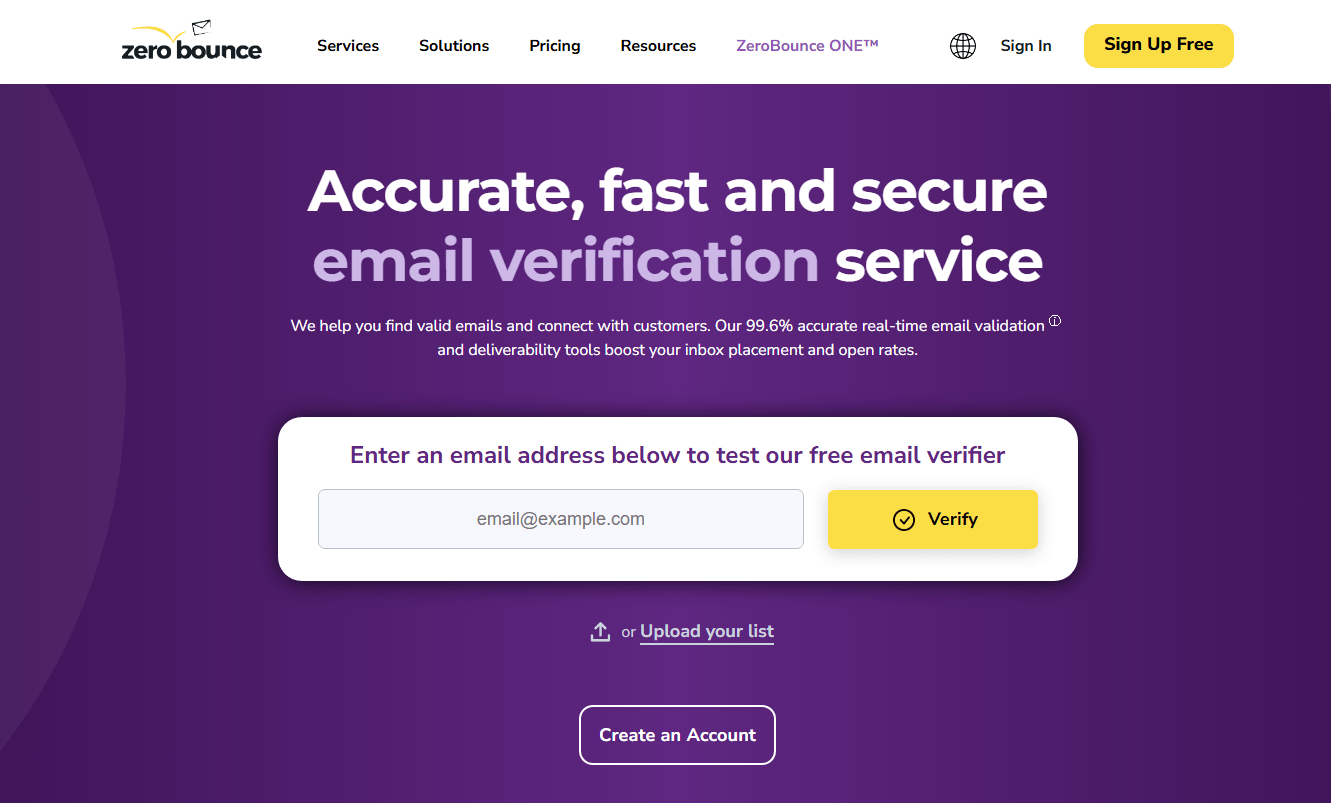
ZeroBounce is a platform for sales teams that prioritize detailed data enrichment alongside verification. It also provides extra information like the recipient’s name, location, and even potential gender. This added context can be invaluable for tailoring outreach.
The platform also identifies risky categories such as spam traps, abuse addresses, and catch-all domains. By filtering these out before a campaign launches, ZeroBounce helps maintain sender credibility. While it doesn’t offer the built-in outreach workflows that Instantly provides, it excels at list hygiene and enrichment.
Key features:
- Detects abuse, spam-trap, and role-based addresses
- Provides enrichment data for personalization
- Bulk and API verification options
- GDPR- and HIPAA-compliant infrastructure
- Confidence scoring to guide decision-making
NeverBounce
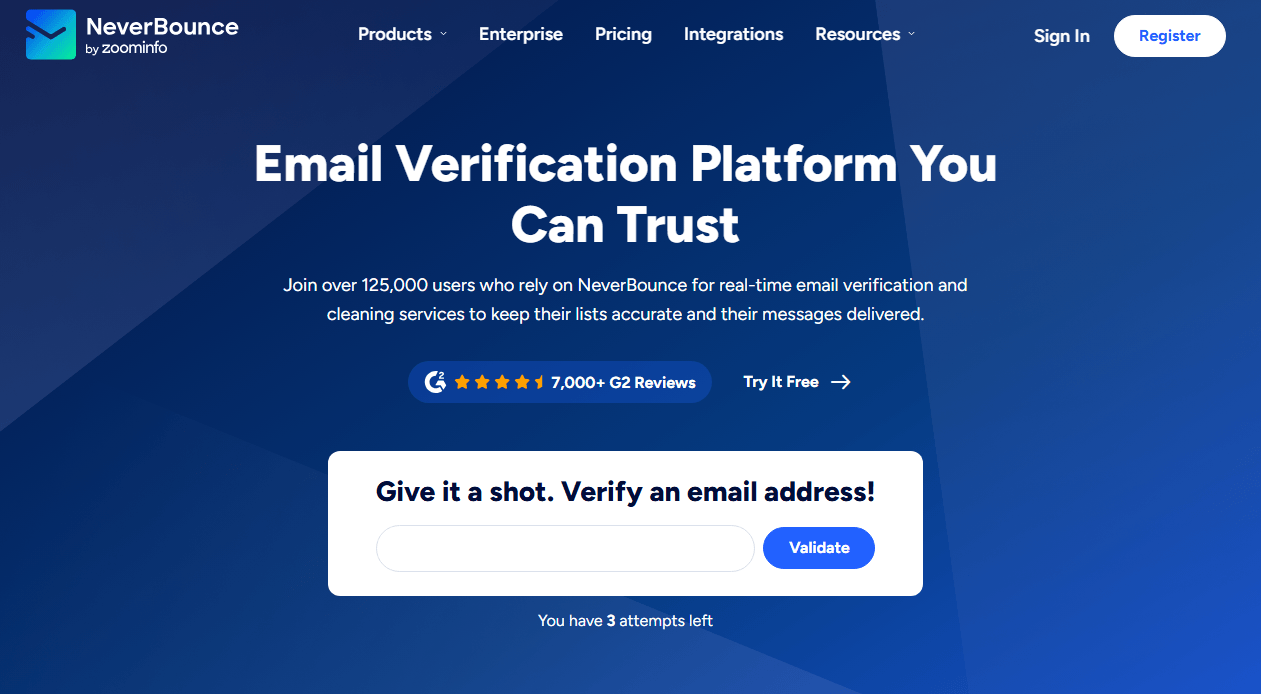
NeverBounce is a strong choice if you’re a sales rep that deals with large volumes of contacts. Its claim to fame is speed. This is a tool that can process bulk lists of thousands within minutes with admirable accuracy.
Not only that, but NeverBounce’s real-time API is particularly useful for validating new leads as they are captured from forms, CRMs, or other pipelines. This is a proactive approach that ensures bad data never makes it into a rep’s workflow. Unfortunately, while it’s highly efficient for list cleaning, NeverBounce does lack Instantly’s deeper integration with campaign execution.
Key features:
- Fast bulk list processing with high accuracy
- API for real-time validation at point of capture
- Automatic removal of duplicate and temporary emails
- Dashboard for easy monitoring and reporting
- Flexible pay-as-you-go and subscription pricing
Artisan
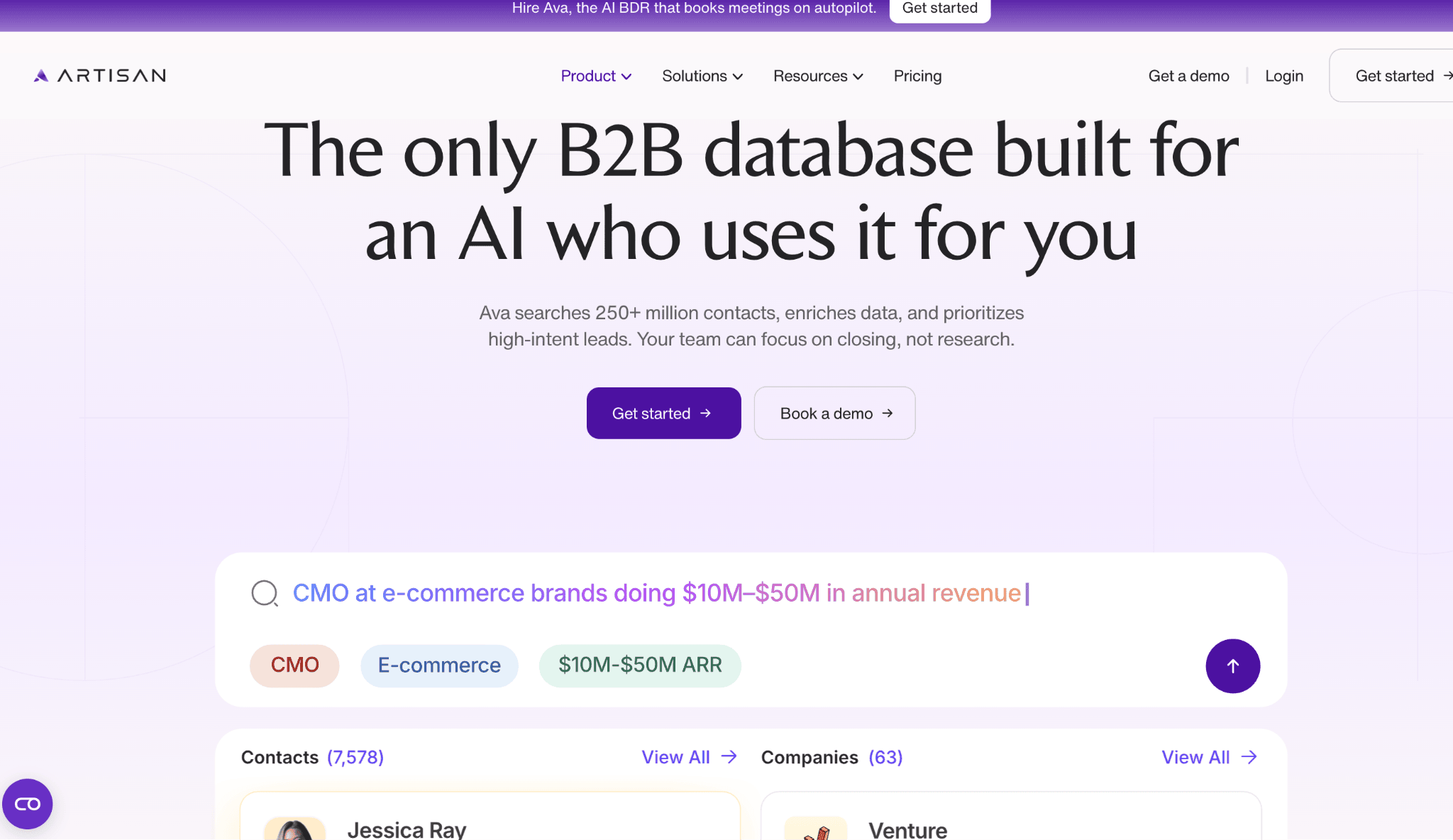
Artisan helps sales teams build higher-quality outreach lists with access to 250M+ B2B contacts, allowing reps to identify and qualify prospects.
By combining AI lead generation, prospect research, and enrichment, Artisan reduces the time spent sourcing leads and improves list quality from the start. Pairing it with an email verification solution helps sales reps maximize deliverability while focusing their outreach on relevant, high-intent prospects.
Key features:
- Access to more than 250M B2B contacts for prospecting
- AI-powered lead discovery and qualification
- Automated contact enrichment and research
- Personalized prospecting workflows
- CRM and sales tool integrations
BriteVerify
BriteVerify, now part of Validity, is built with simplicity at its core. It allows sales reps to drag and drop lists for quick cleaning, with results returned rapidly. For teams that want a straightforward solution without complex setup, BriteVerify offers reliability and ease of use.
Another advantage of BriteVerify is the integration with CRMs and marketing tools that it offers. Sales reps can have clean databases at all times, rather than relying on one-off cleanings.
Key features:
- Drag-and-drop interface for simple list uploads
- Real-time API for CRM and form integrations
- Identifies invalid and disposable addresses
- Affordable credit-based pricing
- Trusted by enterprise-level users through Validity
Clearout

Clearout combines affordability with strong functionality, making it a popular choice for startups and small sales teams. It has AI-powered algorithms that identify invalid, temporary, and duplicate emails. This means your lists stay cleaner, and you get better results from outreach.
One of the standout features of Clearout is its Chrome extension, which allows users to verify email addresses directly while prospecting on LinkedIn or websites. This makes it appealing for sales reps engaged in daily lead generation..
Key features:
- AI-driven detection of invalid and duplicate contacts
- Chrome extension for on-the-fly verification
- Bulk list cleaning and API access
- GDPR-compliant processes for security
- Flexible plans for small and growing teams
EmailListVerify
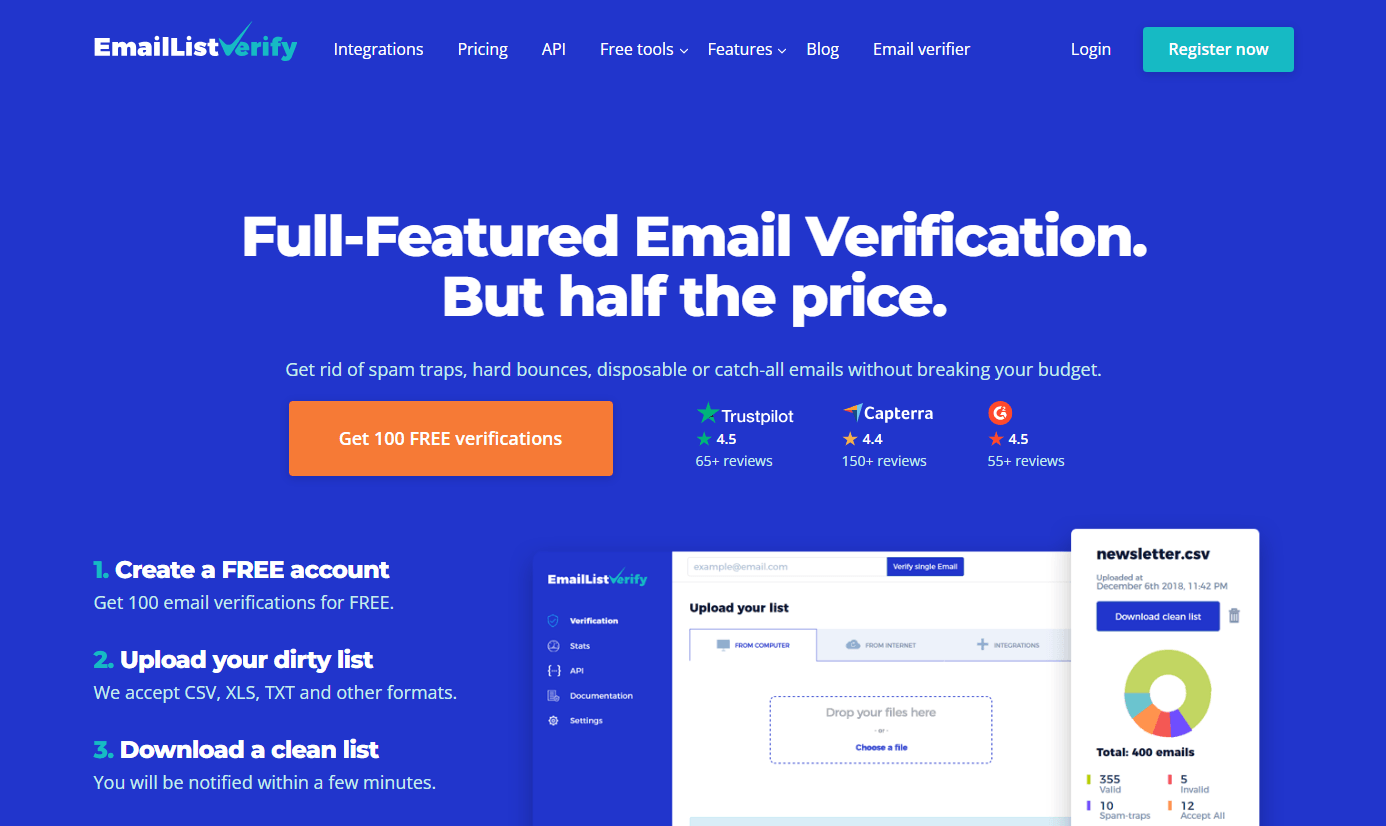
EmailListVerify is known for its affordability and straightforward approach. It focuses on essential verification tasks, like removing invalid, disposable, and role-based emails – without unnecessary extras. This is a solid, practical option for a sales team on a tighter budget.
While it may not provide advanced analytics or campaign features, EmailListVerify delivers dependable accuracy at a lower price point, making it a reliable addition to the toolkit of smaller sales teams.
Key features:
- Bulk list verification with quick turnaround
- Real-time API for instant checks
- Spam trap and disposable email detection
- Cost-effective plans for ongoing use
- GDPR-compliant and secure infrastructure
When Sales Reps Should Verify Email Addresses
Many teams verify emails only after a campaign starts bouncing.
That is like checking the brakes after driving into the wall.
Email verification works best when it happens before bad contacts enter your outreach system.
Verify before importing a purchased or exported list
Any list collected from databases, events, scraping, enrichment tools, or older CRM records should be checked before import.
Even good-looking business emails can be outdated. People change roles, companies rename domains, inboxes are removed, and old addresses turn into risky contacts.
Before importing a list, check for:
- Invalid addresses
- Disposable addresses
- Duplicates
- Role-based emails
- Catch-all domains
- Misspelled domains
- Free personal email addresses
- Spam-trap risks
- Contacts without clear source information
Do not treat verification as proof that the list is legally or commercially appropriate. It only helps assess deliverability risk.
Verify before launching a cold outreach sequence
A sequence should not begin with unknown contact quality.
Before launch, verify the full list and remove contacts that are invalid or too risky. This reduces avoidable bounces and helps protect the sending domain.
For larger teams, verification should be part of the campaign checklist, just like checking subject lines, personalization fields, unsubscribe links, and sending limits.
Verify at the point of capture
If leads enter your CRM through forms, demos, webinars, downloads, or events, verify them as early as possible.
This prevents bad addresses from entering nurture sequences, sales workflows, and reporting.
Real-time verification is especially useful for:
- Demo request forms
- Free trial signups
- Newsletter forms
- Lead magnets
- Event registrations
- Partner lead forms
- Contact-us pages
- Sales inquiry forms
A typo in a demo form should not become a lost opportunity.
Verify old CRM segments before reactivation
Old contact lists are risky.
Before reactivating dormant leads, verify the segment again. A contact that was valid two years ago may no longer exist.
This is especially important when sales reps revive:
- Old lost opportunities
- Dormant newsletter subscribers
- Event contacts
- Past trial users
- Old imported lists
- Former customers
- Old LinkedIn prospecting exports
Reactivation campaigns should start small and focus on engaged, relevant contacts first.
Verify before scaling volume
If a team wants to increase sending volume, contact quality matters even more.
Scaling a messy list only scales the problem.
Before increasing outbound volume, check:
- Address validity
- Bounce history
- Spam complaint history
- Engagement level
- Sending domain health
- Authentication setup
- Unsubscribe process
- Segment relevance
More emails do not fix poor targeting.
They just create a louder mistake.
How to Handle Risky Email Verification Results
Email verification tools rarely return only “valid” or “invalid.”
You will often see categories such as catch-all, unknown, role-based, disposable, accept-all, risky, abuse, or spam-trap risk.
Sales reps need a clear policy for each result.
| Verification result | What it usually means | Recommended sales action |
|---|---|---|
| Valid | The address appears deliverable | Use if the contact is relevant and compliant |
| Invalid | The address is unlikely to receive email | Remove from outreach |
| Disposable | The address comes from a temporary email service | Remove unless there is a strong reason to keep it |
| Role-based | The address belongs to a function, such as info@, sales@, or admin@ | Use carefully. Prefer named contacts for sales outreach |
| Catch-all or accept-all | The domain may accept emails even when the individual inbox is uncertain | Send only in small, monitored batches if the account is highly relevant |
| Unknown | The tool cannot confidently confirm deliverability | Do not add to high-volume sequences without extra checks |
| Abuse or complaint risk | The address or domain may be associated with complaints | Remove from cold campaigns |
| Spam-trap risk | The address may harm sender reputation | Remove immediately |
Do not treat catch-all as automatically safe
Catch-all domains are tricky because the domain may accept messages even when the exact inbox cannot be verified.
Some sales teams send to every catch-all address and hope for the best.
That is risky.
A better approach:
- Keep only highly relevant catch-all contacts.
- Send in small batches.
- Use a lower daily volume.
- Monitor bounce rate, replies, and spam complaints.
- Stop quickly if results look weak.
- Prioritize confirmed addresses when possible.
Catch-all results should make you more cautious, not more confident.
Remove addresses that are clearly risky
Invalid, disposable, spam-trap risk, and abuse-risk addresses do not belong in sales outreach.
Keeping them because “maybe one works” is usually not worth the damage.
A sales rep should not fight the verification tool for the right to email a bad address.
Use verification results to improve lead sourcing
If one lead source produces many invalid or risky addresses, fix the source.
Track verification quality by:
- Database provider
- Event
- Scraping workflow
- Form
- Partner
- Campaign
- Sales rep
- Region
- Industry
- Enrichment method
This helps the team stop paying for bad data.
The goal is not only to clean lists. It is to learn which sources create the mess.
How Email Verification Fits Into Deliverability
Email verification helps reduce bounces, but deliverability is bigger than verification.
Inbox providers look at many signals. Authentication, spam complaints, sending patterns, engagement, message quality, domain reputation, and unsubscribe behavior all matter.
A verified list can still perform badly if the outreach is irrelevant or the sending setup is weak.
Set up authentication before scaling outreach
Sales teams should work with technical owners to confirm that sending domains are properly authenticated.
At a minimum, review:
- SPF
- DKIM
- DMARC
- Custom tracking domains
- Forward and reverse DNS where relevant
- TLS
- Alignment between sending domain and visible From domain
Authentication helps receiving systems verify that your messages are allowed to come from your domain.
Without it, even clean lists can struggle.
Keep spam complaints low
A verified address only confirms that an inbox may exist.
It does not confirm that the person wants the email.
Spam complaints often come from poor targeting, weak relevance, misleading subject lines, hard-to-find unsubscribe links, excessive frequency, or sending to people who never expected to hear from you.
To reduce complaints:
- Target narrower segments.
- Write accurate subject lines.
- Avoid fake “Re:” or “Fwd:” tactics.
- Make the first line clearly relevant.
- Stop emailing people who do not engage.
- Make opt-out simple.
- Avoid aggressive follow-up sequences.
- Remove contacts who reply negatively.
- Do not keep resending to unresponsive lists.
If people are reporting your emails as spam, the list is not the only problem.
Ramp sending volume gradually
Sudden bursts can look suspicious.
For new domains, new inboxes, or newly cleaned lists, increase volume gradually and monitor results.
Watch:
- Bounce rate
- Spam complaints
- Replies
- Positive reply rate
- Unsubscribe rate
- Delivery errors
- Domain reputation
- Account health
- Inbox placement signals
A cleaner list gives you a better foundation. It does not give you permission to send recklessly.
Segment by engagement
Not every verified contact deserves the same sending priority.
Create segments such as:
- Recently verified and highly relevant
- Engaged past contacts
- Old contacts needing re-verification
- Catch-all contacts
- Low-confidence contacts
- Unresponsive contacts
- Contacts who should be suppressed
The best contacts should receive the safest, most personalized outreach.
Riskier contacts should receive lower volume or no outreach at all.
Use verification as part of a suppression process
A suppression list protects your sending reputation and your brand.
Suppress:
- Unsubscribed contacts
- Hard bounces
- Spam complainers
- Invalid addresses
- Disposable addresses
- Known risky domains
- People who ask not to be contacted
- Contacts outside your target market
- Contacts without a clear data source
- Customers who should not receive sales outreach
Do not re-upload suppressed contacts just because a new tool says the address is technically valid.
A valid inbox can still be a bad idea.
How to Build a Cleaner Sales Outreach Workflow

Email verification works best when it is built into the full sales process.
Define your ideal customer first
Verification should not be used to rescue weak targeting.
Before building a list, define:
- Industry
- Company size
- Job role
- Buying trigger
- Region
- Technology stack
- Pain point
- Budget fit
- Use case
- Exclusions
A small list of relevant buyers is usually better than a large list of random contacts.
Record the data source
Every contact should have a source.
This helps with compliance, troubleshooting, and performance analysis.
Track:
- Where the contact came from
- When it was collected
- Who collected it
- Why the person fits the campaign
- Whether consent or another lawful basis applies
- Which campaign added the contact
- When it was last verified
- Whether the person has opted out
If nobody knows where the contact came from, think twice before using it.
Verify before enrichment, sequencing, and sending
Bad data should not spread across systems.
A clean process looks like this:
- Build the target account list.
- Find relevant contacts.
- Record the source.
- Verify the email address.
- Remove invalid and risky contacts.
- Enrich only the contacts worth keeping.
- Segment by role and intent.
- Write personalized outreach.
- Send at controlled volume.
- Monitor performance.
- Suppress bad outcomes.
- Re-verify older segments.
This prevents reps from spending time personalizing emails to addresses that should never be used.
Review list quality before blaming copy
When a sequence performs poorly, check list quality before rewriting everything.
Ask:
- What percentage of emails were valid?
- Which source created the list?
- How old is the data?
- How many contacts were catch-all or unknown?
- What was the bounce rate?
- Did one domain or region create most problems?
- Were contacts actually relevant?
- Did the message match the role and company?
- Were opt-outs and negative replies processed quickly?
Sometimes the copy is not the problem.
Sometimes the campaign was sent to the wrong people, through the wrong inboxes, with the wrong data.
Use AI to improve the email, not fake the relationship
AI can help sales reps create better subject lines, opening lines, follow-ups, and value propositions.
But AI should not invent personal connections, fake research, or pretend that a generic trigger is specific to the prospect.
Use AI to:
- Summarize account research
- Draft role-specific messaging
- Create follow-up variations
- Rewrite unclear copy
- Shorten long emails
- Adapt tone by audience
- Build campaign angles
- Create internal notes for reps
Do not use AI to create false urgency, fake familiarity, or claims the sales team cannot support.
A clean email list plus dishonest copy still damages trust.
FAQ
What is email verification?
Email verification is the process of checking whether an email address is formatted correctly, connected to a valid domain, and likely to receive messages.
Some tools also flag disposable addresses, role-based inboxes, catch-all domains, spam-trap risk, and other deliverability signals.
Does email verification guarantee inbox placement?
No.
Email verification can help reduce invalid addresses and avoid some bounces, but inbox placement also depends on sender authentication, reputation, spam complaints, message relevance, sending behavior, and recipient engagement.
How often should sales teams verify email lists?
Verify new lists before sending, old CRM segments before reactivation, and important forms at the point of capture.
Fast-moving B2B lists should also be rechecked before major campaigns because people change jobs, companies change domains, and inboxes are removed over time.
Should sales reps email catch-all addresses?
Catch-all addresses should be treated carefully.
A catch-all result means the domain may accept email, but the exact inbox may not be confirmed. Use these contacts only when they are highly relevant, send in small batches, and monitor bounce rate and complaints closely.
What is a safe bounce rate for cold email?
There is no universal safe number that guarantees deliverability.
A better rule is to keep hard bounces as low as possible, remove invalid addresses before sending, and monitor delivery errors, spam complaints, and sender reputation over time.
Google recommends monitoring server responses, spam rate, and sending-domain reputation as volume increases.
What email authentication should sales teams use?
Sales teams should make sure their sending domains are set up with SPF, DKIM, and DMARC.
Google requires all senders to use SPF or DKIM, and bulk senders to use SPF, DKIM, and DMARC. Authentication helps receiving systems confirm that messages are allowed to come from the domain.
What are Gmail’s requirements for bulk email senders?
Google’s bulk-sender rules include SPF, DKIM, and DMARC authentication, valid DNS records, spam-rate requirements, proper message formatting, aligned From domains for direct mail, and one-click unsubscribe for marketing and subscribed messages.
What are Yahoo’s sender requirements?
Yahoo’s sender requirements include stronger authentication, DMARC alignment, low spam complaints, and easier unsubscribe for bulk senders.
Why does one-click unsubscribe matter?
One-click unsubscribe makes it easier for recipients to leave a mailing list without marking messages as spam.
Google requires bulk senders to support one-click unsubscribe for marketing and subscribed messages sent to Gmail accounts.
What does CAN-SPAM require for commercial emails?
CAN-SPAM requires accurate header information, non-deceptive subject lines, clear identification where required, a valid physical postal address, a clear opt-out mechanism, prompt honoring of opt-out requests, and responsibility for vendors sending on your behalf.
Is B2B cold email allowed under GDPR or UK rules?
It depends on the recipient type, location, data source, lawful basis, and applicable electronic marketing rules.
The ICO explains that UK GDPR still applies to B2B marketing when personal data is processed. It also notes that consent and legitimate interests are often the most relevant lawful bases in B2B marketing, but companies must assess fairness, expectations, and compliance with PECR.
Does a verified email address mean the person gave consent?
No.
Verification only indicates whether the address is likely to receive email. It does not prove consent, legitimate interest, source quality, relevance, or permission to contact that person.
Sales teams should keep separate records for data source, lawful basis, consent where required, opt-outs, and suppression.
How can sales teams monitor sender reputation?
Sales teams can use Google Postmaster Tools to monitor outgoing email sent to personal Gmail accounts. Google says Postmaster Tools provides information about spam rate, reputation, message authentication, and delivery errors.
Can AI help with verified email outreach?
Yes.
AI can help write clearer subject lines, shorten emails, personalize messages by role, create follow-up variations, and repurpose campaign angles.
However, AI should not invent personal details, fake relationships, unsupported claims, or misleading urgency. Verification protects deliverability. Honest relevance protects trust.
Final Thoughts
As a sales rep, you can’t afford to waste precious time sending emails to dead addresses. The best way to avoid doing that is to make sure you’re using a strong verification tool. While platforms like ZeroBounce, NeverBounce, BriteVerify, Clearout, and EmailListVerify all have their merits, Instantly stands out as the best to keep your outreach systems running smoothly from the very start.
By embedding verification directly into outreach campaigns and offering deliverability-focused features, Instantly simplifies the entire process. For sales professionals aiming to scale outreach effectively and maintain clean, reliable contact lists, Instantly is the clear leader among email verification tools.
Other Interesting Articles
- AI LinkedIn Post Generator
- Gardening YouTube Video Idea Examples
- AI Agents for Gardening Companies
- Top AI Art Styles
- Pest Control YouTube Video Idea Examples
- Automotive Social Media Content Ideas
- Plumber YouTube Video Idea Examples
- AI Agents for Pest Control Companies
- Electrician YouTube Video Idea Examples
- How Pest Control Companies Can Get More Leads
- AI Google Ads for Home Services
- 60-Second Training Videos Are the New Corporate Standard
- Cybersecurity PR Pricing: Retainers, Deliverables & ROI
- Best AI Tools for Product Consistency in E-Commerce Video
Master the Art of Video Marketing
AI-Powered Tools to Ideate, Optimize, and Amplify!
- Spark Creativity: Unleash the most effective video ideas, scripts, and engaging hooks with our AI Generators.
- Optimize Instantly: Elevate your YouTube presence by optimizing video Titles, Descriptions, and Tags in seconds.
- Amplify Your Reach: Effortlessly craft social media, email, and ad copy to maximize your video’s impact.