
How to Keep Marketing Emails Out of Spam
Sometimes the email is not the problem.
The offer is good.
The subject line is good.
The copy is good.
The CTA works.
The email simply never reaches the inbox.
That changes how marketers should think about email performance.
A weak click-through rate might be a copy problem.
Or your messages may be landing in spam.
Those require completely different fixes.
And modern email deliverability is about much more than avoiding words like:
FREE!!!
Gmail, Yahoo, and Outlook increasingly look at signals such as:
- SPF;
- DKIM;
- DMARC;
- sender reputation;
- spam complaints;
- DNS configuration;
- unsubscribe handling;
- sending behavior;
- subscriber engagement.
Google now requires bulk senders to authenticate mail with SPF, DKIM, and DMARC and support one-click unsubscribe for marketing messages.
Yahoo has similar requirements.
Microsoft also requires SPF, DKIM, and DMARC for high-volume senders to consumer Outlook, Hotmail, and Live addresses.
So before rewriting your subject line for the seventh time, check whether your email infrastructure is actually healthy.
These tools help you find out.
Chapters
Email Deliverability Benchmarks Marketers Should Know
Gmail recommends keeping spam complaints below 0.1%
Google says bulk senders should keep user-reported spam rates below 0.1% and prevent them from ever reaching 0.3% or higher.
Once spam rates reach 0.3%, delivery support and mitigation become more difficult.
That means:
1 complaint per 1,000 delivered emails is already worth paying attention to.
Yahoo requires spam complaint rates below 0.3%
Yahoo similarly requires senders to keep complaint rates below 0.3%.
It also requires bulk senders to:
- use SPF and DKIM;
- publish DMARC;
- support easy unsubscribe;
- honor unsubscribe requests within two days.
Gmail considers roughly 5,000 daily messages a bulk sender
Google considers a sender that sends around 5,000 messages or more to personal Gmail accounts within 24 hours a bulk sender.
Importantly, Google says bulk-sender status does not expire after you reach that threshold.
Outlook also applies stronger requirements above 5,000 daily messages
Microsoft requires domains sending more than 5,000 emails per day to Outlook.com consumer addresses to properly configure:
- SPF;
- DKIM;
- DMARC.
The requirements apply to Outlook.com, Hotmail.com, and Live.com consumer mailboxes.
AI is making email production much faster
Litmus surveyed 500 marketing professionals and found that 78% now produce and deploy an email in three days or less.
It also found that advanced AI adopters were 75% more likely to report email ROI above 45:1.
That makes AI extremely useful for email marketing.
It also creates a danger:
Marketers can now produce bad email at unprecedented speed.
AI can help you create more campaigns.
It cannot compensate for poor sender reputation, weak authentication, or a list full of people who never wanted your emails.
Email Delivery vs Email Deliverability
These terms are related but different.
| Metric | What It Means |
|---|---|
| Email Delivery | The receiving mail server accepted the email |
| Email Deliverability | Where the accepted email actually lands |
| Inbox Placement | The message reaches the main inbox or another visible inbox category |
| Spam Placement | The message reaches the recipient's spam folder |
| Bounce | The message was not accepted by the receiving server |
An email can therefore be:
delivered
without being:
seen.
Your email platform might proudly report:
99% delivered
while a meaningful percentage of those messages are sitting in spam.
That is why deliverability testing matters.
The StoryLab.ai Email Deliverability Stack
One tool rarely tells you everything.
Think of deliverability as several layers.
| Layer | What You Need to Know | Useful Tools |
|---|---|---|
| Authentication | Are SPF, DKIM and DMARC configured correctly? | MXToolbox, EasyDMARC, dmarcian |
| Provider Reputation | How does Gmail view your domain? | Google Postmaster Tools |
| Inbox Placement | Where are emails actually landing? | GlockApps, Everest |
| Pre-Send Testing | Does the message have obvious technical issues? | Mail-Tester, SpamAssassin |
| List Quality | Are addresses valid and wanted? | Email verification and your ESP's bounce data |
| Reputation Monitoring | Are your sending IP/domain signals deteriorating? | Postmaster Tools, MXToolbox, Everest |
| Complaint Monitoring | Are recipients marking campaigns as spam? | Postmaster Tools Feedback Loop, Yahoo Complaint Feedback Loop |
That distinction matters because different tools answer different questions.
Mail-Tester cannot tell you exactly how Gmail views your domain.
Google Postmaster Tools cannot tell you where your campaign landed across dozens of providers.
Choose the tool according to the problem.
InboxAlly
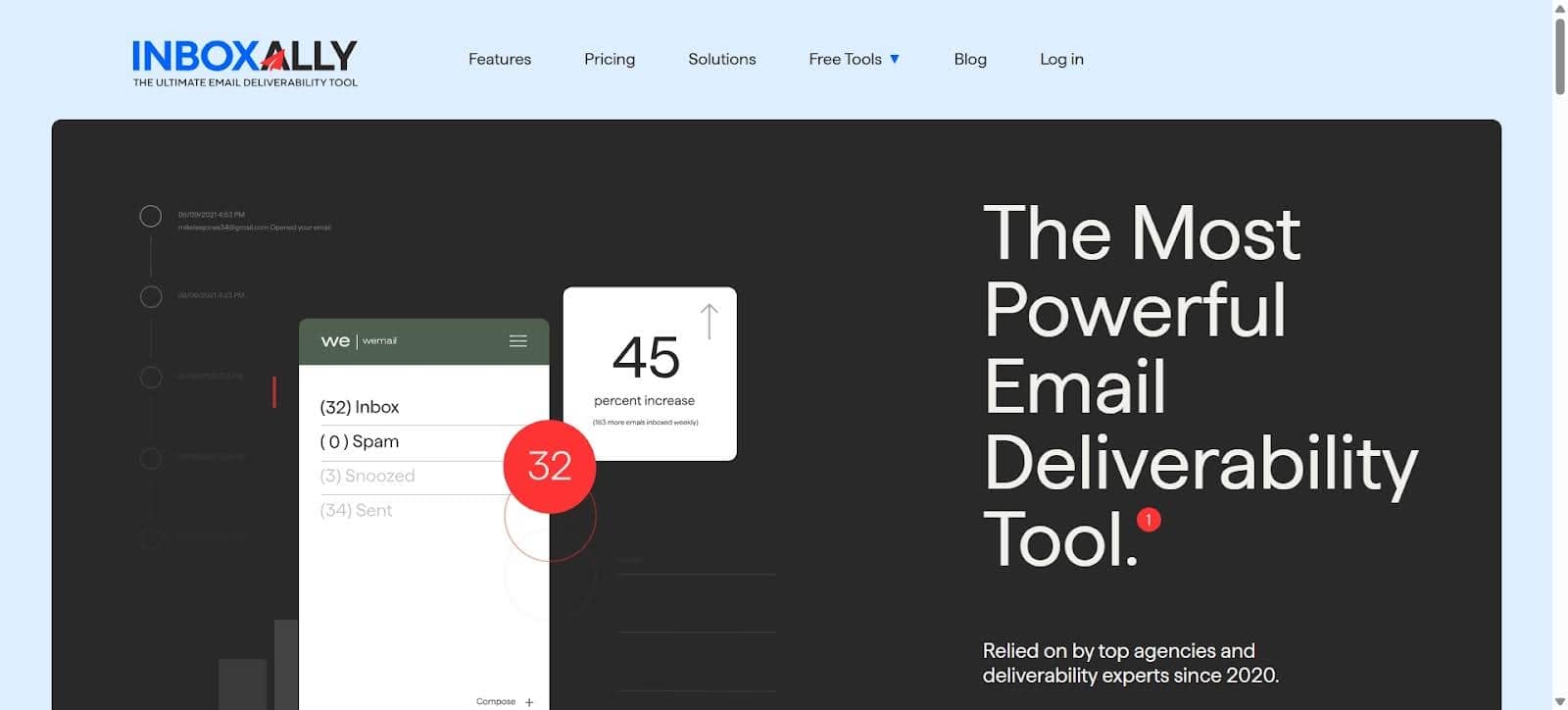
Most email deliverability software tells you what’s broken. InboxAlly does something different. It actively repairs sender reputation by generating real engagement signals from real inboxes that interact with your emails over time.
Opens happen. Messages get pulled out of spam folders. Replies come back. These behavioral signals train email providers to classify your domain as trustworthy rather than suspicious.
For new domains without established history, or for senders recovering from reputation damage, this kind of active warmup changes the trajectory in ways that passive waiting never does. It’s the foundation piece. Everything else works better when this is running underneath it.
Apache SpamAssassin
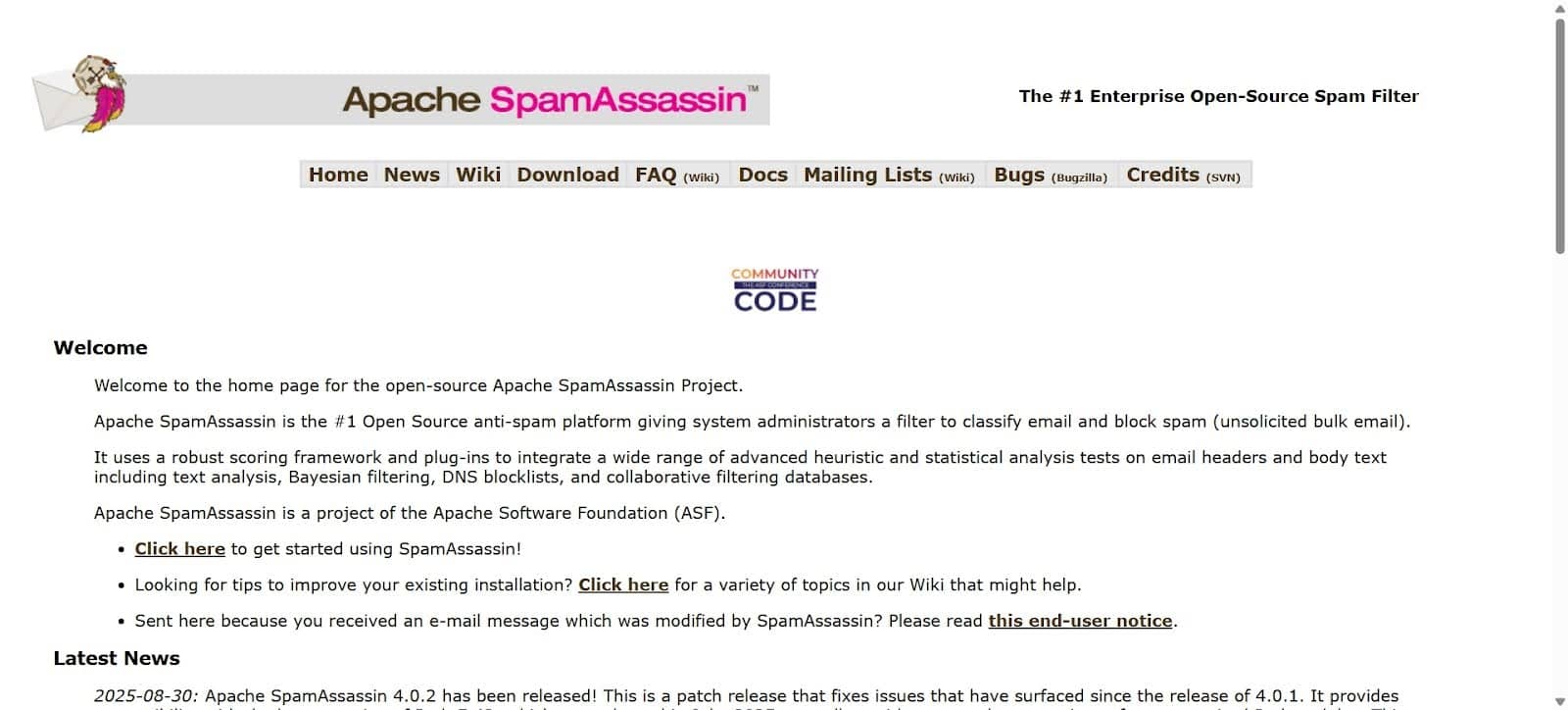
Nobody talks about SpamAssassin enthusiastically, and it works extremely well. It scans email content against a ruleset of known spam triggers and returns a score indicating how suspicious your message appears before it reaches a real inbox.
Excessive capitalization, specific phrase combinations, image-to-text ratios that look off to filters. These are all catchable at the drafting stage. The unglamorous pre-send content check that prevents the kind of deliverability failure that later gets blamed on the offer.
MXToolbox
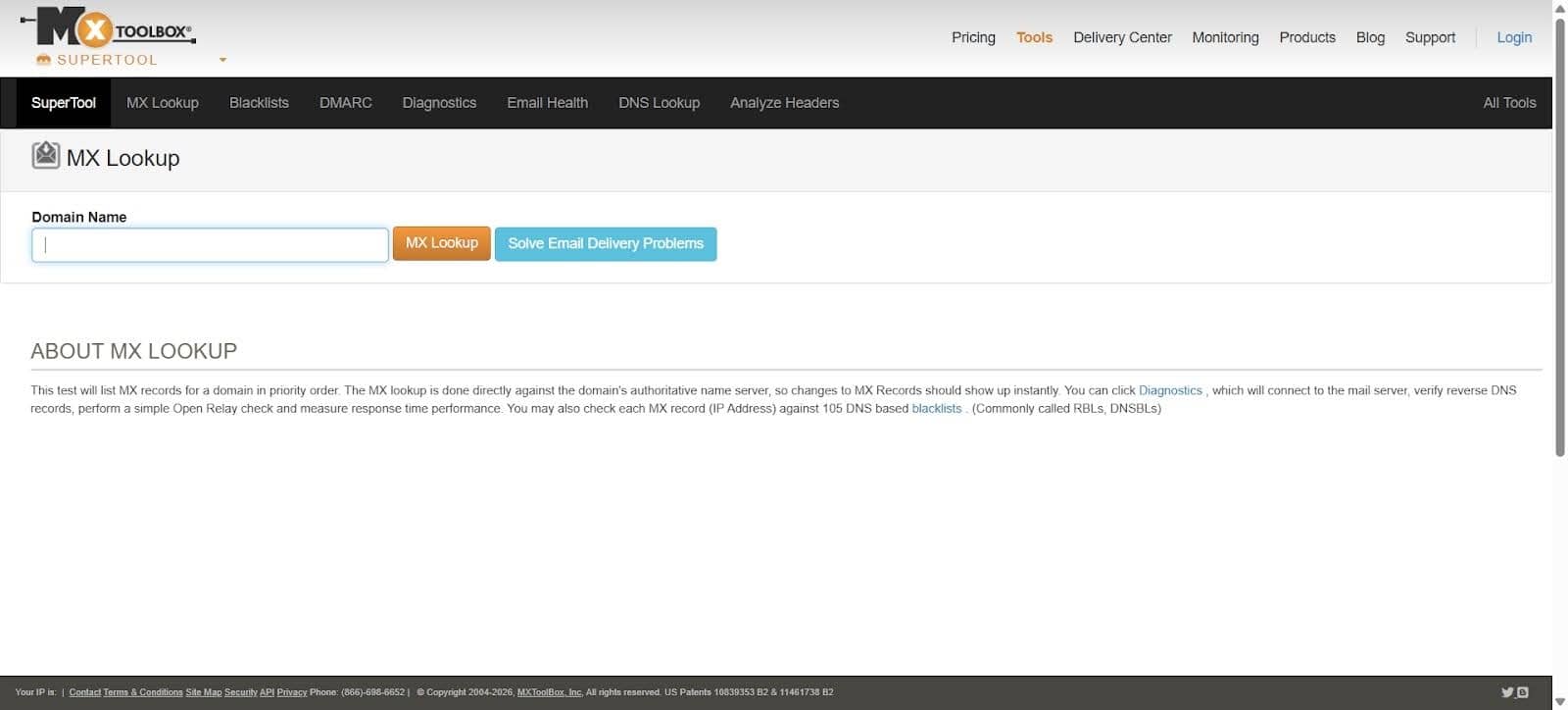
Authentication failures cause deliverability problems that have nothing to do with what an email actually says.
SPF records configured incorrectly, DKIM signatures missing or broken, DMARC policies that conflict with actual sending behavior. These sit invisibly in the infrastructure until something fails publicly.
MXToolbox checks blacklist status across major databases and surfaces DNS issues before they become campaign problems.
It’s the diagnostic infrastructure that most teams set up once and then forget to run again after platform migrations or domain changes, which is exactly when things quietly break.
Sender Score
Sender Score measures IP reputation on a scale from 0 to 100 based on sending behavior, complaint rates, bounce rates, and engagement patterns accumulated over time.
Email providers use it to assess how much trust incoming mail deserves before making routing decisions.
Scores above 80 generally indicate healthy standing. Anything dropping toward 70 or below warrants a close look at what’s driving the change.
The value of checking this regularly is catching erosion while it’s still recoverable, rather than after it’s affected several campaigns’ worth of performance.
Mail-Tester
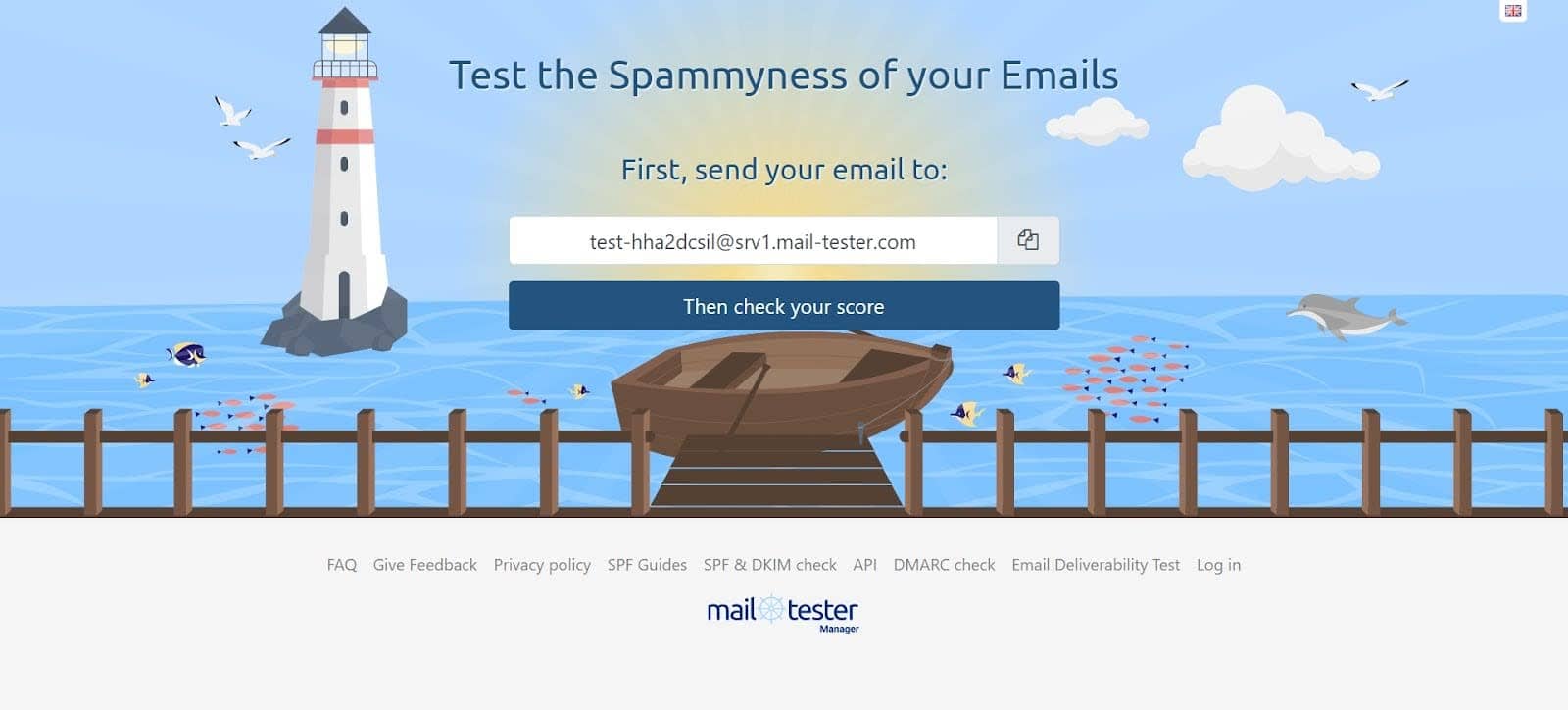
Send a test email to the address Mail-Tester provides, get back a score out of ten and a specific breakdown of what’s contributing to it. Authentication status, blacklist checks, content issues, and HTML problems. Two minutes from send to report.
It won’t catch everything that a more comprehensive platform would. But as a fast pre-send check before a campaign launches, it’s one of the more useful things available for the time it actually takes. The low friction is the point.
Folderly
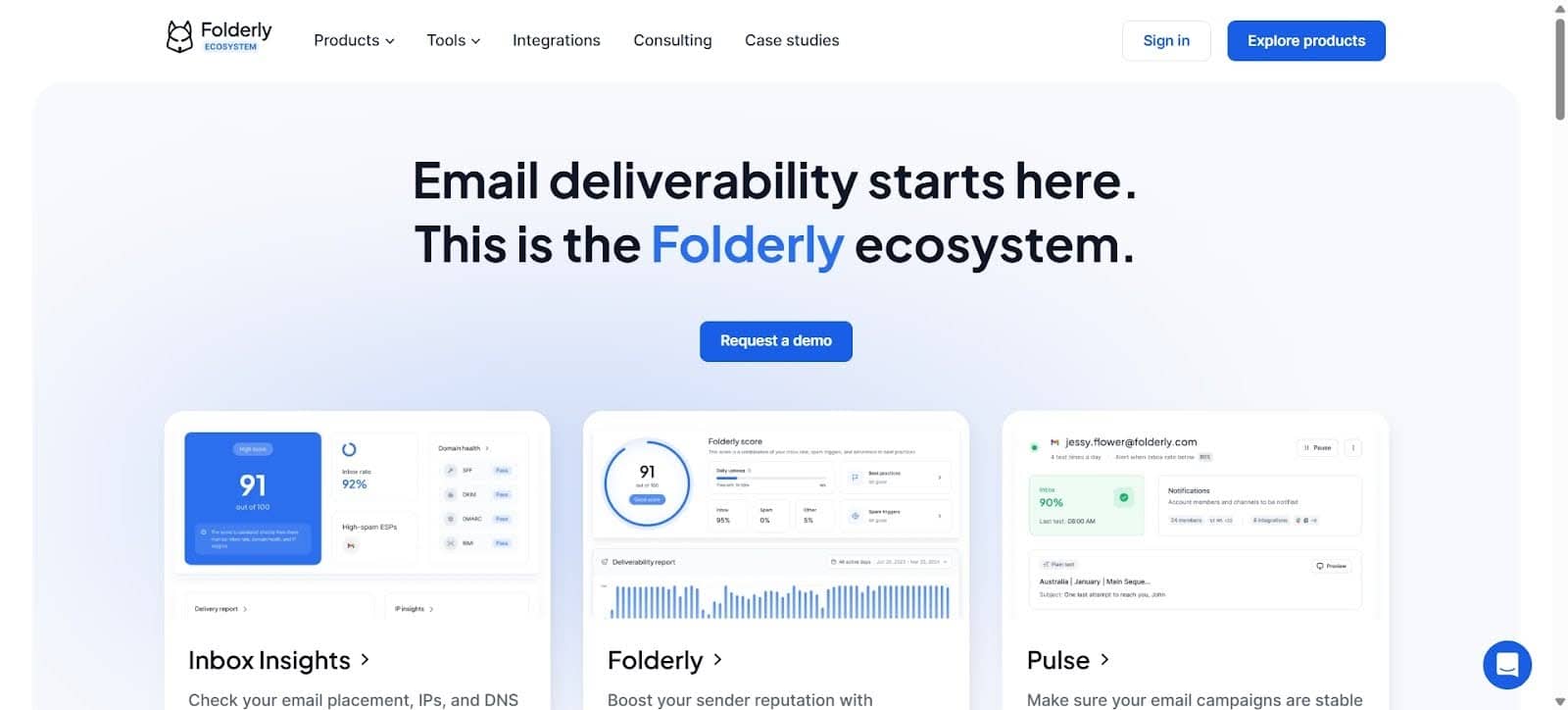
Folderly identifies what’s pulling inbox placement down and then tells you specifically what to do about it, which is the part most diagnostic tools skip. Knowing something is wrong without a clear path to fixing it just creates a different kind of frustration.
For teams without dedicated email infrastructure expertise, that gap between diagnosis and remediation is where progress stalls. Folderly closes it in a way that makes deliverability improvement accessible without requiring deep technical knowledge to act on the findings.
Everest
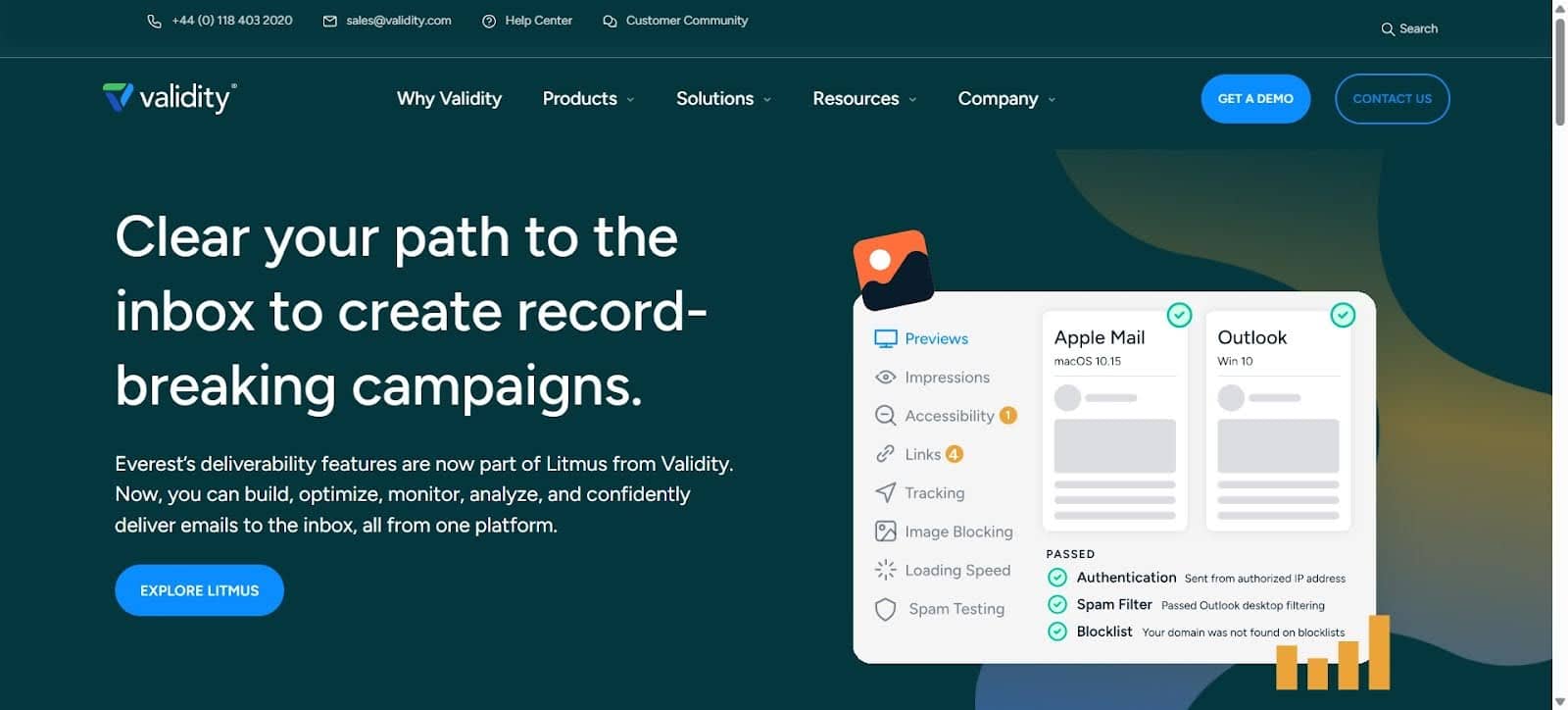
Everest tracks inbox placement across providers, monitors sender reputation over time, and provides reporting granular enough to understand why placement varies between receiving domains rather than just whether it’s varying.
For high-volume senders where deliverability differences between Gmail, Outlook, and Yahoo translate directly into measurable revenue differences, that level of insight matters.
It’s less a pre-send tool and more an ongoing performance infrastructure for teams where email is a primary channel rather than a secondary one.
Google Postmaster Tools
Gmail is a large enough share of most email lists that its specific reputation signals deserve direct attention rather than being inferred from general metrics.
Google Postmaster Tools provides that directly. Spam rate, domain reputation, IP reputation, and delivery errors, all coming from Google rather than being estimated from the outside.
And it’s free. Which makes the number of teams not using it genuinely surprising.
Why Warmup Matters More Than Most People Account For
Sending volume spikes without an established domain history looks suspicious to providers regardless of content quality or list cleanliness.
The domain that goes from minimal sends to thousands overnight triggers scrutiny that a gradually warmed domain never faces.
Increasing volume steadily over several weeks while maintaining real engagement rates builds the behavioral pattern that providers interpret as legitimate ongoing communication.
It’s not complicated work. It’s just consistent work that gets skipped because the consequences aren’t immediate, and the connection between inbox warmup and placement isn’t always obvious until placement fails. Reliable email deliverability tools help businesses monitor sender reputation, identify authentication issues, and track inbox placement so they can address potential problems before they affect campaign performance.
Catch It Before It Costs You
Spam folder problems feel unpredictable until you look at the actual causes. Then they’re almost always traceable. Reputation decay, authentication gaps, content triggers, and volume behavior that looks irregular.
None of it is mysterious once you’re looking in the right places. The tools above make those places visible.
And finding a deliverability problem before a campaign launches will always be faster and cheaper than spending weeks figuring out why a campaign that should have worked quietly went nowhere.
Gmail, Yahoo and Outlook Sender Requirements at a Glance
| Requirement | Gmail Bulk Senders | Yahoo Bulk Senders | Outlook High-Volume Senders |
|---|---|---|---|
| SPF | Required | Required | Required |
| DKIM | Required | Required | Required |
| DMARC | Required | Required | Required |
| One-Click Unsubscribe | Required for marketing/subscribed mail | Required for marketing/subscribed mail | Strong best practice |
| Low Complaint Rate | Keep under 0.3%; Google recommends below 0.1% | Keep under 0.3% | Maintain healthy reputation |
| Valid DNS | Required | Required | Expected |
SPF, DKIM and DMARC Explained Simply
You do not need to become an email engineer.
But email marketers should understand these three terms.
SPF
SPF tells receiving mail servers which servers are authorized to send email for your domain.
Think:
Who is allowed to send?
DKIM
DKIM adds a cryptographic signature that allows the receiver to verify the message really came from an authorized sender and was not changed in transit.
Think:
Can we verify this message?
DMARC
DMARC builds on SPF and DKIM and adds domain alignment and policy instructions.
Think:
Does the visible sender align with the authenticated sender, and what should happen if it does not?
Google recommends configuring SPF, DKIM, and DMARC even beyond the minimum requirements because authenticated messages are less likely to be rejected or classified as spam.
Do Not Obsess Over “Spam Trigger Words”
One of the oldest email-marketing myths is that using a certain word automatically sends your email to spam.
Reality is much more complicated.
Yes, message content can influence filtering.
But Gmail and other providers also look at broader signals such as:
- authentication;
- sending patterns;
- reputation;
- user complaints;
- subscriber behavior.
Google’s own sender guidance emphasizes permission, authentication, complaints, DNS, unsubscribe support, and wanted mail.
It does not give marketers a magic blacklist of forbidden marketing words.
That means this:
FREE WEBINAR!!! CLICK NOW!!!
is probably not a great email.
But replacing “free” with:
complimentary
will not rescue a sender with poor reputation and broken DKIM.
Fix the underlying problem.
Your List Quality Matters More Than Your List Size
A database containing 500,000 addresses looks impressive.
Unless half of them have no interest in hearing from you.
Google explicitly recommends:
- sending only to recipients who want your messages;
- confirming email addresses;
- periodically confirming continued interest;
- making unsubscribe easy;
- considering removing recipients who no longer read your emails.
That means marketers should monitor:
- hard bounces;
- complaints;
- inactive subscribers;
- invalid addresses;
- unsubscribes.
Do not treat unsubscribe as failure.
Someone choosing:
Unsubscribe
is better than someone choosing:
Report spam.
Make Unsubscribing Easy
Trying to hide the unsubscribe link is one of the fastest ways to turn an uninterested subscriber into a spam complaint.
Google requires one-click unsubscribe for bulk marketing and subscribed messages.
Yahoo requires bulk senders to support easy unsubscribe and honor requests within two days.
A good unsubscribe experience protects:
- sender reputation;
- subscriber trust;
- list quality.
You want people who want your emails.
Not people who cannot find the exit.
AI Email Marketing Can Help Deliverability
AI can help marketers improve deliverability indirectly.
Useful applications include:
Predicting Engagement
AI can identify subscribers who are increasingly disengaged.
That can help teams reduce unnecessary sends.
Send-Time Optimization
Machine learning can estimate when individual recipients are most likely to engage.
Segmentation
AI can group subscribers based on behavior rather than sending every campaign to the entire list.
Content Testing
AI can generate multiple:
- subject lines;
- preview texts;
- CTAs;
- body-copy variations.
Performance Analysis
AI can summarize:
- complaint changes;
- bounce patterns;
- engagement changes;
- campaign anomalies.
Mailchimp specifically notes that AI can support deliverability through better analysis and optimization, but it cannot replace clean contact lists or proper SPF, DKIM, and DMARC configuration.
That is exactly how marketers should think about AI here.
AI improves the system.
It does not bypass the rules.
The AI Email Marketing Trap: More Content Means More Sends
Generative AI creates a new problem.
Before AI, producing five email campaigns required time.
Now marketers can generate:
- 20 subject lines;
- 10 email versions;
- 15 nurture campaigns;
in minutes.
That does not mean subscribers want 15 emails.
AI lowers the cost of producing email.
It does not increase the amount of attention inside someone’s inbox.
Use AI to improve:
- relevance;
- segmentation;
- testing;
- personalization.
Do not use it as an excuse to dramatically increase send volume without considering recipient behavior.
The objective is:
better email
not:
more email because we can.
AI Personalization Still Needs Good Data
Consider:
Hi John, we thought you might like this.
That is personalization technically.
It is not necessarily useful personalization.
Better personalization might consider:
- products viewed;
- previous purchases;
- company size;
- content downloaded;
- lifecycle stage;
- interests.
AI can then help determine which message is most relevant.
But bad customer data creates bad personalization.
Do not solve poor CRM hygiene by attaching an LLM to it.
Clean the data first.
The StoryLab.ai Email Deliverability Checklist
Before an important campaign, check:
| Check | Status |
|---|---|
| SPF configured correctly | Yes / No |
| DKIM configured correctly | Yes / No |
| DMARC configured | Yes / No |
| From domain properly aligned | Yes / No |
| Valid forward and reverse DNS | Yes / No |
| TLS enabled | Yes / No |
| One-click unsubscribe configured where required | Yes / No |
| Visible unsubscribe link included | Yes / No |
| Spam complaint rate checked | Yes / No |
| Bounce rate checked | Yes / No |
| Inactive subscribers reviewed | Yes / No |
| Inbox placement tested | Yes / No |
| Links working | Yes / No |
| Mobile rendering checked | Yes / No |
You do not need every deliverability tool on the market.
You do need visibility into each important layer.
What to Do When Emails Suddenly Start Going to Spam
Do not immediately rewrite the campaign.
Troubleshoot systematically.
Step 1: Check Google Postmaster Tools
Look at:
- spam rate;
- authentication;
- delivery errors;
- compliance status;
- reputation.
Step 2: Check SPF, DKIM and DMARC
Use MXToolbox or your authentication platform.
Step 3: Check Recent Sending Changes
Ask:
- Did volume suddenly increase?
- Did you change ESP?
- Did you add a new sending service?
- Did you change domain configuration?
- Did you send to an older list?
Step 4: Check Complaints
Look for a sudden increase in people reporting mail as spam.
Step 5: Review List Quality
Check:
- invalid addresses;
- inactive subscribers;
- old imported lists;
- low-quality acquisition sources.
Step 6: Run Inbox Placement Tests
Determine whether the issue affects:
- Gmail;
- Yahoo;
- Outlook;
- everyone.
Step 7: Reduce Risk While Investigating
Do not continue blasting the same campaign at maximum volume while your reputation deteriorates.
Pause unnecessary sending.
Protect the domain.
Do New Domains Need Email Warm-Up?
New sending domains do not have much history.
A sudden move from almost no email to thousands of marketing messages can look unusual.
Google recommends increasing sending volume slowly and consistently rather than sending in bursts or suddenly increasing volume.
But distinguish between:
gradually increasing legitimate sending volume
and
manufacturing fake engagement.
Your long-term reputation should come from real recipients who actually want your mail.
A sensible ramp-up strategy looks like:
small wanted audience → monitor results → gradually increase
not:
buy a tool that simulates popularity and hope mailbox providers are impressed.
Common Email Deliverability Mistakes
Fixing Copy Before Checking Deliverability
Poor inbox placement and poor messaging can look identical in campaign reports.
Check both.
Buying Email Lists
Consent and subscriber quality matter.
A giant database of people who never asked to hear from you can quickly damage reputation.
Sending Every Campaign to Everyone
Segmentation protects relevance.
Ignoring Authentication
SPF, DKIM, and DMARC are now fundamental email-marketing infrastructure.
Hiding the Unsubscribe Link
Make leaving easy.
A clean unsubscribe is much better than a spam complaint.
Sending Too Much Because AI Makes It Easy
AI production capacity is not subscriber demand.
Treating Open Rates as Perfect Truth
Privacy features and image-loading behavior make opens less reliable than they once were.
Look at:
- clicks;
- replies;
- conversions;
- complaints;
- actual business outcomes.
Assuming One Deliverability Score Tells You Everything
Deliverability is multi-layered.
Use several signals.
Frequently Asked Questions About Email Deliverability
What is email deliverability?
Email deliverability describes whether email reaches the recipient’s inbox rather than being filtered into spam or rejected.
It is influenced by factors including:
- authentication;
- sender reputation;
- complaints;
- subscriber engagement;
- list quality;
- sending behavior.
Why are my emails going to spam?
Common causes include:
- missing SPF, DKIM or DMARC;
- high spam complaints;
- low-quality email lists;
- sudden volume increases;
- poor domain reputation;
- DNS problems;
- unwanted email;
- technical formatting issues.
Start with authentication and sender-reputation data before assuming the copy itself is the main problem.
What spam rate is too high for Gmail?
Google recommends keeping user-reported spam rates below 0.1% and avoiding rates of 0.3% or higher.
What spam rate does Yahoo allow?
Yahoo requires senders to keep spam complaint rates below 0.3%.
Do I need SPF, DKIM and DMARC?
If you send significant marketing volume, configure all three.
Gmail requires SPF, DKIM, and DMARC for bulk senders.
Yahoo requires them for bulk senders.
Microsoft requires them for domains sending more than 5,000 daily messages to Outlook.com consumer accounts.
What is the best free email deliverability tool?
Google Postmaster Tools is essential for senders that need Gmail-specific visibility.
MXToolbox and Mail-Tester also provide useful free diagnostics.
They solve different problems, so there is no single best tool for every situation.
What is the best tool for checking whether email goes to spam?
Inbox-placement tools such as GlockApps or enterprise platforms such as Everest are more useful when you need to see where test campaigns actually land.
Mail-Tester is better for a quick technical pre-send check.
Is Google Postmaster Tools free?
Yes.
Google Postmaster Tools is free and provides data about emails sent from verified domains to personal Gmail accounts.
Does Google Postmaster Tools show spam rate?
Yes.
Google’s Spam Rate dashboard shows the percentage of messages recipients manually mark as spam.
It also provides dashboards for authentication, delivery errors, compliance and other sender signals.
Does Mail-Tester guarantee inbox placement?
No.
Mail-Tester can identify useful technical and content-related issues.
Mailbox providers still use their own reputation and filtering systems.
A 10/10 score does not guarantee that every email reaches the inbox.
Do spam words still matter?
Message content can affect filtering, but modern deliverability depends on far more than individual words.
Authentication, sender reputation, recipient complaints, consent, and sending behavior are fundamental.
Do not build your entire strategy around replacing words such as “free.”
Should I remove inactive subscribers?
Often, yes.
Google recommends periodically checking whether recipients still want your messages and considering unsubscribing people who no longer open or read them.
Does one-click unsubscribe help deliverability?
Yes.
It gives people a simple alternative to reporting the message as spam.
Gmail and Yahoo require easy unsubscribe functionality for many bulk marketing emails.
Can AI improve email deliverability?
AI can help with:
- segmentation;
- send-time optimization;
- engagement prediction;
- content testing;
- list analysis;
- performance monitoring.
But AI cannot replace:
- permission;
- authentication;
- clean lists;
- reputation.
Can AI write better marketing emails?
Yes.
AI can help marketers create:
- subject-line variants;
- body copy;
- CTAs;
- personalization;
- nurture sequences.
StoryLab.ai’s AI Email Copy Generator can help create and iterate email copy while marketers retain control of the strategy and final review.
The deliverability layer still needs to be handled separately.
Great copy cannot fix broken DKIM.
Can sending too many AI-generated emails hurt deliverability?
Potentially.
AI makes it easier to produce more campaigns, but subscriber interest does not increase simply because production becomes faster.
Sending unwanted or excessive email can increase:
- complaints;
- unsubscribes;
- disengagement.
Use AI to improve relevance rather than merely increasing volume.
Do I need email warm-up software?
Not necessarily.
A new sending domain may benefit from gradually increasing legitimate volume.
Google recommends predictable sending patterns and gradual increases rather than sudden volume spikes.
The more important foundation is:
- wanted mail;
- correct authentication;
- clean recipients;
- low complaint rates.
What is the biggest email deliverability mistake marketers make?
Treating deliverability as a copywriting problem.
The email body matters.
But the bigger system includes:
permission + authentication + reputation + list quality + sending behavior + content
If your domain is poorly authenticated and recipients consistently mark your messages as spam, finding a more creative subject line will not solve the problem.
Fix the system first.
Then improve the email.
Other Interesting Articles
- AI LinkedIn Post Generator
- Gardening YouTube Video Idea Examples
- AI Agents for Gardening Companies
- Top AI Art Styles
- Pest Control YouTube Video Idea Examples
- Automotive Social Media Content Ideas
- Plumber YouTube Video Idea Examples
- AI Agents for Pest Control Companies
- Electrician YouTube Video Idea Examples
- How Pest Control Companies Can Get More Leads
- AI Google Ads for Home Services
- 60-Second Training Videos Are the New Corporate Standard
- Cybersecurity PR Pricing: Retainers, Deliverables & ROI
- Best AI Tools for Product Consistency in E-Commerce Video
Master the Art of Video Marketing
AI-Powered Tools to Ideate, Optimize, and Amplify!
- Spark Creativity: Unleash the most effective video ideas, scripts, and engaging hooks with our AI Generators.
- Optimize Instantly: Elevate your YouTube presence by optimizing video Titles, Descriptions, and Tags in seconds.
- Amplify Your Reach: Effortlessly craft social media, email, and ad copy to maximize your video’s impact.