
7 Tools to Pick Your Next YouTube Video Before You Script It

The best tools to pick your next YouTube video are OutlierKit for niche-wide outlier research, vidIQ and 1of10 for fast topic and packaging checks, and Google Trends or the YouTube Research tab for free demand checks. Each one answers the same question from a different angle: will people actually click and watch this topic?
Most creators start with the script. They open a blank page, pick a topic that feels right, and spend hours writing. Then the video gets a few hundred views. The problem was never the script. It was the topic. This guide covers seven tools that show what already works, so you pick a proven topic first and script it second.
Chapters
Why pick the topic before the script

A great script cannot save a topic nobody wants. A clear topic with a strong promise can carry an average script.
The best signal is an outlier: a video that got far more views than its channel usually gets. If a channel that averages 3,000 views posts a video that hits 40,000, the topic or the title found real demand. When several channels in one niche break out on the same theme in the same month, you are looking at a pattern, not luck.
That is why the tools below focus on research. They tell you what to make. Your script tools then help you make it well.
Quick comparison
| Tool | Best for | What it shows | Price (US) |
|---|---|---|---|
| OutlierKit | Experts, coaches, consultants and agencies | Outlier videos across a whole niche, ranked by how far each beat its channel | From $49/mo, 30 free credits |
| vidIQ | Creators who want keywords and outliers together | Keyword scores plus an Outliers feature | Free plan, Boost $19/mo |
| 1of10 | Title and thumbnail research | Videos that beat their channel's average, thumbnail search | Free plan, Basic $19/mo |
| ViewStats | Tracking a short list of competitors | Outliers, thumbnail search, competitor tracking | Pro $49.99/mo |
| Subscribr | Going from idea to finished video in one app | Idea bot on a 35M+ video database, then scripts and edits | Free start, Growth $99/mo |
| Google Trends | Checking whether interest is rising or fading | Relative search interest over time, with a YouTube Search filter | Free |
| YouTube Research tab | Seeing what your own viewers search for | Searches and content gaps in YouTube Studio | Free |
The 7 tools
1. OutlierKit
What it does:
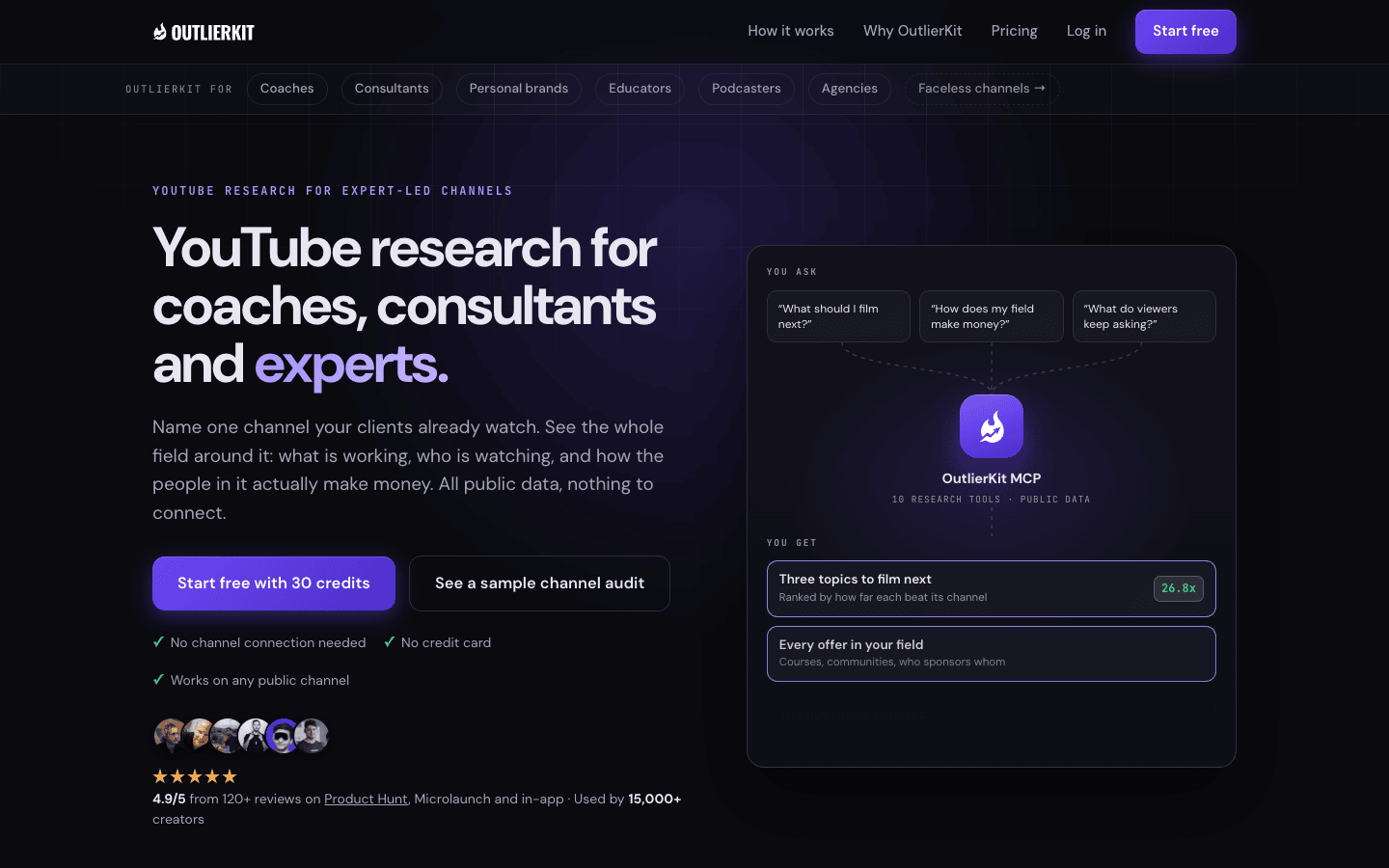
OutlierKit is YouTube research built for coaches, consultants and experts, and the agencies that run their channels. You search a topic and get outlier videos ranked by how far each beat its own channel’s baseline. You can also name one channel your audience already watches and see the whole field around it: which videos broke out, what viewers keep asking in the comments, and how channels in the space make money. Title, description, chapters and script review tools sit on top of the research.
Best for:
Expert-led channels that need to know what to film next in their field, and agencies planning for many client channels at once.
Watch out for:
It covers YouTube only. If you also plan TikTok or Reels, pair it with a short-form tool.
Price:
Hobby $49/mo, Pro $99/mo, Max $399/mo. The free trial gives 30 credits with no card, and one outlier search costs 2 credits.
2. vidIQ
What it does:
vidIQ is a broad creator suite. Its keyword tool scores search volume and competition, and its Outliers feature shows videos that beat a channel’s usual views. You can filter by outlier score, views per hour, channel size and length.
Best for:
Creators who want keyword research and outliers in one place, inside a tool they may already use.
Watch out for:
Outliers is one feature in a large suite. AI features draw from one shared credit pool that resets monthly.
Price:
Free plan. Boost $19/mo. Max $49/mo.
3. 1of10
What it does:
1of10 surfaces videos that beat their channel’s average, with outlier search, thumbnail search, trending formats and competitor tracking. It also has AI tools for titles, ideas and thumbnails.
Best for:
Creators who think packaging first and want to study winning titles and thumbnails fast.
Watch out for:
The free plan shows only 5 outlier results per search, so real research needs a paid plan.
Price:
Free plan. Basic 19/mo(15/mo yearly). Pro 89/mo(69/mo yearly).
4. ViewStats
What it does:
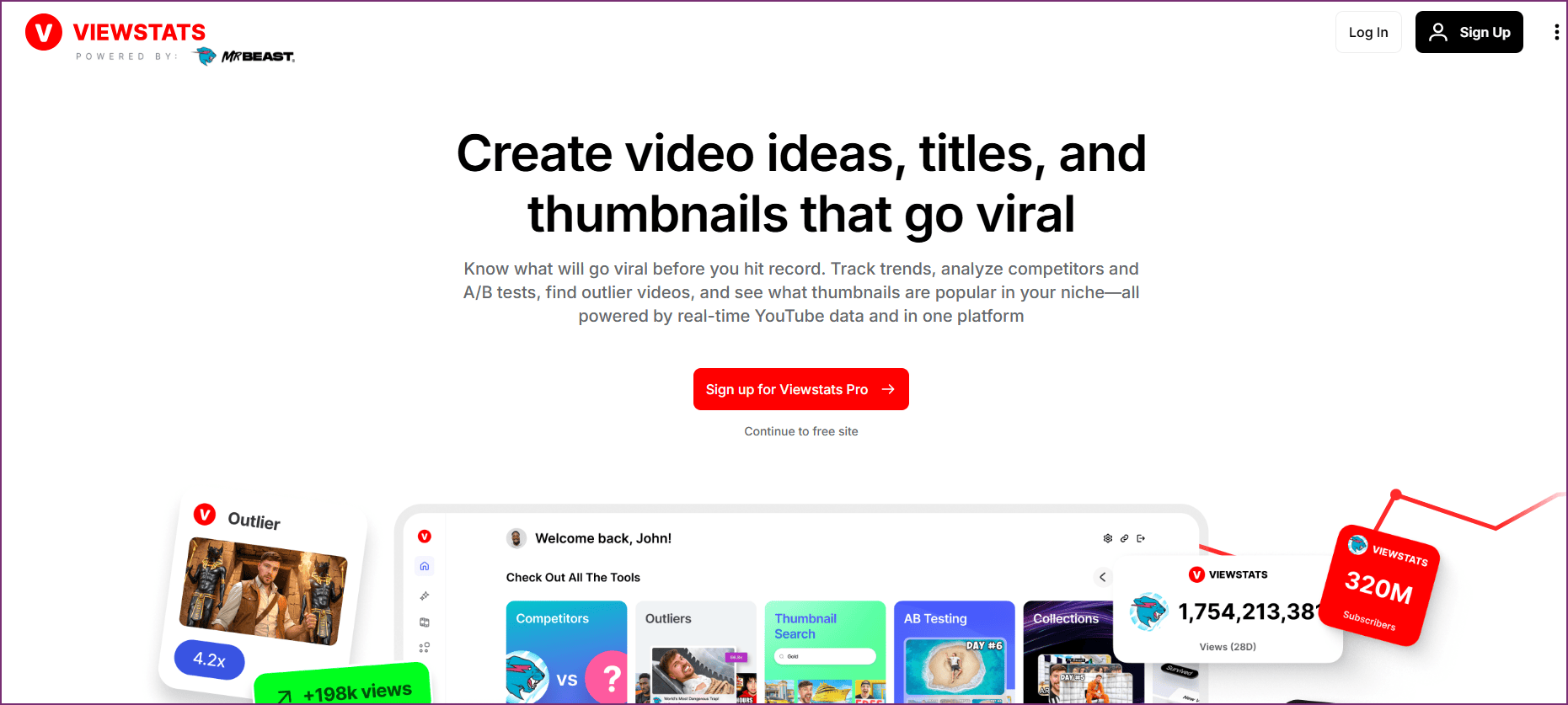
ViewStats, from the MrBeast team, finds videos performing above where they should be. It adds thumbnail search, competitor tracking and channel stats.
Best for:
Creators who care most about thumbnails and want to watch a few competitors closely.
Watch out for:
There is nothing between Pro and Business, which starts at $249/mo.
Price:
Free account. Pro $49.99/mo. Business from $249/mo.
5. Subscribr
What it does:
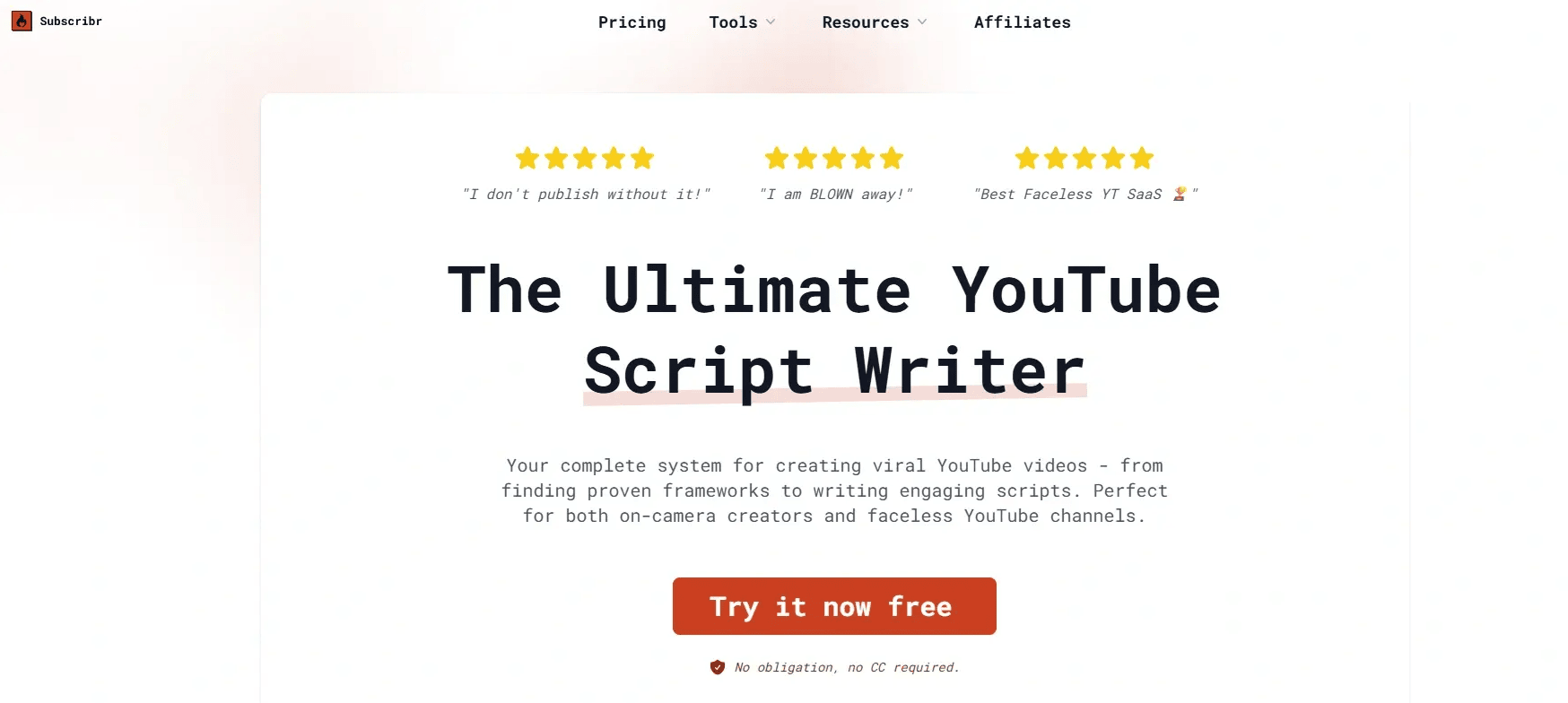
Subscribr’s Ideation Bot mines a database of 35M+ videos to show what works in your niche. It then hands the idea to a script agent, a thumbnail studio and video editing.
Best for:
Creators who want one app from idea to finished video.
Watch out for:
Research is the front of a production tool, so most of the price pays for scripts and video minutes.
Price:
Free start. Growth $99/mo, Pro $249/mo, Max $499/mo.
6. Google Trends
What it does:
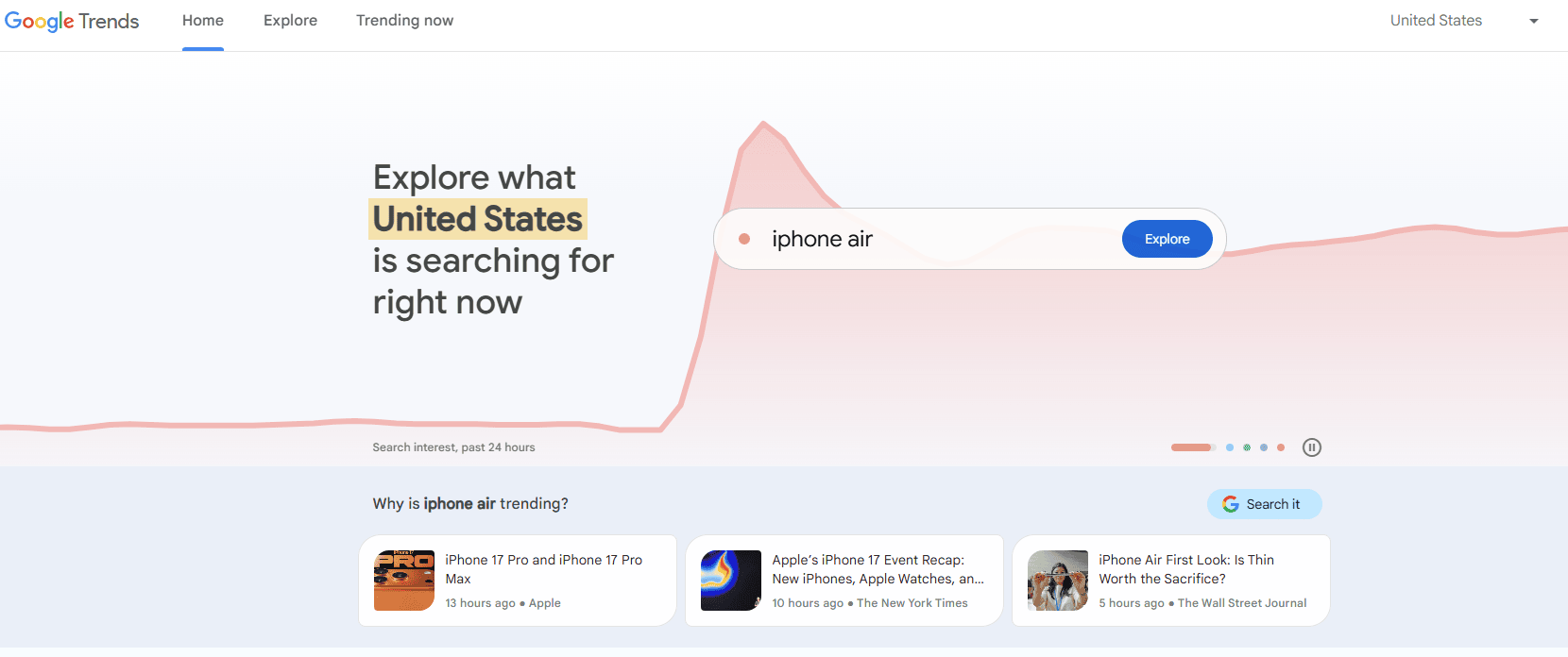
Google Trends shows how interest in a topic changes over time. Switch the search type to YouTube Search to see YouTube interest only, and compare up to five topics side by side.
Best for:
A quick check on whether a topic is rising, steady or fading before you commit.
Watch out for:
It shows relative interest on a 0 to 100 scale, not real search numbers, and it says nothing about which videos win.
Price:
Free.
7. YouTube Research tab
What it does:
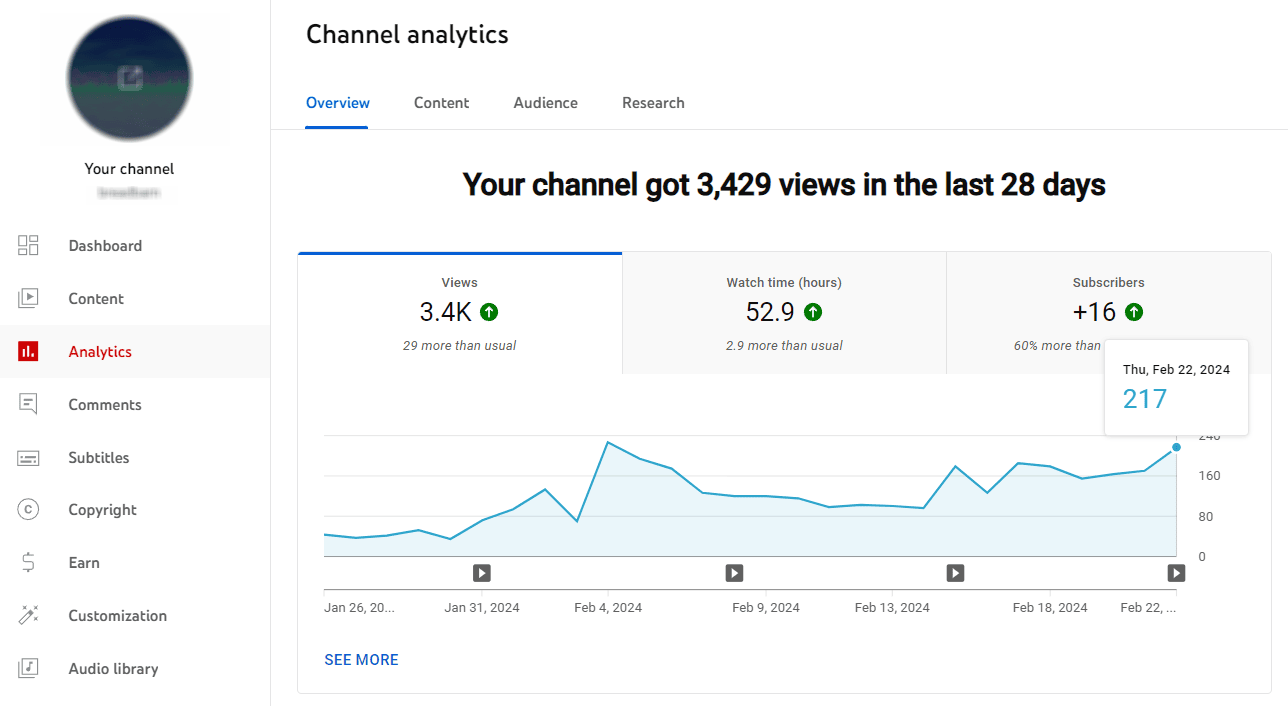
The Research tab in YouTube Studio analytics shows what your viewers search for and what people search across YouTube. It also flags content gaps, where viewers search but find few good videos.
Best for:
Channels with an existing audience that want ideas straight from their own viewers.
Watch out for:
It shows searches, not outlier videos, and it is weak for a new channel or a niche you have not entered yet.
Price:
Free.
A 5-step workflow: from blank page to a topic worth scripting
Take a career coach who uses YouTube to book clients. The same steps work in any niche.
Step 1. Search the topic, not your channel. Search “salary negotiation” in an outlier tool and sort by outlier score, not raw views. Focus on videos from the last 90 days.
Step 2. Pick one outlier and break it down. Say a 6,000-subscriber recruiter posted “I negotiated 20 offers this year. Here is the script I use” and it hit 9x her usual views. Note the topic, the promise in the title, the thumbnail idea and the first 15 seconds.
Step 3. Check that it is a pattern. Look for two or three other channels that broke out on the same theme in the same few weeks. One spike is a hunch. Four spikes are demand.
Step 4. Confirm the demand is still there. Check the topic in Google Trends with the YouTube Search filter, and in your own Research tab. A rising or steady line means the window is still open.
Step 5. Find your angle, then script. Read the comments on the outliers. Questions like “what if the offer is already final?” show what the video left out. That gap is your angle, for example “A recruiter’s 3 lines to raise an offer that is already final.” Now write the script, by hand or with a script generator such as StoryLab’s, knowing the topic has already proven itself.
Common mistakes
Chasing raw views. A 2M-view video on a 5M-subscriber channel is normal for that channel. It is not a signal.
Copying titles word for word. An outlier proves the demand, not the exact words. Keep the topic and the promise, then bring your own angle and expertise.
Using old outliers for trend topics. A video that broke out 18 months ago may cover a topic that has already peaked. Use older outliers only for evergreen topics people keep searching for.
Scripting before checking. Ten minutes of research can save five hours of writing a video nobody clicks.
FAQ
What is an outlier video?
A video that gets far more views than its channel usually gets. A score of 5x means five times the channel’s normal views.
Which free tools help pick a YouTube topic?
Google Trends with the YouTube Search filter and the Research tab in YouTube Studio are both free. vidIQ and 1of10 also have free plans with limited results.
How recent should an outlier be?
For most topics, look at the last 30 to 90 days. Older outliers still help for evergreen topics.
Should I pick the topic or write the script first?
Pick the topic first. A proven topic with a clear promise gives your script a much better chance to get views.
About the author:
Aditi researches what makes YouTube videos break out for coaches, consultants and expert-led channels, and publishes data-backed channel breakdowns and tool comparisons.
Other Interesting Articles
- AI LinkedIn Post Generator
- Gardening YouTube Video Idea Examples
- AI Agents for Gardening Companies
- Top AI Art Styles
- Pest Control YouTube Video Idea Examples
- Automotive Social Media Content Ideas
- Plumber YouTube Video Idea Examples
- AI Agents for Pest Control Companies
- Electrician YouTube Video Idea Examples
- How Pest Control Companies Can Get More Leads
- AI Google Ads for Home Services
- 60-Second Training Videos Are the New Corporate Standard
- Cybersecurity PR Pricing: Retainers, Deliverables & ROI
- Best AI Tools for Product Consistency in E-Commerce Video
Master the Art of Video Marketing
AI-Powered Tools to Ideate, Optimize, and Amplify!
- Spark Creativity: Unleash the most effective video ideas, scripts, and engaging hooks with our AI Generators.
- Optimize Instantly: Elevate your YouTube presence by optimizing video Titles, Descriptions, and Tags in seconds.
- Amplify Your Reach: Effortlessly craft social media, email, and ad copy to maximize your video’s impact.