
8 SEO Reporting Tools Ranked By What You Can Automate In 2026

Four account managers. Thirty client accounts. Thirty minutes of exporting and reformatting per account, twelve times a year. That’s 180 hours, none of it automated. The math first: a script assembles the same document in under two minutes, so the ledger turns on whether your SEO reporting tools will hand a machine the numbers on its dashboard. Not a niche question: 56% of SEOs in 2026 name analytics and reporting a top tool category. If a task repeats weekly, it’s a pipeline.
Straight answer: SE Ranking is the pick for most teams here, because the API and the MCP server are included in every plan rather than gated behind a top tier, so reporting can be scripted from the entry paid seat upward. If polished client-facing output nobody has to script is your single requirement, a dedicated dashboard product goes deeper there. The full ranking of the best SEO reporting tools is below.
What every SEO reporting software here had to show:
- A documented public API, and the tier it sits behind. Published endpoints count, not roadmap promises.
- An MCP server or a native n8n or Make node, not a Zapier listing alone.
- A route into a warehouse or a BI tool, and the tier it opens on.
- A published rate limit or credit model to budget against.
- Scheduled delivery that runs with no human in the loop.
Methodology: we read every vendor’s own pricing page and developer documentation, verified prices and quotas on 16 September 2026, scored each tool against a 30-account reporting pipeline, and checked every API claim against published limits rather than a marketing page. Where automated SEO reporting stops, the card says so.
Chapters
How These SEO Reporting Tools Compare On Pipeline Access
Once the reporting is scripted, three things separate one SEO reporting tool from another: whether a public API exists, which plan tier it hides behind, and whether the data can leave the tool for a warehouse or a BI layer. Two of the eight publish no API, and one gates it at $549.
| Rank | Tool | Public API (tier) | MCP or native no-code | Warehouse or BI export | Entry price |
|---|---|---|---|---|---|
| 1 | SE Ranking | Data API and Project API, included on all plans | MCP on all plans; native n8n and Make | Looker Studio partner connectors; JSON at 10 requests per second | $129/mo (Core, $103.20/mo billed annually) |
| 2 | AccuRanker | Read API from Professional; Write API at Enterprise | None published | Looker Studio at Expert; BigQuery at Enterprise | $224/mo (Professional, 10% off annual) |
| 3 | Semrush | API data integration at Advanced; no published rate limits | MCP server; no native n8n or Make node | None | $139/mo (SEO, $117.33/mo billed annually) |
| 4 | Databox | Push API from Analyst | MCP server; native n8n node | Custom integrations from Analyst | Free tier; Analyst $71/mo (billed annually) |
| 5 | Klipfolio | REST and URL connector on all tiers | None; Zapier app only | Via the REST and URL connector | $120/mo (Base, billed annually) |
| 6 | DashThis | None published | None | None | $44/mo (Individual; annual saves $120 to $840 a year) |
| 7 | Swydo | None advertised | None; Zapier app only | None | EUR 69/mo (EUR 62/mo billed annually) |
| 8 | Google Search Console | Search Console API, free and documented, published quotas | None; no native n8n node | None | Free |
Read the third column first: with no public API, nothing downstream can be scripted, whatever the dashboard looks like.
Step 1: The SEO Reporting Software That Generates The Data
Step one of any reporting pipeline is the system producing the numbers. The question that decides everything downstream isn’t what its dashboard looks like, but whether the same numbers come back to a script on a documented public endpoint.
1. SE Ranking
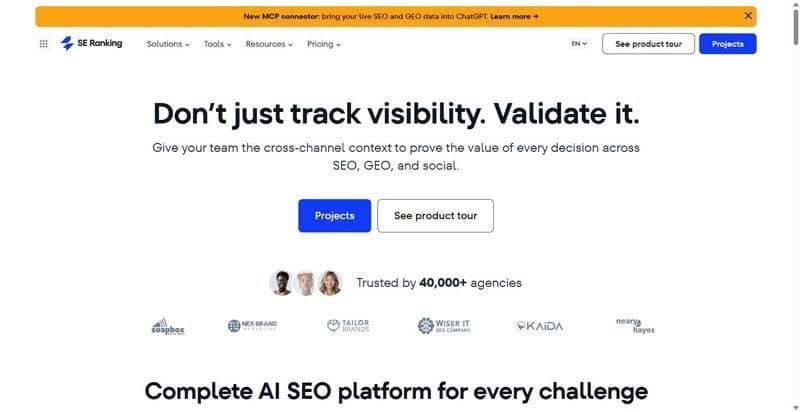
SE Ranking is an SEO reporting platform that exposes rankings, backlinks, audit and AI-visibility data through two documented APIs.
Best for: agencies scripting a 30-account reporting pipeline rather than clicking through one
Standout feature: Two APIs under one subscription: a Data API on credits, a Project API on plan limits. API and MCP access come with every plan, not just the top one. The MCP server carries 160+ tools over OAuth, n8n and Make are native, Looker Studio Partner Connectors blend against GA4, Search Console and Google Ads, JSON at up to 10 requests per second.
Pros:
- Pulls rankings, backlinks, audits and AI visibility from REST endpoints
- Queries the same data from an assistant over MCP
- Wires into n8n or Make with native nodes
- Feeds Looker Studio through official Partner Connectors
Cons:
- Ships no first-party SDKs: integration runs off the Postman collection and REST reference
- Caps default requests per second below some competitors, raised only via support
- Puts unlimited white-label reports, client seats and own-domain delivery in the Agency Pack add-on
Pricing: Core $129/mo ($103.20/mo billed annually, 25,000 Data API credits), Growth $279/mo ($223.20/mo billed annually, 100,000 credits), Agency Pack from $69/mo (annual billing only).
The math: four account managers, forty minutes each, every Monday: 138 hours a year across thirty accounts. Scripting that pull against the Project API took nine hours, plus two hours a quarter. The report builder handles the client-facing half.
2. AccuRanker
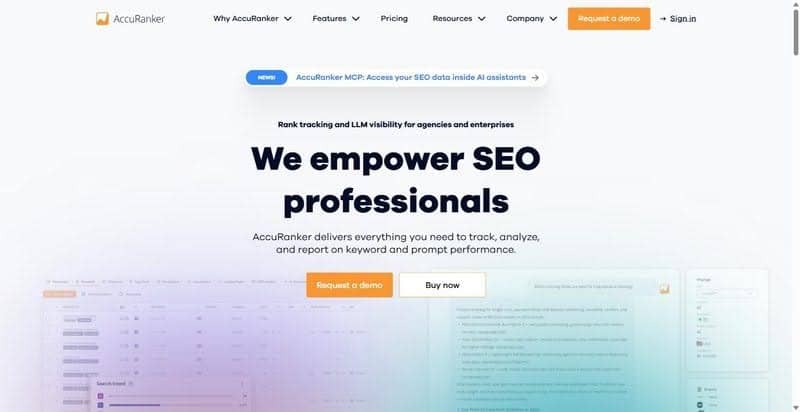
AccuRanker is a rank tracker that sells keyword volume first and API access in tiers.
Best for: teams whose reporting need is rank data at volume and nothing else
Standout feature: The Read API opens at Professional and goes unlimited at Expert, where call budgeting stops.
Pros:
- Tracks up to 25,000 keywords with daily updates
- Exposes a Read API from Professional
- Drops Read API limits at Expert
Cons:
- Puts the Looker Studio connector and unlimited Read API past the $224 to $764 step
- Reserves the Write API and BigQuery export for Enterprise
- Publishes no white-label or client-login detail
Pricing: Professional $224/mo, Expert $764/mo, Enterprise custom. 10% off annual.
The math: one endpoint, one data type, three hours to wire up. The catch: uncapped calls need the $764 plan.
3. Semrush
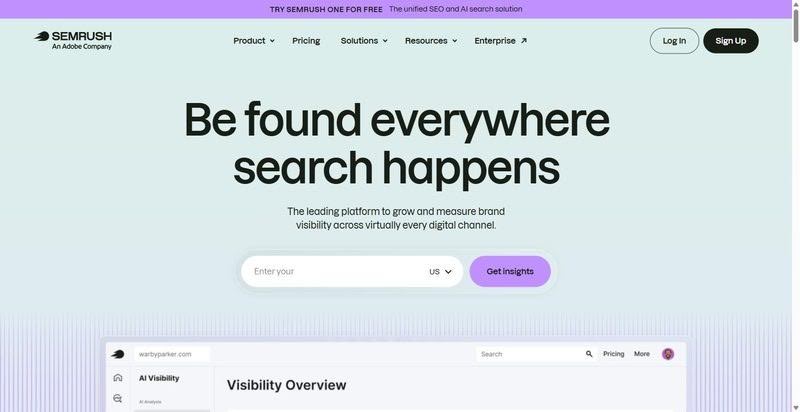
Semrush is an all-in-one suite where reporting and the API sit above the entry plan.
Best for: teams already standardised on the suite who will pay the add-ons
Standout feature: An MCP server is published, and Position Tracking plus Site Audit run on every plan.
Pros:
- Tracks positions and site health on every plan
- Ships an MCP server
- Covers AI visibility on all plans
Cons:
- Gates API data integration at the $549 Advanced tier
- Publishes no rate limits, metering by units
- Charges $10 and $20 for scheduled reporting and white-labeling, seats $45+/mo
Pricing: SEO $139/mo ($117.33/mo billed annually), Advanced $549/mo ($455.67/mo billed annually), add-ons $10 and $20/mo.
The math: the scriptable version starts at $549, before the $20 white-label add-on and $45 seats. A suite purchase, not an automation one.
Step 2: Getting The Data Out, By API, MCP And Connector
The dashboard stopped being the product. In Stack Overflow’s 2025 developer survey of 48,965 respondents, 34.4% of developers building AI agents run MCP servers and 38.3% wire in external agents or APIs. Judge step two on the export path, not on the screen anyone demos.
4. Databox
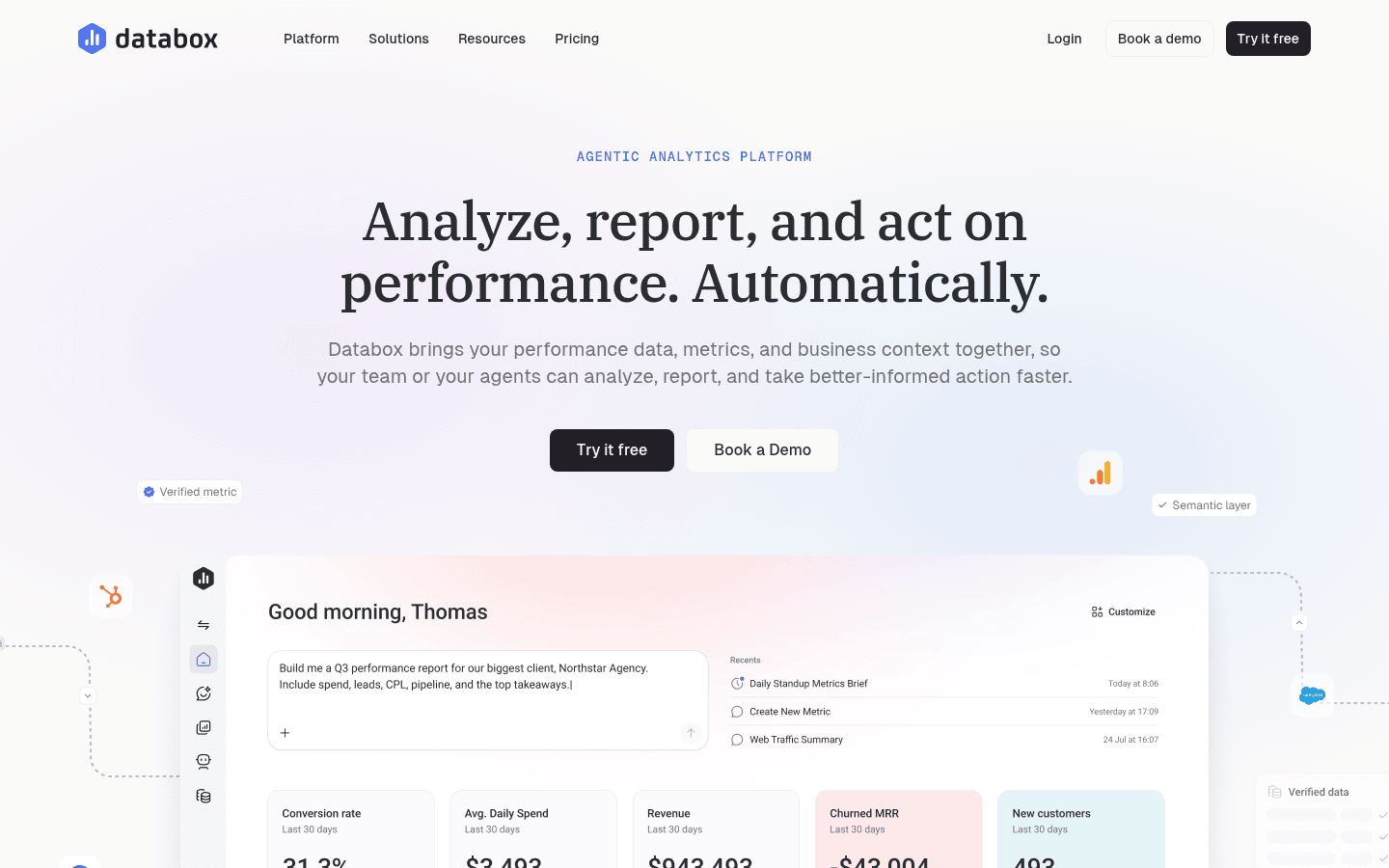
Databox leads with agentic analytics now; its export routes earn the slot.
Best for: teams that want the numbers pushed somewhere else and will buy white label separately.
Standout feature: A push API from the Analyst tier, an MCP server whose own documentation names Claude, n8n and Cursor, and a native n8n node.
Pros:
- Pushes custom metrics from any script
- Documents its MCP server for Claude, Cursor and n8n
- Drops into n8n as a native node
Cons:
- White label is an $80/month Agency add-on, native only on quote-only Custom
- Scheduled delivery starts at the Team tier
- Meters data sources, not clients
Pricing: Analyst $71/mo annual, Team Core $249/mo, Agency from $99/mo annual.
The math: Wiring is cheap. The allowance isn’t. A roster needing GA4, Search Console and Google Ads per client burns sources fast.
5. Klipfolio
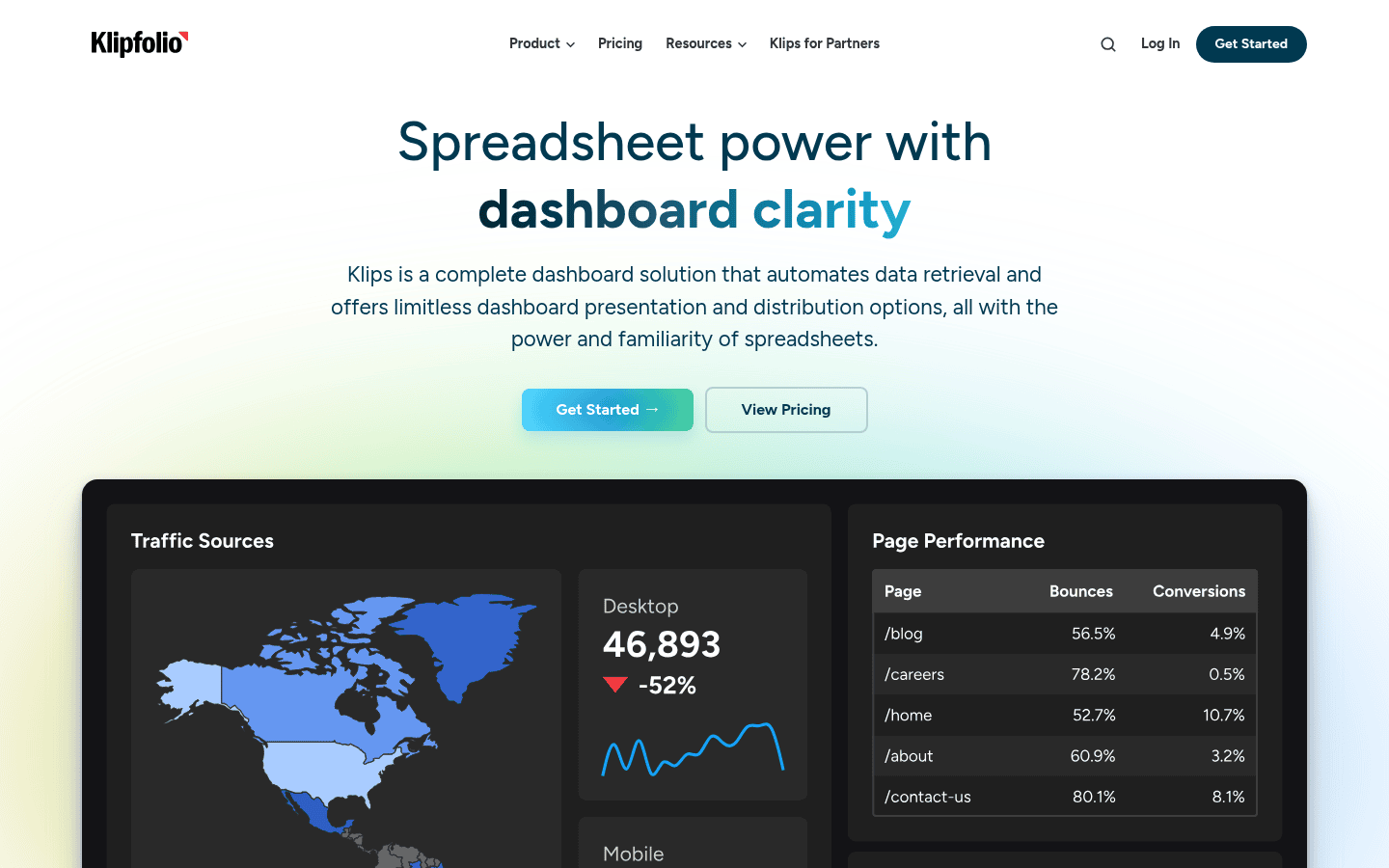
Klipfolio sells Klips dashboards, not SEO: a BI layer that accepts search data.
Best for: teams already running a BI layer that SEO data must land in.
Standout feature: Every tier gets the REST and URL-based connector, which is also how custom and warehouse sources arrive. A Zapier app covers triggers.
Pros:
- Connects REST and URL sources on every tier
- Lands warehouse and custom feeds through it
- Ships a Zapier app
Cons:
- Priced by refresh rate, 4-hourly on entry and real-time higher up
- Unattended sending waits for Grow $190/mo
- No MCP server, no native n8n or Make node
Pricing: Annual: Base $120/mo, Grow $190/mo, Team $310/mo, Team+ $600/mo, white-label bundle $299/mo.
The math: You pay for freshness, not seats. Among SEO client reporting tools that axis is unusual. Hourly means Grow.
Step 3: Assembling And Delivering White Label SEO Reports
Delivery is where the hours go. Most SEO reporting tools for agencies trade one thing for another: better client-facing output for little or no programmatic access. DashThis and Swydo both deliver on schedule, and neither can be rebuilt from code.
6. DashThis
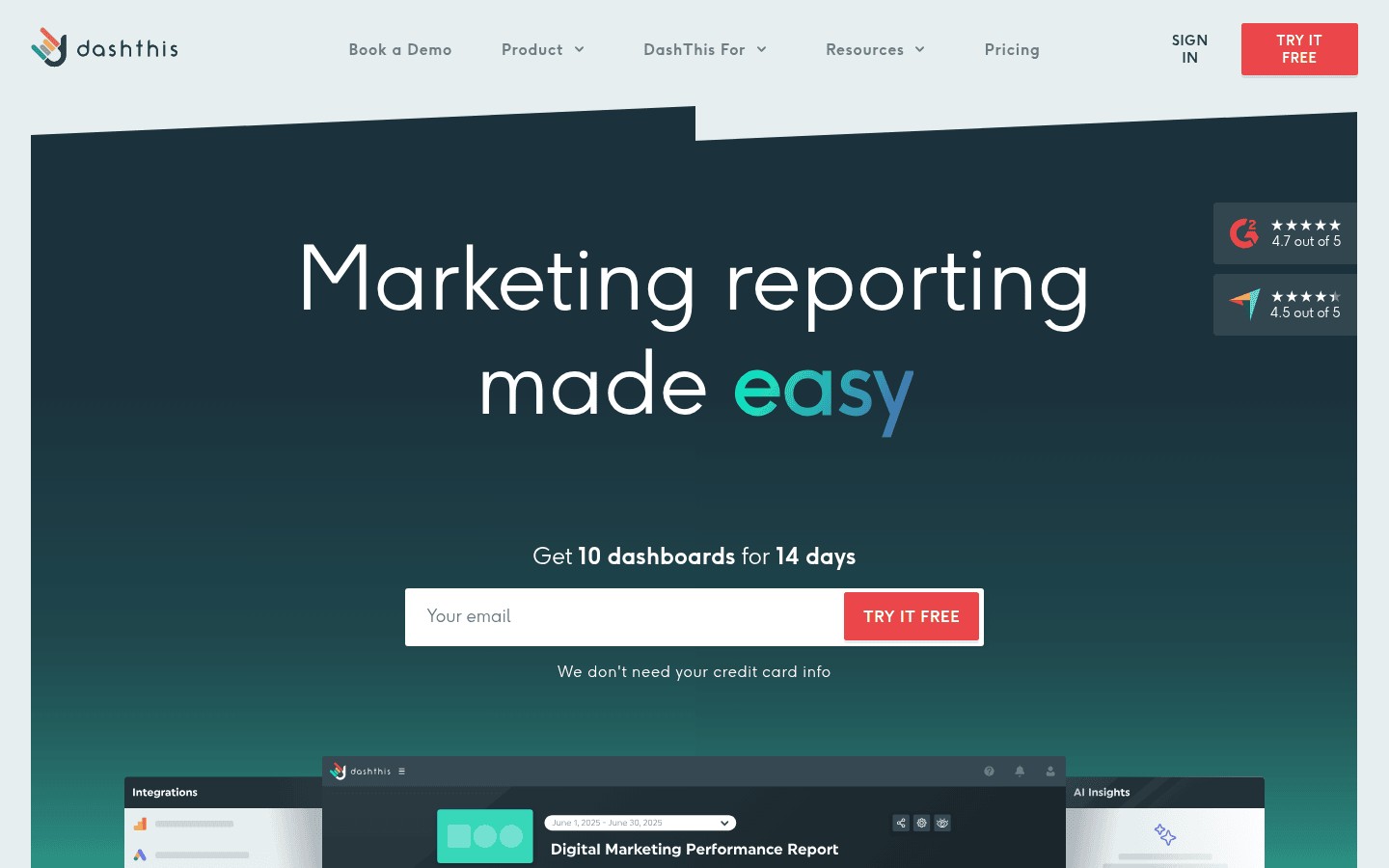
A dashboard layer that turns other tools’ numbers into client reports.
Best for: agencies whose bottleneck is client-facing output and who will never script reporting.
Standout feature: White label runs on every tier, including the $44 Individual plan: custom logo, colour themes, branding removal, custom domain, custom send-from email. Users and integrations stay unlimited. Pricing meters dashboards instead, and 25 client dashboards lands on the $279/mo Business tier.
Pros:
- Brands every report, cheapest plan included
- Schedules client delivery unattended
- Adds account managers at no cost
Cons:
- No public API: nothing can be scripted, versioned or rebuilt from code
- Holds no SEO data itself
Pricing: Individual $44/mo, Professional $139/mo, Business $279/mo, Standard $429/mo.
The math: $279/mo buys back the assembly hours behind 25 client reports. The scripting case never arrives.
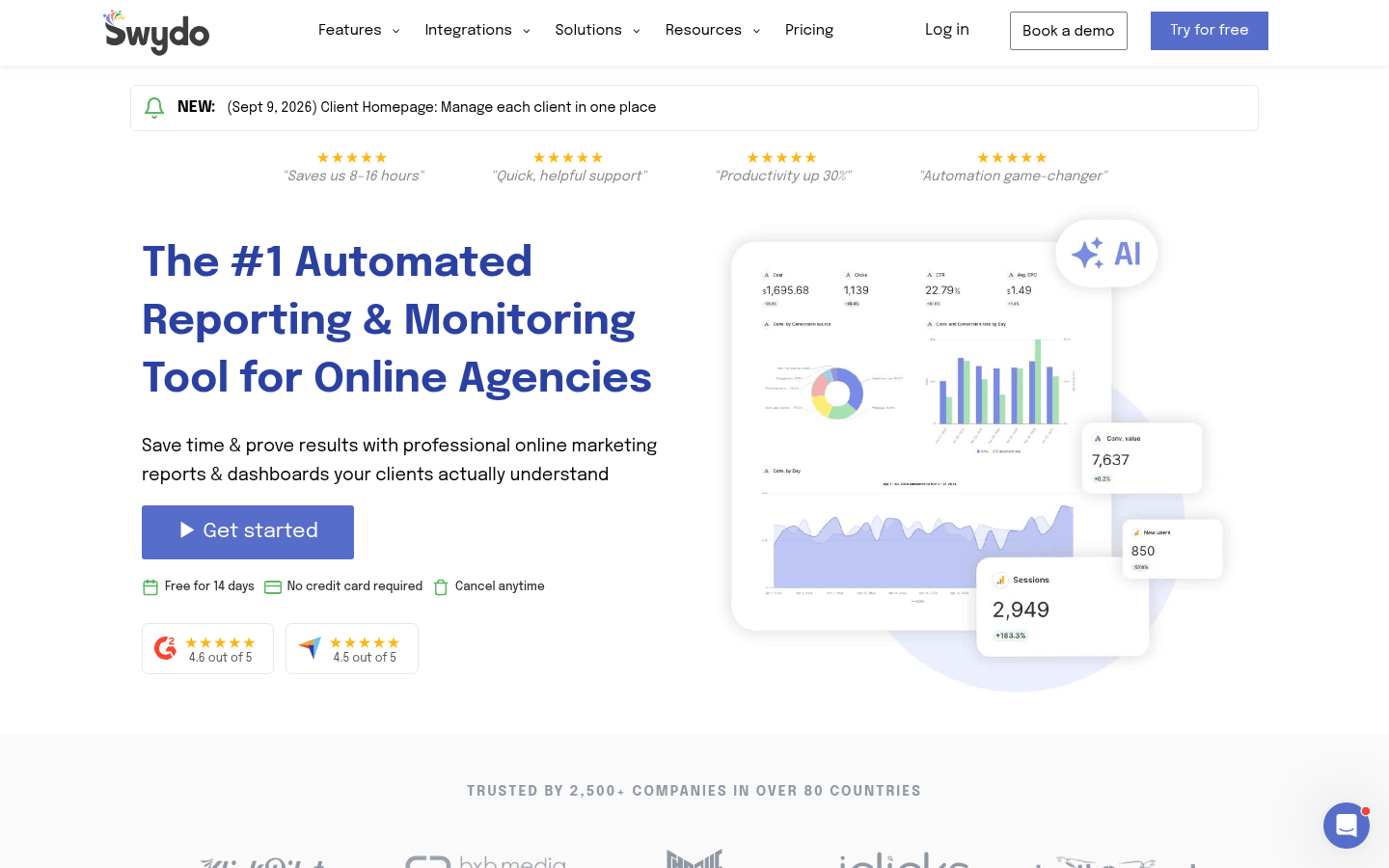
One flat plan: unlimited clients, and white label SEO reports on your domain.
Best for: teams wanting one flat price with unlimited clients and reports.
Standout feature: EUR 69/month, EUR 62/month billed annually, carries unlimited clients, users, dashboards and reports, white labelling with custom domain hosting, role-based access control.
Pros:
- Covers unlimited clients under one price
- Hosts white-labelled reports on your domain
- Controls client access by role
Cons:
- No API advertised, and a Zapier app only
- Sources past the first ten cost EUR 4.50 each, then EUR 3.00 and EUR 2.00
- Catalogue leans to paid media, so SEO teams push data in
Pricing: EUR 69/month, one plan.
The math: Flat pricing wins while the roster grows and the source count does not.
Step 4: The Free SEO Reporting Tools Baseline, And Its Quotas
Free SEO reporting tools bottom out at Google’s own data: clicks, impressions and index coverage, first-hand, across every property you own, on a free documented API. The ceiling is a published quota: 2,000 URL Inspection calls per site per day.
8. Google Search Console
Free first-party data behind a documented API.
Best for: pipelines that need Google’s own numbers as the reference layer behind client reports.
Standout feature: the Search Console API is free and documented, and Google publishes 1,200 queries per minute per site and 40,000 queries per minute per project for Search Analytics, while URL Inspection is capped at 2,000 queries per day per site. That 2,000-per-day URL Inspection ceiling is the quota that bites when you monitor coverage across a client roster.
Pros:
- Pulls query, page and device data
- Publishes its rate limits
- Feeds a warehouse over one endpoint
Cons:
- One property at a time: no multi-client roll-up, no white label, no scheduled client report
- No MCP server, no native n8n node: HTTP request or community node
- Google’s own surfaces only
Pricing: free, unlimited properties.
The math: 20 days to inspect a 40,000-URL site at 2,000 a day. Queue templates.
Where This Breaks
Reporting pipelines fail quietly. Schema drift is a vendor renaming a field: the job keeps running and the dashboard renders zeroes nobody checks. Fivetran’s benchmark of 500 senior data leaders at 5,000-plus-person organisations found 4.7 pipeline failures a month, about 13 hours to resolve each, and 53% of engineering capacity going to maintenance.
A scheduled pull left running burns a credit budget in a week. Rate limits stop being theoretical at thirty accounts.
Building your own looks like the escape: McKinsey’s 2026 State of AI survey of 1,719 respondents found 32% had rejected a software purchase to build in-house with agentic coding tools. It’s cheap until the maintenance line appears.
Pulling one client’s monthly backlink delta from your SEO reporting tool takes eleven minutes a month. Build cost: four hours. Maintenance: thirty minutes a quarter. Leave it manual.
Verdict: What We Would Wire Up First
What we’d wire up: SE Ranking, for most agency reporting pipelines. The Data API, the Project API and the MCP server sit in every plan rather than behind a top tier, so automated SEO reporting starts at the first paid seat, not the top one.
The same store that builds the client report is the one a script queries, so the pipeline and the deliverable never drift apart. Most of the best SEO reporting tools here split those jobs across two vendors.
Skip If
Skip DashThis if any part of the reporting must live in code. It publishes no public API at all, so the dashboard is the ceiling. Skip AccuRanker if the Looker Studio connector is the reason you’re buying: it sits on the far side of the $224 to $764 tier step.
Runnable today: read what SE Ranking’s API and MCP access exposes, then rebuild one client’s weekly report.
FAQ: Automating SEO Reporting
How do you automate SEO reporting?
Automated SEO reporting takes three pieces: a source that exposes an API or a scheduler, a transport such as a connector, MCP server, n8n or Make, and a delivery step. Scheduled white-label delivery inside one SEO reporting platform removes the transport step.
Which SEO reporting tools have an API?
SE Ranking includes API and MCP on every plan, AccuRanker from Professional with write access at Enterprise, Databox from Analyst, Klipfolio all tiers via REST, and Search Console free. Semrush gates API data integration at its top tier. DashThis and Swydo publish none.
What is white label SEO reporting?
White label SEO reporting means the client sees the agency’s brand: its logo, its colours, a custom domain, a custom send-from address, and no vendor branding. Semrush and Databox charge for it; DashThis and Swydo include it.
Can an AI assistant build an SEO report?
Yes, where the tool ships an MCP server. The assistant queries live data through the endpoint and assembles the report, instead of a human exporting CSVs into a template. The guardrail: it answers confidently from whatever the endpoint returns, so the numbers still need a check.
Other Interesting Articles
- AI LinkedIn Post Generator
- Gardening YouTube Video Idea Examples
- AI Agents for Gardening Companies
- Top AI Art Styles
- Pest Control YouTube Video Idea Examples
- Automotive Social Media Content Ideas
- Plumber YouTube Video Idea Examples
- AI Agents for Pest Control Companies
- Electrician YouTube Video Idea Examples
- How Pest Control Companies Can Get More Leads
- AI Google Ads for Home Services
- 60-Second Training Videos Are the New Corporate Standard
- Cybersecurity PR Pricing: Retainers, Deliverables & ROI
- Best AI Tools for Product Consistency in E-Commerce Video
Master the Art of Video Marketing
AI-Powered Tools to Ideate, Optimize, and Amplify!
- Spark Creativity: Unleash the most effective video ideas, scripts, and engaging hooks with our AI Generators.
- Optimize Instantly: Elevate your YouTube presence by optimizing video Titles, Descriptions, and Tags in seconds.
- Amplify Your Reach: Effortlessly craft social media, email, and ad copy to maximize your video’s impact.