
5 Virtual Staging Tools Worth Using on Listings in 2026

An empty room can make a listing easy to skip. Buyers scroll quickly, and bare spaces give them little help imagining a home. I spent several months testing five popular staging platforms to see which ones produced useful listing photos without creating extra work.
I compared realism, furniture scale, speed, consistency across room angles, and cost. I also looked at whether each platform could support a full property launch or only produce staged still images.
Key Takeaways
- Pedra is my top overall pick. Its 29€ Pro Monthly plan includes 100 credits, with virtual tours and the floor plan editor unlimited, and video unlimited apart from animating stills.
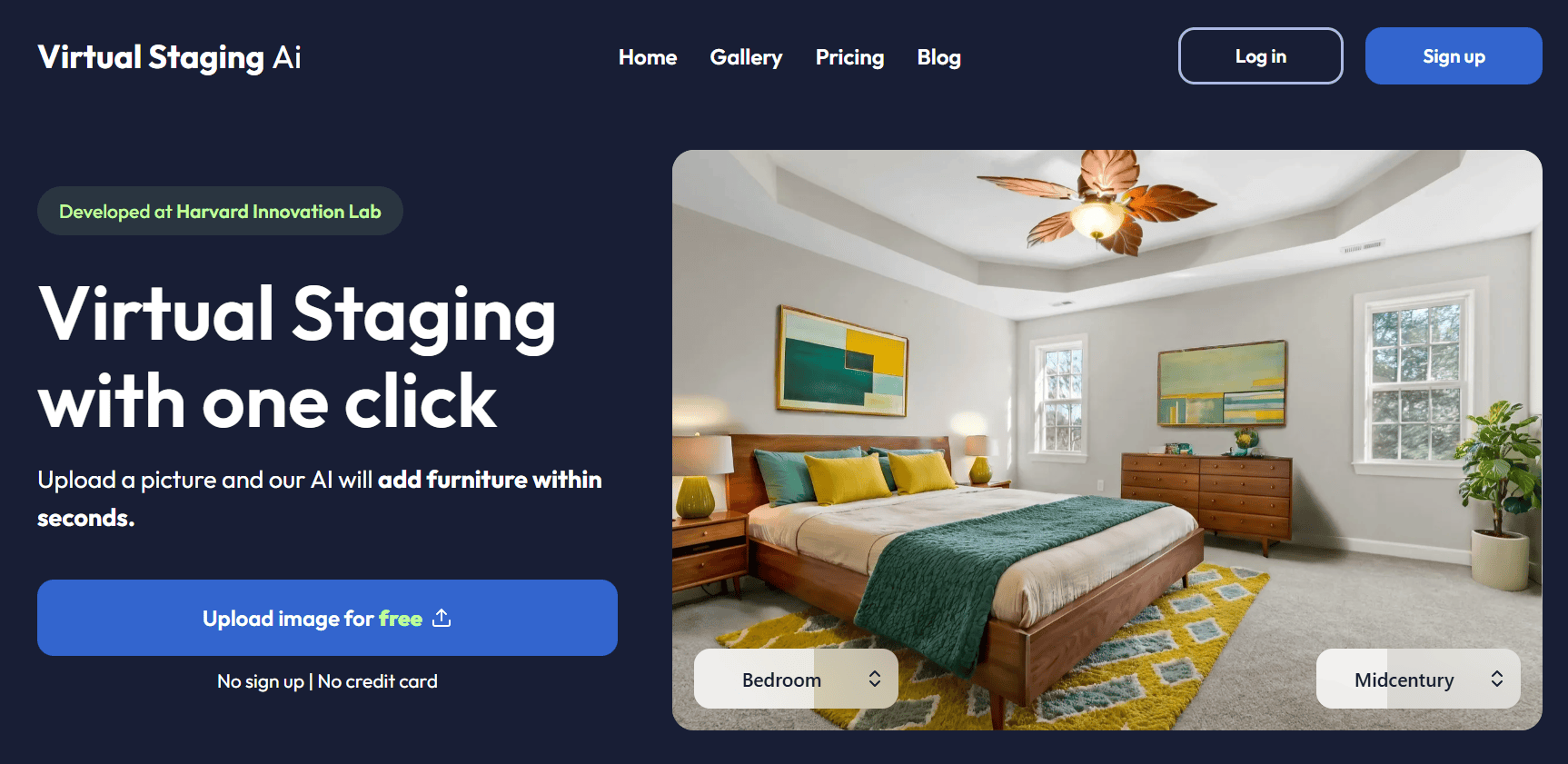
- Virtual Staging AI is a strong speed and budget option. Its Standard plan is $19 per month for 20 photos on annual billing, with an entry tier at $16 for 6 photos.
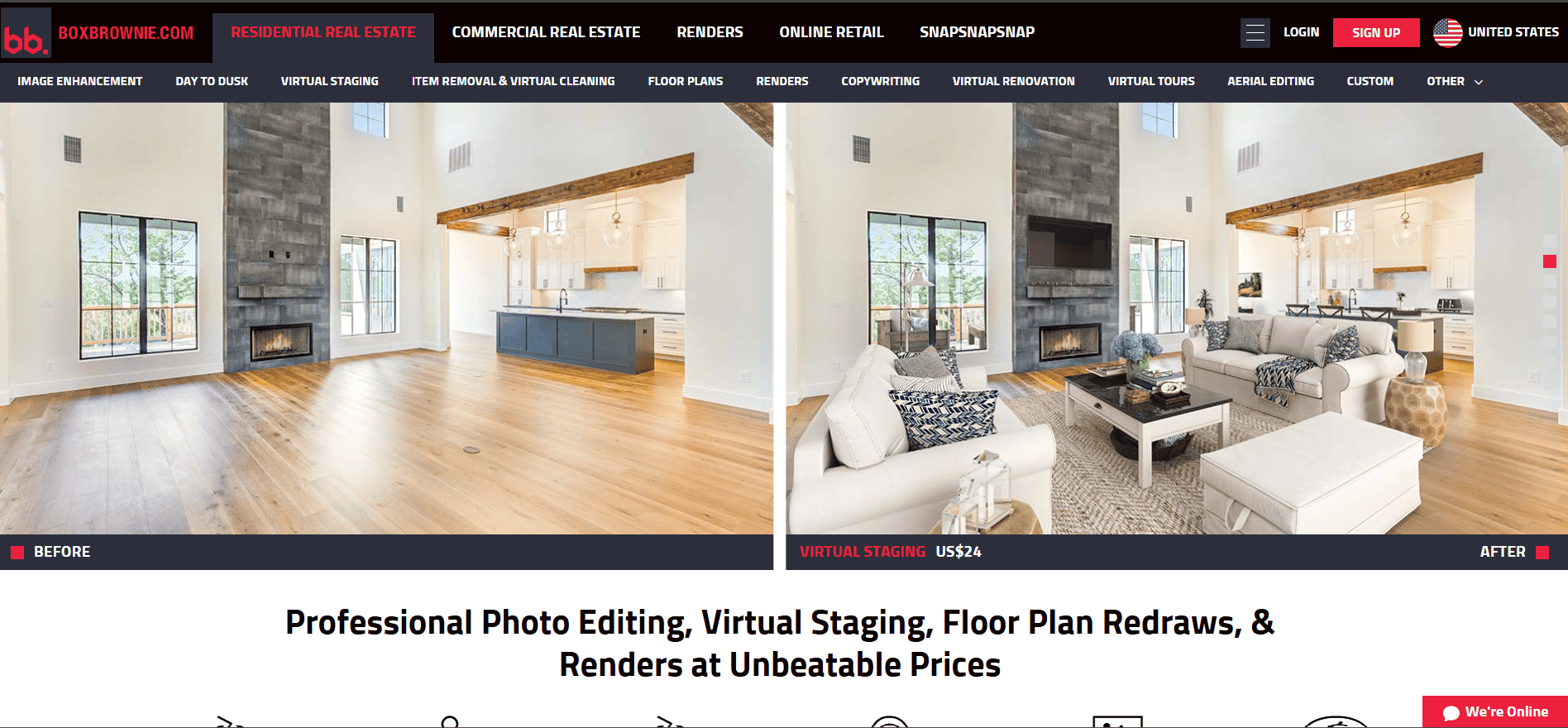
- BoxBrownie suits listings that need a human editor. It charges US$30 per image and states a 48-hour turnaround.
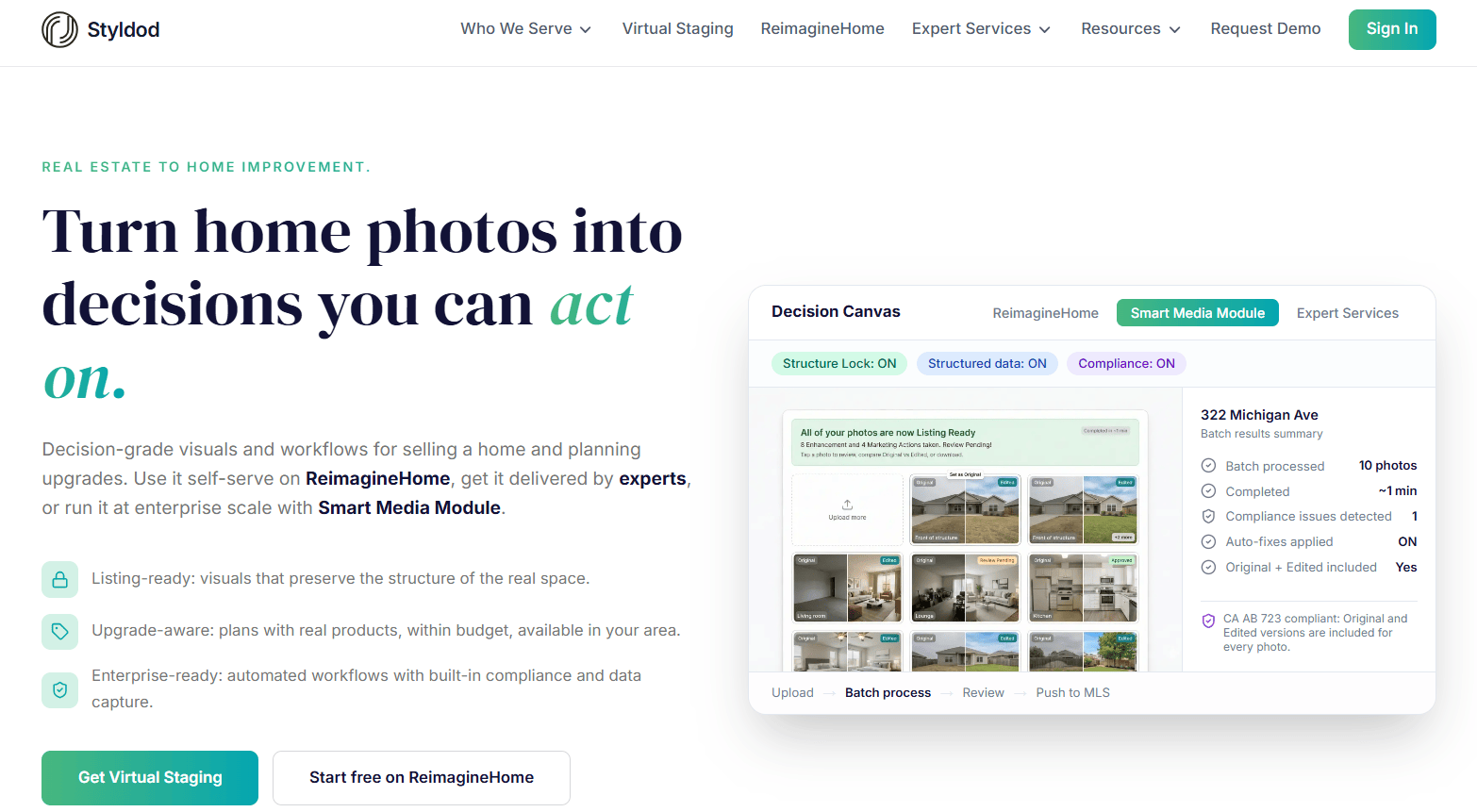
- Styldod offers useful bulk pricing. Orders of eight or more images cost $16 per image.
- REimagineHome works well for early concepts. It offers reference controls, product visualization, and five free designs for new users.
Chapters
How I Tested
I uploaded the same three listing photos to every platform: a bright living room, a dim bedroom, and a kitchen with a partly visible island. I requested similar styles and reviewed the first usable results rather than selecting only the most flattering examples.
I checked furniture scale, shadows, perspective, and consistency across angles.I also compared delivery speed, revision options, pricing, and extra listing assets. To judge broader marketing value, I asked whether each tool could support a full property launch rather than a single photo, since staged images usually end up feeding real estate social content as well as the listing itself.
I treated vendor turnaround times as stated estimates, not guarantees. Actual results can vary with image quality, room complexity, and demand.
What Is Virtual Staging?

Virtual staging adds digital furniture and decor to a photo of an empty or dated room. AI platforms can produce options in seconds, while designer-assisted services send the file to a human editor and usually include a revision process.
AI is useful when you need speed, volume, or several style ideas. A designer-led service may suit difficult photos or high-value hero images. Most MLS systems and brokerages expect altered photos to be labeled, so check the rules in your market before publishing.
Five staging platforms compared for listing photos, pricing, speed, and consistency.
1. Pedra

Pros
- One plan covers staging, listing videos, virtual tours, and a floor plan editor
- Virtual tours and the floor plan editor are unlimited on Pro Monthly, as is video, with the exception that animating a still photo into moving footage costs 5 credits
- Staging costs one credit per image, making monthly use easier to forecast
- Can keep furniture consistent across multiple photos of the same room
- Accepts reference images when you want a specific furniture style
- Its pricing FAQ states that credits may be refunded for unsatisfactory image results
- Its REST API supports staging, image edits, object removal, and listing videos
Cons
- Plans are priced in euros, so some cards may charge a conversion fee
- It uses a subscription and credit model rather than simple pay-as-you-go pricing
- There is no human touch-up pass included by default
My Experience
Pedra was the only platform in this test that took me from raw photos to a broader set of listing assets without a second product. I staged the living room, reused the shoot for a video, and built a tour from the same account. That made the workflow feel much more connected.
I was especially impressed by its consistency across different photos of the same room. The sofa and overall layout stayed recognizable instead of changing between angles. This small detail makes a listing gallery feel more believable and polished.
The reference image option was also useful. I could show the platform the furniture look I wanted rather than relying only on a general style label. Pedra also offers an iPhone app for turning short room clips into listing videos, multilingual AI voiceover, and API access for teams that want to connect the tools to an existing workflow.
2. Virtual Staging AI
Pros
- States a 10-second turnaround for staged images
- Offers a low effective cost per photo on higher plans
- Allows unlimited renders and downloads within the photo allowance
- Includes furniture removal for dated or cluttered rooms
- Stores images for later access
Cons
- Monthly plans limit how many photos you can process
- Multi-view staging is documented with beta limitations
- API access is reserved for the Enterprise tier
My Experience
This was the tool I reached for when I needed a staged still image quickly. Uploading a photo and choosing a style took little effort, and the stated 10-second processing time felt realistic during my tests.
Furniture removal handled the dated bedroom surprisingly well without badly blurring the baseboards. Unlimited rerenders within the photo allowance also let me try again when the first furniture choice was not right.
The main difference from Pedra is scope. Multi-view staging has documented beta limits, and the regular plans do not bundle listing videos or tours. It makes sense when you mainly need still images.
3. BoxBrownie
Pros
- Uses human editors rather than relying only on an AI model
- States a 48-hour turnaround
- Includes unlimited changes within two months
- Does not require a subscription
- Offers related services, including 360-degree staging
Cons
- US$30 per image can add up across a full gallery
- It is slower than instant tools when a listing is urgent
My Experience
The edited room looked natural, with sensible furniture scale and well-placed shadows. It felt like the furniture had been selected for the space rather than placed from a standard template.
The revision policy is a major part of the value. I could send clear notes back without paying for every change. The trade-off is speed and cost, so I would reserve it for important hero images or difficult rooms.
4. Styldod
Pros
- Charges $16 per image on orders of eight or more
- Includes unlimited free revisions
- States a turnaround of 24 to 48 hours
- Offers optional rush service and related property-editing services
Cons
- Orders below eight images cost $23 per image
- Rush service adds $6 or $12 per image
- Timing can vary with order complexity
My Experience
Styldod made the most sense when I treated the full property gallery as one order. The bulk rate was predictable, and the first bedroom result arrived within the company’s stated delivery window.
I asked for a lighter bed during the revision round, and the update did not create another charge. That flexibility is useful, but the value is strongest on larger orders rather than one-off images.
5. REimagineHome
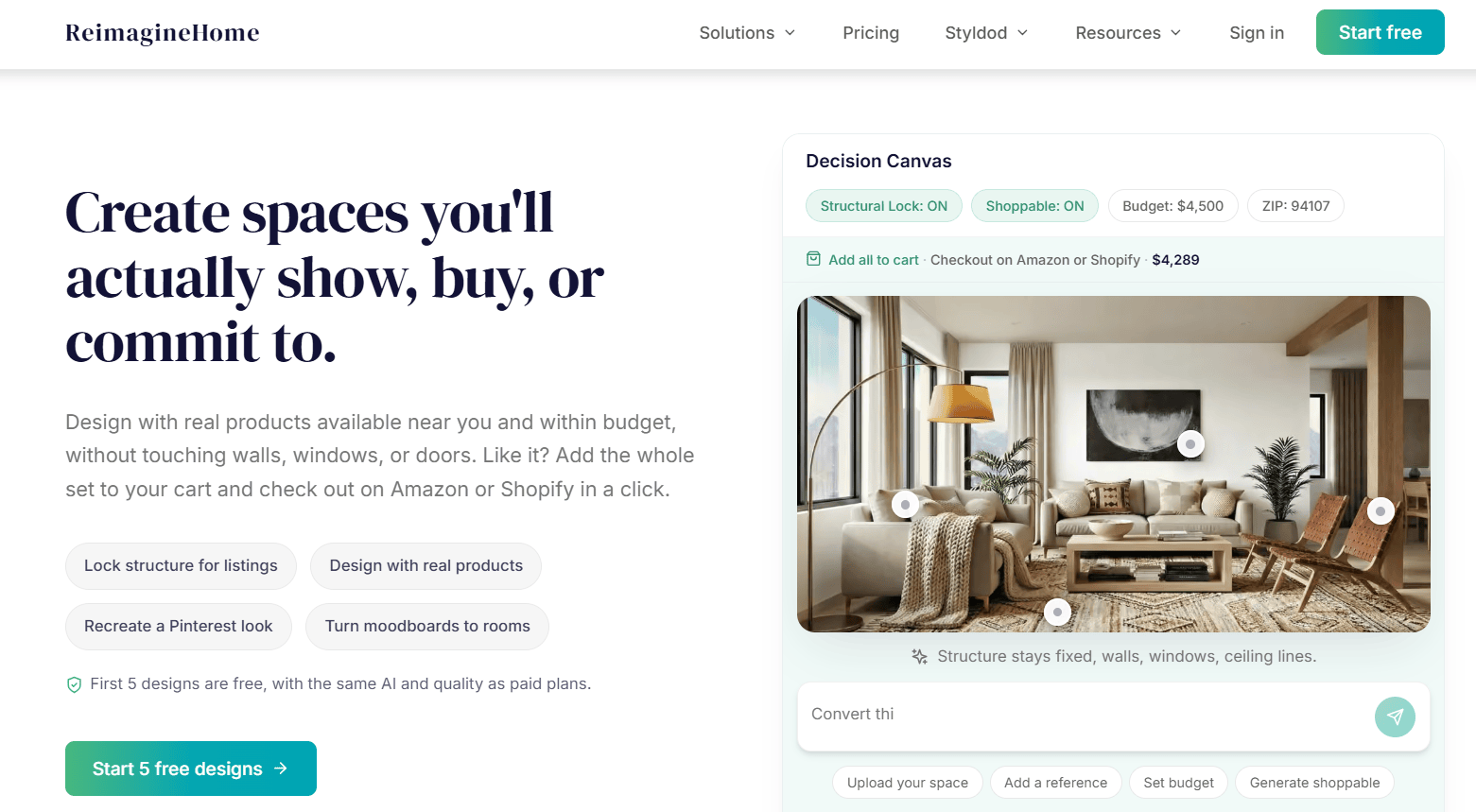
Worth knowing first: REimagineHome is Styldod’s self-serve AI product. The two are the AI and human-delivered sides of one company, not independent vendors, so choosing between them is really choosing whether a person does the work.
Pros
- Gives new users five free designs
- Supports visualization with real furniture products
- Offers Listing Batch Processing on the Pro plan
- Accepts reference photos to guide the design
Cons
- Credit-based usage requires planning during busy months
- Users must manage staging disclosure labels separately
My Experience
I found this platform more useful for exploring what a room could become than for rushing a listing live. Reference images made it easy to test ideas, and the generated layouts gave me directions I might not have requested myself.
Real Products visualization is its most distinctive feature. It can help with renovation pitches or marketing that shows recognizable furnishings. Batch processing makes the Pro plan more practical for property galleries, but concept development remains its clearest strength.
Conclusion
Pedra is my top pick for most agents and small brokerages. It produced consistent staged rooms and brought photos, videos, tours, and floor plans into one workflow. That mix offers practical value when a single property shoot needs to support several marketing assets.
Virtual Staging AI is the runner-up when speed and low-cost still images matter most. BoxBrownie is better suited to important images that need a human editor, while Styldod offers more predictable pricing for larger batches.
REimagineHome fills a different role for early concepts and product-based room ideas. Whichever option you choose, test a difficult photo first. A platform that handles your usual lighting, angles, and room types will be more useful than one that only performs well on ideal images.
FAQ
Are AI-staged photos allowed on an MLS?
They are often allowed when clearly disclosed, but local rules differ. Many MLS systems require a label stating that an image has been digitally staged. Confirm the policy with your MLS or brokerage before uploading altered photos.
How much does digital staging cost in 2026?
AI subscriptions in this comparison range from $16 to $79 per month, with another plan priced at 29€. Human-edited services generally cost $16 to US$30 per image, depending on order size and optional rush handling.
Which rooms should I stage first?
Start with the living room, primary bedroom, and kitchen or dining area. These spaces tend to carry the most emotional weight in a listing gallery. Add offices or secondary bedrooms when their size or purpose is unclear.
How should digitally staged photos be labeled?
Add a clear note such as “virtually staged” to the image or caption, then repeat the disclosure in the listing remarks when required. Use the same wording across every altered photo so buyers know what they will see at the property.
Other Interesting Articles
- AI LinkedIn Post Generator
- Gardening YouTube Video Idea Examples
- AI Agents for Gardening Companies
- Top AI Art Styles
- Pest Control YouTube Video Idea Examples
- Automotive Social Media Content Ideas
- Plumber YouTube Video Idea Examples
- AI Agents for Pest Control Companies
- Electrician YouTube Video Idea Examples
- How Pest Control Companies Can Get More Leads
- AI Google Ads for Home Services
- 60-Second Training Videos Are the New Corporate Standard
- Cybersecurity PR Pricing: Retainers, Deliverables & ROI
- Best AI Tools for Product Consistency in E-Commerce Video
Master the Art of Video Marketing
AI-Powered Tools to Ideate, Optimize, and Amplify!
- Spark Creativity: Unleash the most effective video ideas, scripts, and engaging hooks with our AI Generators.
- Optimize Instantly: Elevate your YouTube presence by optimizing video Titles, Descriptions, and Tags in seconds.
- Amplify Your Reach: Effortlessly craft social media, email, and ad copy to maximize your video’s impact.