
The Best AI Image Generators for Creating Stunning Visuals
AI image generators have moved from fun experiments to practical creative tools.
Marketers, creators, designers, bloggers, social media managers, and small business owners can now create visuals for campaigns, blog posts, ads, thumbnails, presentations, product concepts, and social content without starting from a blank canvas.
That does not mean every AI-generated image is ready to publish.
Some outputs look beautiful but do not match the brand. Others have strange hands, distorted text, awkward faces, unclear composition, or details that fall apart when you zoom in. And for commercial use, you also need to think about image rights, disclosure, editing, SEO, and whether the visual could mislead your audience.
The best AI image generators help you move faster, test more ideas, and create visuals that support your message. But the strongest results still come from a clear creative brief, good prompts, careful editing, and human judgment.
In this guide, we compare some of the best AI image generators for creating stunning visuals and share practical tips to help you get better, safer, and more useful images for your content and campaigns.
Chapters
What are AI image generators?
AI image generators are tools that turn text prompts into beautiful images.
You type a description, and the tool creates the visual for you using machine learning.
These generators can also edit photos, replace objects, expand images, and improve quality.
They remove a lot of manual work and produce polished results in seconds.
The Best AI image generators
StoryLab.ai Text to Image Generator
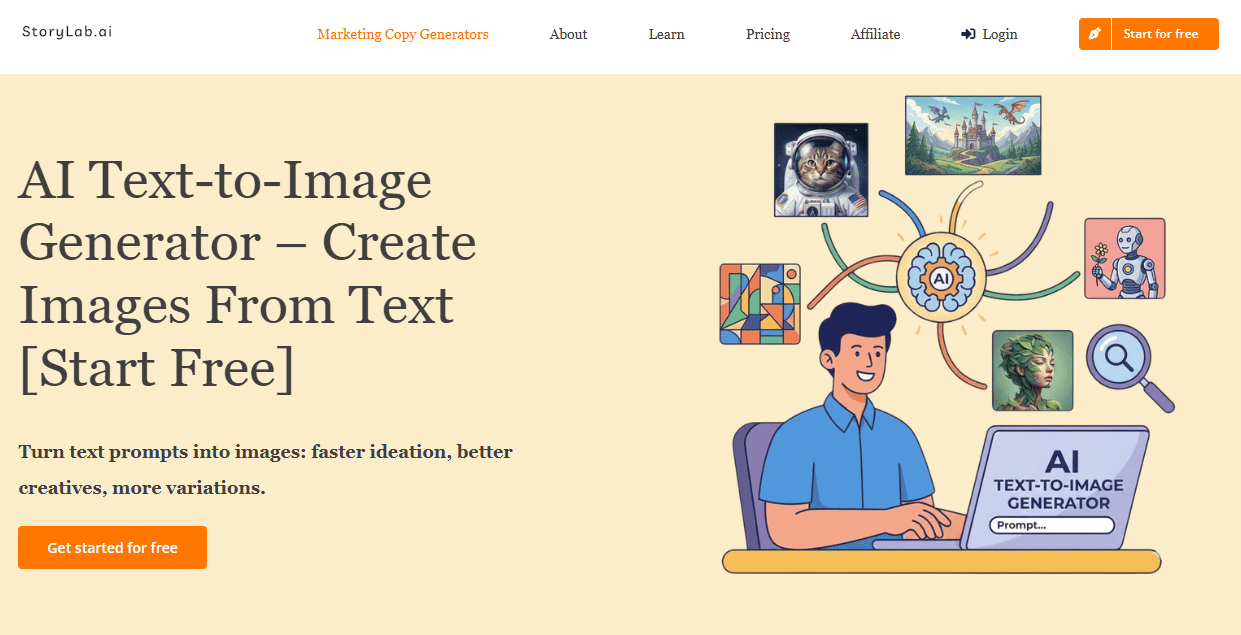
StoryLab.ai’s AI Text-to-Image Generator helps marketers, content creators, bloggers, and small business owners turn written prompts into visual concepts quickly.
Instead of starting from a blank canvas, you describe the image you want, choose a style, generate a few variations, and refine the best result. It is especially useful when you need fast visuals for blog posts, social media posts, ads, thumbnails, ebooks, landing pages, mood boards, or campaign concepts.
Best for: marketers and creators who want AI image generation connected to their wider content workflow.
Top features:
- Text-to-image generation
- Prompt-based visual creation
- Multiple image style options
- Useful for social media, blogs, ads, thumbnails, ebooks, and campaign visuals
- Free account option with monthly runs
- Works well alongside StoryLab.ai’s copy, blog, social media, ad, and campaign tools
Why it stands out:
StoryLab.ai is useful because it does not treat visuals as a separate creative task. You can create content ideas, captions, headlines, blog intros, ad copy, and image prompts in the same broader workflow.
That makes it a strong first choice for marketers who need both the words and visuals around a campaign.
LightX
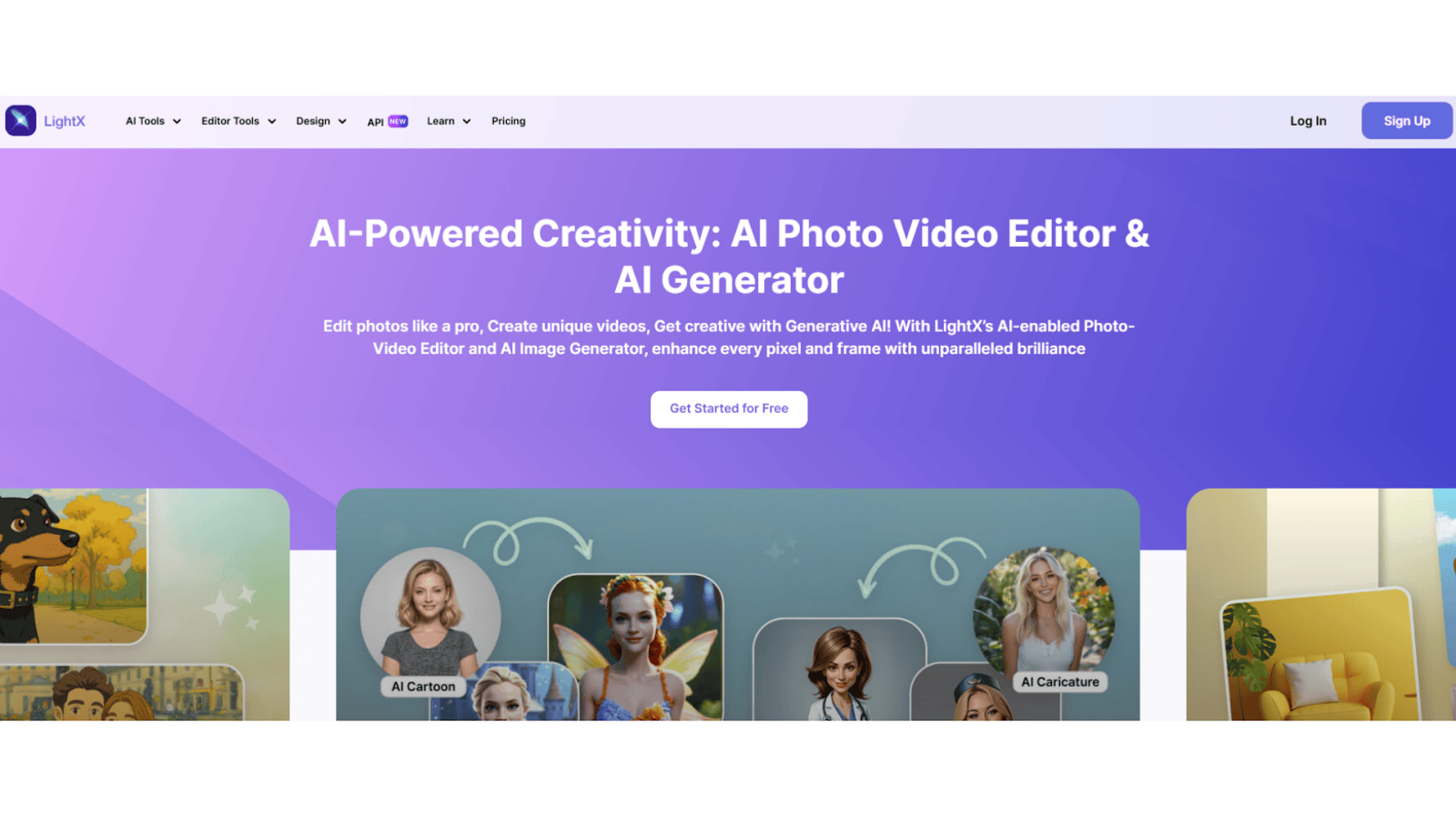
LightX gives you an easy way to create and edit images with AI.
You can generate images from text, replace objects, clean up photos, change outfits and hairstyles, or create backgrounds.
LightX is simple to use, works fast, and gives high-quality visuals.
Best for: users who want quick and creative AI images without spending much.
Key features:
- Text-to-image generation
- Object replacement
- Background generation
- Photo cleanup
- Image expansion
Adobe Firefly
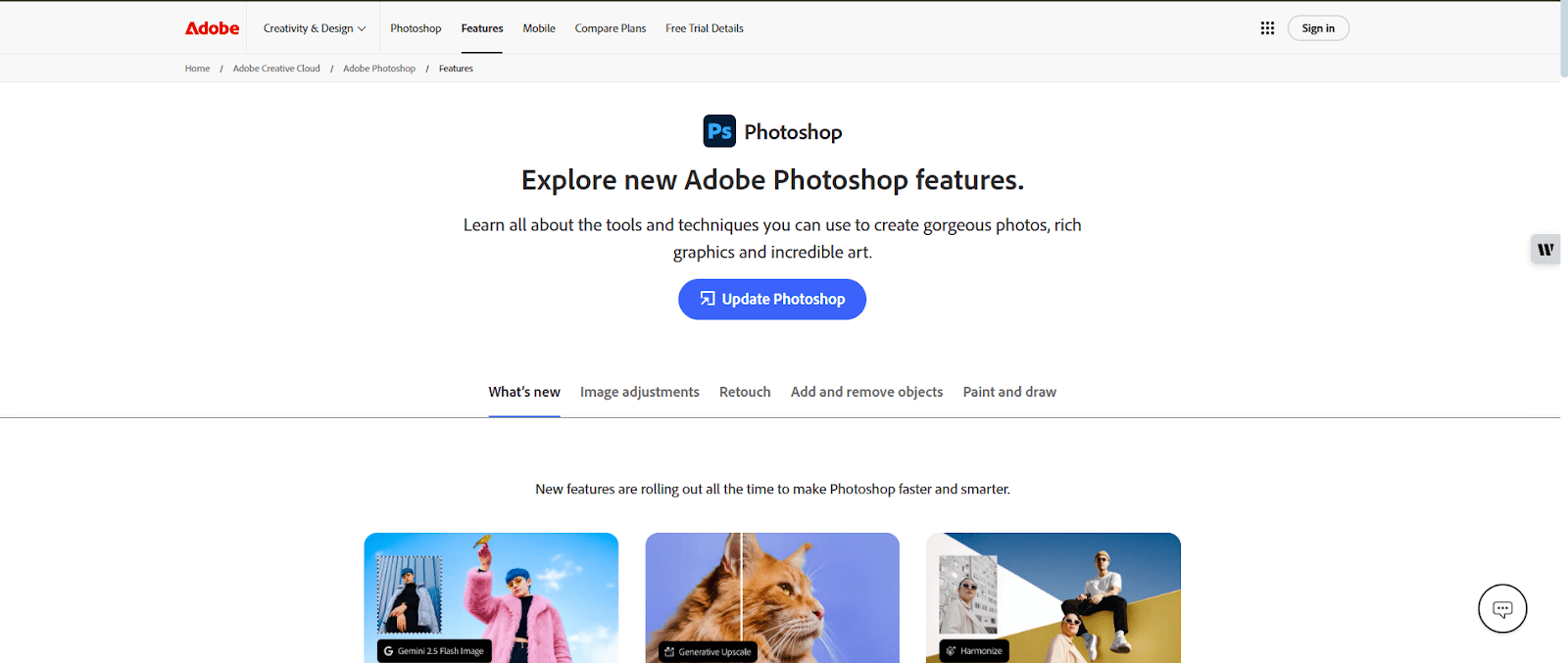
Adobe Photoshop is one of the top choices for AI-based editing.
It offers a wide range of tools that let you change and improve images with strong precision and full control.
Its powerful and flexible interface has been a standard in professional editing for many years.
It works well for detailed and creative projects.
Availability: Windows, macOS and iPad
Best for: professional photographers and designers
Top features:
- Replacing parts of an image with AI
- Adding new objects
- Changing or removing backgrounds
- Applying different filters
- Merging or combining images
Luminar Neo
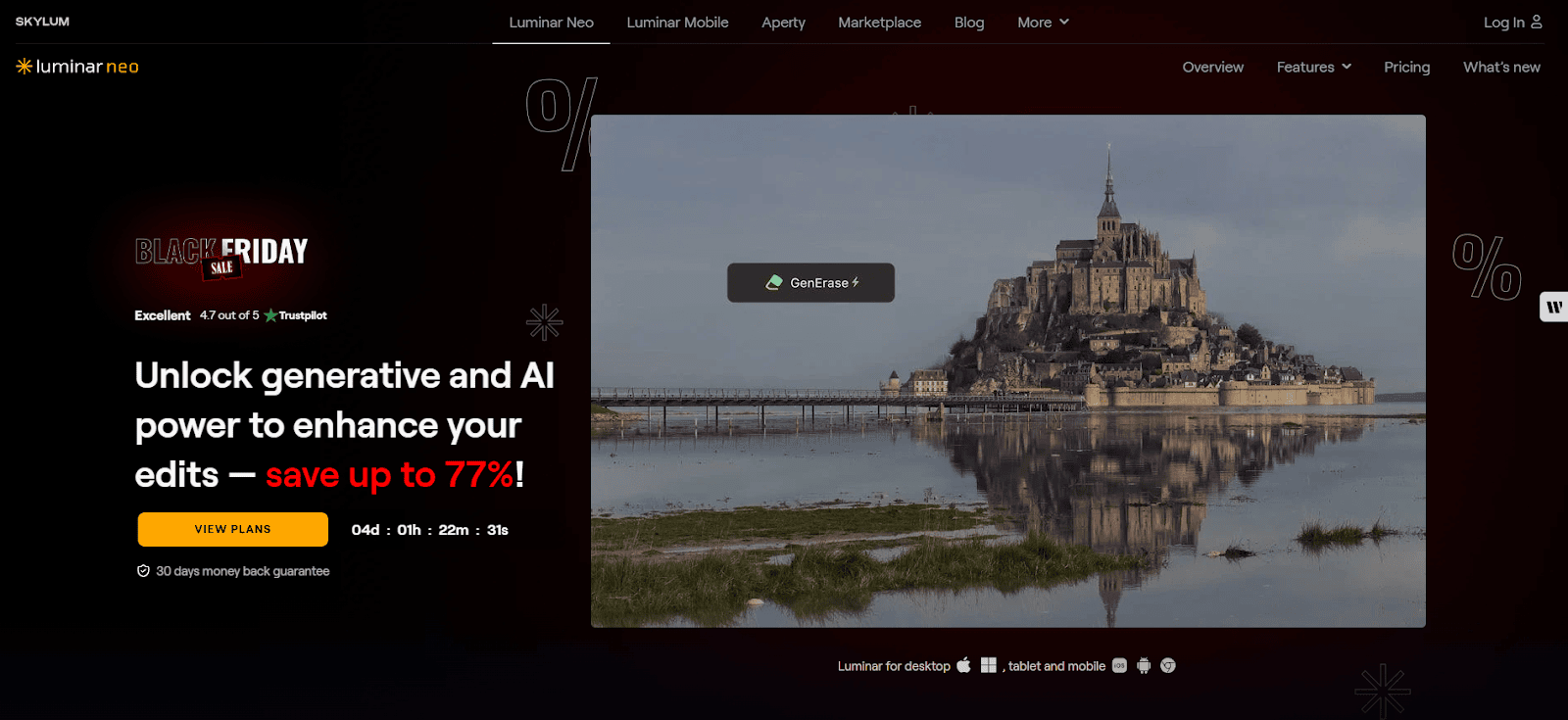
Luminar Neo gives you a set of AI tools that help you edit images with ease.
You can use many advanced features through a clean and intuitive interface, making it simple to create strong visual effects.
It offers plenty of options, making it a reliable choice for creative and detailed editing.
Availability: Windows and macOS
Best for: advanced hobbyists and professionals
Top features:
- AI sky replacement
- Skin retouching
- Light and exposure control
- Adding fog, mist or haze to photos
Canva
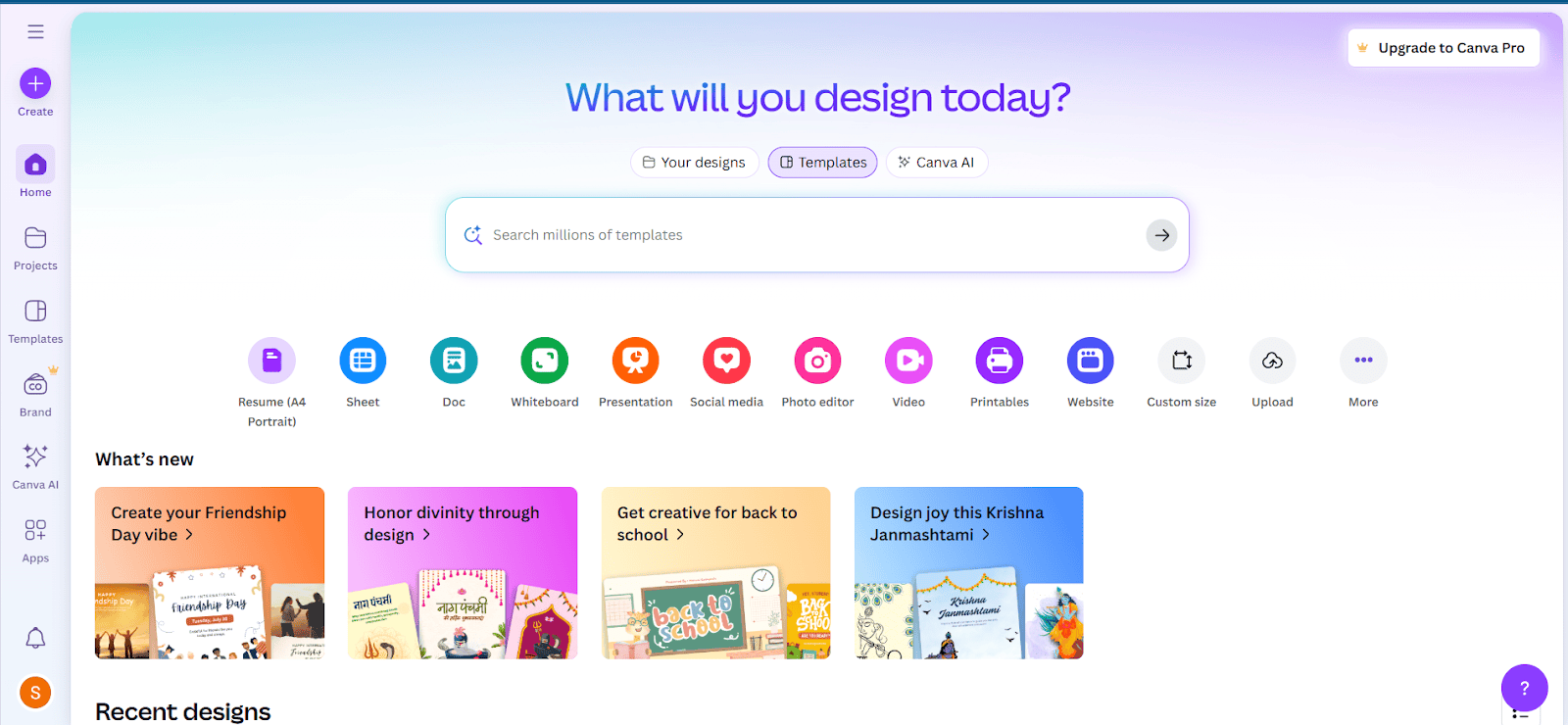
Canva’s AI tools make design and photo editing easy and quick.
You can create clean and attractive visuals without much effort.
Its straightforward and powerful interface works well for both personal and professional use.
It remains a dependable choice for fast and effective design work.
Availability: Web, iOS and Android
Best for: social media users and designers
Top features:
- AI photo enhancement
- Element replacement
- Background removal
- Image generation
- Applying filters
Here’s a quick comparison table of all the editors to help you understand them better.
| AI Editor | Strengths | Ease of use | Pricing plans | Overall performance |
|---|---|---|---|---|
| LightX | Beginner-friendly with many features and smart AI tools | Super easy | Free plan available; Pro starts at about $4.91 monthly or $49.08 yearly | Professional quality with fast and consistent results |
| Adobe Photoshop | Wide range of tools, strong AI features, trusted industry standard | Intermediate | $22.99 per month for Photoshop; Photoshop + Lightroom bundle $19.99 per month | Delivers industry-best precision with a professional finish |
| Luminar Neo | AI-driven features, clear interface, produces high-quality output | Intermediate | Yearly plan priced at about $33.36 | Reliable tool that produces rich, creative, top-quality visuals |
| Canva | Ready-made templates, wide set of design tools, smart AI features, and easy collaboration | Super easy | Free plan available; Pro costs about $5.96 per month or $47.68 per year | Multi-purpose, fast, and reliably effective |
Popular use cases for AI images
- Social media visuals: Create images for posts, ads, and stories quickly with AI.
- Product photos: Make clean product shots, remove backgrounds, or add new scenes. For product-focused visuals, an AI image editor like Pokecut can help clean up product photos, remove backgrounds, and create polished variations for online stores, ads, and social media.
- Marketing designs: Generate posters, banners, and ad creatives in seconds.
- Portrait improvement: Fix skin, lighting, and details automatically.
- Object and background edits: Replace objects, remove unwanted items, or create new backgrounds.
Limitations
Even with strong results, AI image generators still have limits:
- They sometimes produce incorrect object shapes
- Human hands or faces may look odd in detailed shots
- Complex scenes may need several prompt attempts
- Some tools need a paid plan for full-quality images
- Style consistency can be hard across many images
Practical Tips for Getting Better Results From AI Image Generators
AI image generators can help you create visuals faster, but the best results rarely come from one quick prompt.
Strong AI visuals usually need a clear idea, a specific use case, a few rounds of refinement, and human editing before they are ready for a website, ad, social post, or campaign.
Use these tips to get better images from the tools already listed above.
Start with the final use case
Do not start by asking for “a beautiful image.”
Start with where the image will be used.
A good image for a blog header is not always a good image for Instagram. A good product background is not always right for an ad. A good YouTube thumbnail needs stronger contrast, simpler composition, and more visual focus.
Before writing the prompt, define:
- Where the image will appear
- The image size or aspect ratio
- The main subject
- The emotion or mood
- The audience
- The brand style
- Whether text will be added later
- Whether the image needs to feel realistic, illustrated, cinematic, minimal, playful, premium, or editorial
This makes the prompt easier to control.
Use a clear prompt structure
A strong AI image prompt usually includes more than the subject.
Use this structure:
Subject + setting + style + lighting + composition + mood + technical details + restrictions
Example:
“Create a clean editorial-style image of a small business owner planning social media content at a desk, modern workspace, soft natural light, laptop and notebook visible, calm and focused mood, realistic but polished, wide horizontal composition, no text, no distorted hands, no extra fingers.”
This gives the tool more direction.
A weak prompt leaves too much to chance.
Be specific, but not overloaded
Specific prompts help. Overloaded prompts can confuse the tool.
Instead of adding 25 details, focus on the most important ones.
Better:
“Minimal flat illustration of an AI content workflow, with a writer, laptop, idea cards, and image thumbnails, clean white background, soft blue and orange accents, modern SaaS style.”
Worse:
“Create an image with a laptop, five people, a robot, a chart, a city, a sunrise, a phone, social media icons, a calendar, a rocket, plants, neon lighting, and a futuristic background.”
Too many ideas often create visual chaos.
One image should have one main job.
Generate several versions before choosing
The first image is not always the best one.
Generate multiple versions and compare them based on:
- Clarity
- Composition
- Brand fit
- Realism
- Emotional tone
- Object accuracy
- Usefulness for the page
- Cropping flexibility
- Whether it still works at small size
For marketing visuals, the best image is not always the prettiest one.
It is the one that communicates fastest.
Leave space for text when needed
If the image will be used for a thumbnail, social post, ad, or blog hero, leave space for text.
Add this to the prompt:
“Leave clean empty space on the left side for headline text.”
Or:
“Simple background with the subject on the right, no text, room for overlay copy.”
This makes the image easier to use in real design work.
Otherwise, the tool may fill every corner with detail, and your final graphic becomes hard to read.
Avoid generating text inside the image
AI image generators often struggle with accurate text.
If you need a headline, button, logo, label, or quote, add it later in a design tool.
Prompt the image generator with:
“No text, no letters, no words, no logos.”
Then add the final text manually.
This gives you more control and avoids strange spelling mistakes.
Check faces, hands, objects and background details
AI images can look great at first glance and still contain small mistakes.
Always zoom in before publishing.
Check:
- Hands
- Fingers
- Faces
- Eyes
- Teeth
- Jewelry
- Screens
- Product shapes
- Logos
- Background objects
- Reflections
- Shadows
- Text-like marks
- Clothing details
- Weird extra objects
Small errors can make a professional image feel cheap.
This matters even more for ads, website hero images, and brand campaigns.
Keep brand consistency across images
If every AI image has a different style, your website or campaign can feel messy.
Create a simple image style guide.
Include:
- Preferred image type
- Color palette
- Lighting style
- Level of realism
- Illustration style
- Background style
- Camera angle
- Mood
- Composition rules
- Things to avoid
Example:
“Our blog visuals should feel clean, bright, modern, and practical. Use soft natural lighting, simple backgrounds, realistic people, no exaggerated futuristic robots, no neon cyberpunk style, and no text inside the image.”
This helps every image feel like part of the same brand.
Use reference language instead of copying artists
It can be tempting to prompt images “in the style of” a living artist, famous illustrator, or specific brand.
For business use, it is safer and more professional to describe the visual qualities instead.
Instead of:
“In the style of [artist name].”
Use:
“Warm editorial illustration, soft shapes, muted colors, hand-drawn texture, friendly composition, modern magazine feel.”
This gives you creative direction without making the image feel like a copy of someone else’s work.
Be careful with people, brands and public figures
Avoid generating images that could mislead people.
Be especially careful with:
- Public figures
- Celebrities
- Real employees
- Customers
- Medical claims
- Financial claims
- Political content
- News-like scenes
- Brand logos
- Competitor products
- Fake testimonials
- Fake screenshots
- Fake before-and-after results
If an image could make someone believe a real person endorsed something, attended something, used something, or said something, do not use it casually.
Trust is worth more than one clever visual.
Add human editing before publishing
AI can create the base image, but human editing often makes it usable.
After generating the image, improve:
- Crop
- Contrast
- Brightness
- Color balance
- Sharpness
- Background cleanup
- Object placement
- File size
- Text overlay
- Brand colors
- Image dimensions
- Alt text
- Compression
The goal is not only to generate the image.
The goal is to publish a visual that fits the page, loads fast, and supports the message.
Optimize AI images for SEO
AI images should still follow normal image SEO best practices.
Before uploading, check:
- Descriptive file name
- Compressed file size
- Correct image dimensions
- Relevant alt text
- Clear surrounding page copy
- Responsive image settings
- Captions where useful
- Image sitemap support where relevant
- License or credit information where needed
Good alt text should describe the image in a useful way.
Example:
“AI-generated image of a marketer creating social media visuals on a laptop.”
Bad alt text:
“Image”
“AI tool”
“Best image ever”
“AI image generator stunning visuals best AI image tool”
Alt text is not a place to stuff keywords.
It should help people and search engines understand the image.
Use AI images to support the content, not replace it
A visual should make the page easier to understand.
Use AI images for:
- Blog headers
- Social media visuals
- Concept illustrations
- Ad variations
- Mood boards
- Backgrounds
- Product scene ideas
- Presentation graphics
- Email graphics
- YouTube thumbnails
- Landing page sections
But the image should match the content.
A random futuristic robot image does not automatically make an article about AI better.
Sometimes the best visual is simple, specific, and calm.
Keep a record of prompts and edits
For client work, brand campaigns, or commercial projects, save:
- The original prompt
- Tool used
- Date created
- Generated image version
- Final edited version
- License terms
- Human edits made
- Approval notes
- Disclosure notes where needed
This makes it easier to update the image later, recreate a similar style, answer client questions, or keep internal records clean.
Review commercial rights before using images
Before using AI-generated images in ads, products, packaging, client work, paid campaigns, or website hero sections, check the tool’s terms.
Look for:
- Commercial use rights
- Ownership language
- Restrictions
- Training-data disclosures
- Brand safety rules
- Whether free-plan images can be used commercially
- Whether attribution is required
- Whether images can be resold
- Whether generated people or logos create extra risk
Do not assume every AI image can be used anywhere.
Read the terms before publishing important work.
Disclose AI use when it matters
Not every AI-generated background needs a giant warning label.
But disclosure is smart when the image could affect trust.
Consider disclosing AI use when:
- The image shows realistic people
- The image looks like documentary photography
- The image shows a fake event
- The image shows a product result
- The image is used in journalism or education
- The image could be mistaken for a real photo
- The image supports a sensitive claim
- The audience would reasonably want to know how it was made
Transparency protects trust.
Use AI images together with StoryLab.ai content tools
A strong visual works better when the copy around it is strong too.
You can use StoryLab.ai to create:
- Social media captions
- Blog titles
- Blog intros
- Ad headlines
- Email copy
- YouTube titles
- YouTube descriptions
- Content ideas
- Campaign angles
- Video scripts
- Landing page copy
A good workflow:
- Use StoryLab.ai to create the content idea.
- Turn the idea into a clear visual concept.
- Generate the image.
- Edit the image for the right format.
- Add captions, headlines, or ad copy.
- Publish and test what performs best.
AI visuals and AI copy work best when they support the same message.
Conclusion
AI image generators will help you produce visuals faster and with better quality.
Tools like StoryLab.ai, LightX, Adobe Firefly, Midjourney, and Canva make it simple to generate creative, clean, and professional images from short text prompts.
They cut down your editing time and help you create strong visuals for any project.
If you want to stay ahead in content creation, these tools are worth exploring.
Do not judge an AI image generator only by how impressive the first output looks.
Judge it by how useful the final image is after editing.
A good AI-generated visual should be clear, on-brand, relevant, legally safe, fast-loading, and easy for the audience to understand.
That is what turns AI image generation from a fun experiment into a useful marketing workflow.
Other Interesting Articles
- AI LinkedIn Post Generator
- Gardening YouTube Video Idea Examples
- AI Agents for Gardening Companies
- Top AI Art Styles
- Pest Control YouTube Video Idea Examples
- Automotive Social Media Content Ideas
- Plumber YouTube Video Idea Examples
- AI Agents for Pest Control Companies
- Electrician YouTube Video Idea Examples
- How Pest Control Companies Can Get More Leads
- AI Google Ads for Home Services
- 60-Second Training Videos Are the New Corporate Standard
- Cybersecurity PR Pricing: Retainers, Deliverables & ROI
- Best AI Tools for Product Consistency in E-Commerce Video
Master the Art of Video Marketing
AI-Powered Tools to Ideate, Optimize, and Amplify!
- Spark Creativity: Unleash the most effective video ideas, scripts, and engaging hooks with our AI Generators.
- Optimize Instantly: Elevate your YouTube presence by optimizing video Titles, Descriptions, and Tags in seconds.
- Amplify Your Reach: Effortlessly craft social media, email, and ad copy to maximize your video’s impact.