
5 Best Instagram Video Downloaders in 2026

Instagram has never made it easy to save a video. There is no download button on a Reel, no export option on a Story, and the screen recording workaround gives you a compressed file cropped to your own screen dimensions, usually with the interface still visible.
So people use downloader sites. The problem is that most of them are a minefield of pop-up ads, fake download buttons and watermarks stamped across the middle of whatever you just saved.
This guide covers five that actually work, what separates them, and the one thing worth understanding before you save anything at all.
Chapters
What Makes a Good Instagram Video Downloader

Almost every tool in this category claims to be fast and free. The differences that actually matter are less obvious until you have used a few of them.
- Original quality, not re-encoded. A good downloader pulls the file Instagram already hosts rather than compressing it again on the way through.
- No watermark. Some tools stamp their own logo onto your download, which makes the file useless for anything beyond personal viewing.
- No login required. Any site asking for your Instagram credentials should be closed immediately.
- Audio intact. Screen recordings and some downloaders strip or degrade the audio track, which matters for Reels.
- Browser-based. A downloader that needs an app or browser extension is asking for more access than the job requires.
- Genuinely private. Check whether the site logs the URLs you paste or retains the files it processes.
1. Grabfy
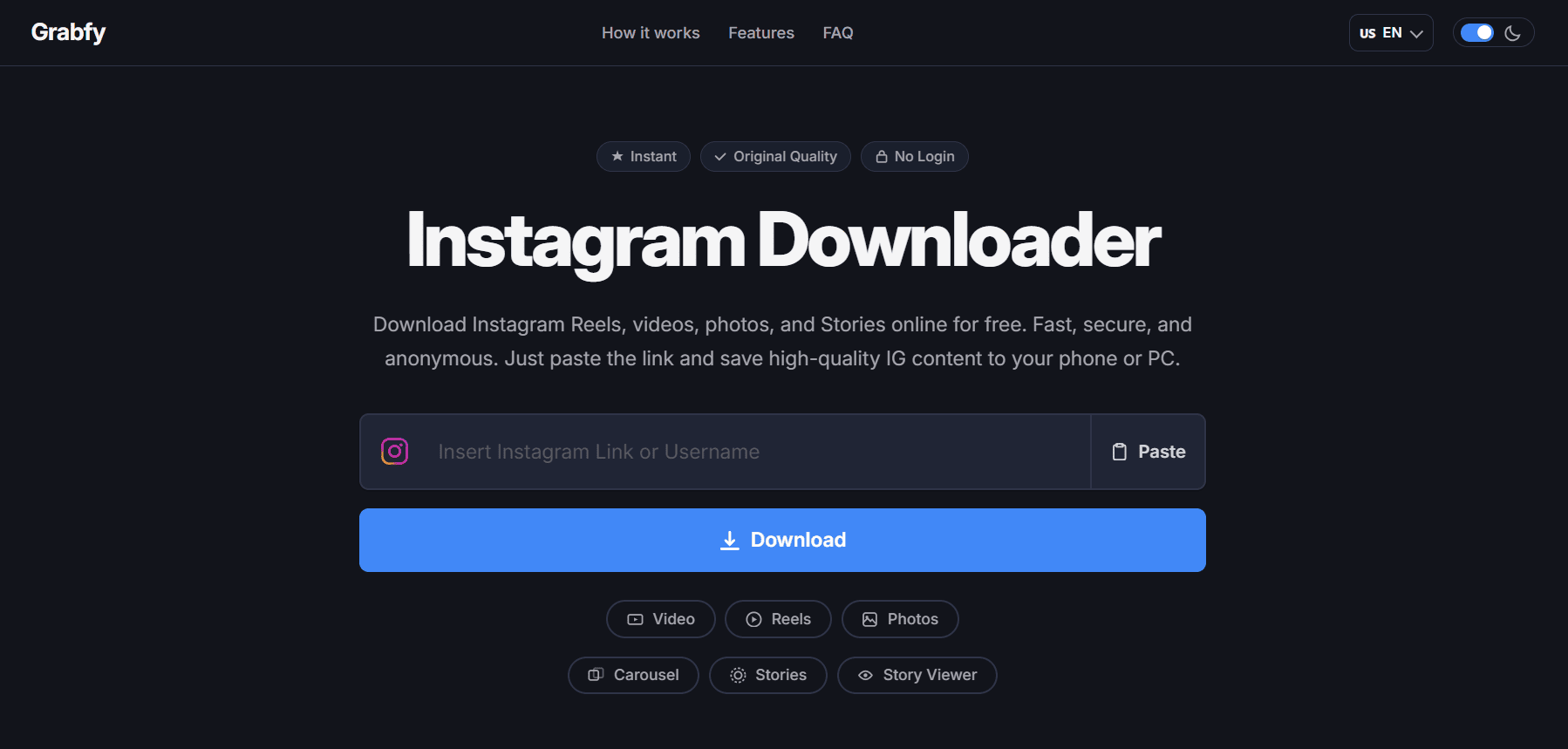
Grabfy takes the top spot because it does the whole job rather than one part of it. Instagram content comes in several formats, and most downloaders handle one or two of them well and the rest badly. Grabfy runs dedicated tools for videos, Reels, photos, carousels, Stories and a Story viewer, all in one place.
The output is clean. Videos download as MP4 with the original audio track intact, photos and carousels come through as JPG at the resolution of the original post, and files are fetched directly from Instagram’s servers with no watermark, logo or edit applied on the way through. Files come through at the quality available from the original post.
Carousel handling is where it separates itself. Paste a multi-photo post and it retrieves the available media from the post rather than making you save slides one at a time, which is the single most tedious task in this category.
Privacy is stated plainly, which is rarer than it should be. The site says it does not log requested URLs, retain media files or track user activity, and no account, login or personal information is required at any point. It also supports public content only, which is the right position for a tool like this.
Why Grabfy ranks first
- Dedicated tools for video, Reels, photos, carousels, Stories and Story viewing in one place
- MP4 downloads with original audio, JPG photos at the source resolution
- No watermark, no logo, no re-encoding
- No login, no registration, no credentials requested
- No logs kept, no media retained, no user tracking
- Free with unlimited downloads and no daily cap
- Works in any browser on iOS, Android, Windows, macOS and Linux with nothing to install
- Available in twenty languages
Best for: anyone who saves more than one type of Instagram content and would rather not use a different site for each format.
Worth knowing: it only works on public accounts, which is a deliberate limitation rather than a gap.
2. SnapInsta
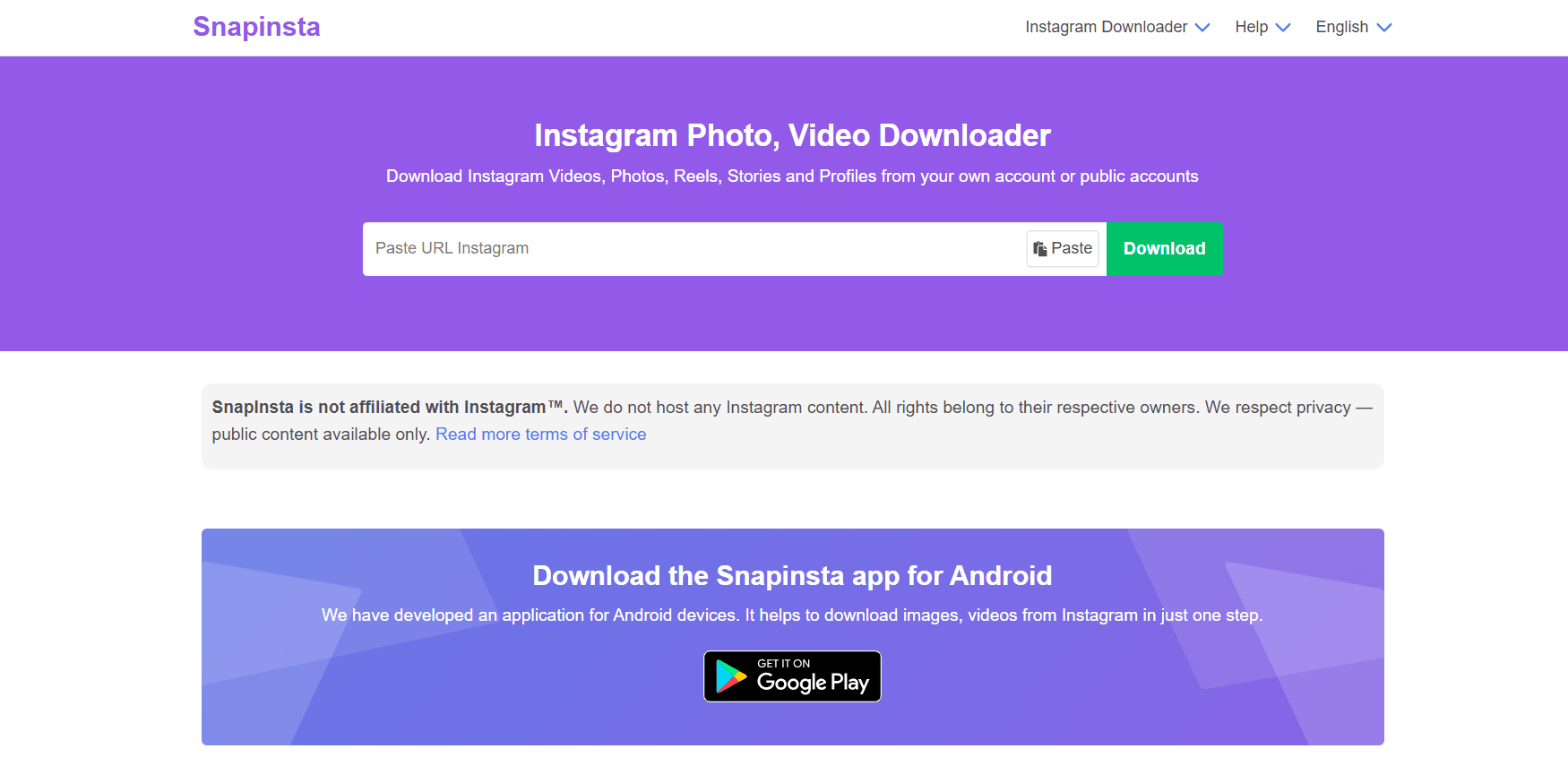
SnapInsta is one of the longest-running names in this category and remains a reliable option for straightforward Reel and video saving. Paste the link, pick a quality, download the file.
Its main strength is familiarity. It has been around long enough that most people have used it at least once, and the basic workflow rarely changes. Ad density varies, so an ad blocker helps.
Best for: occasional users who want a familiar tool for single video downloads.
3. iGram
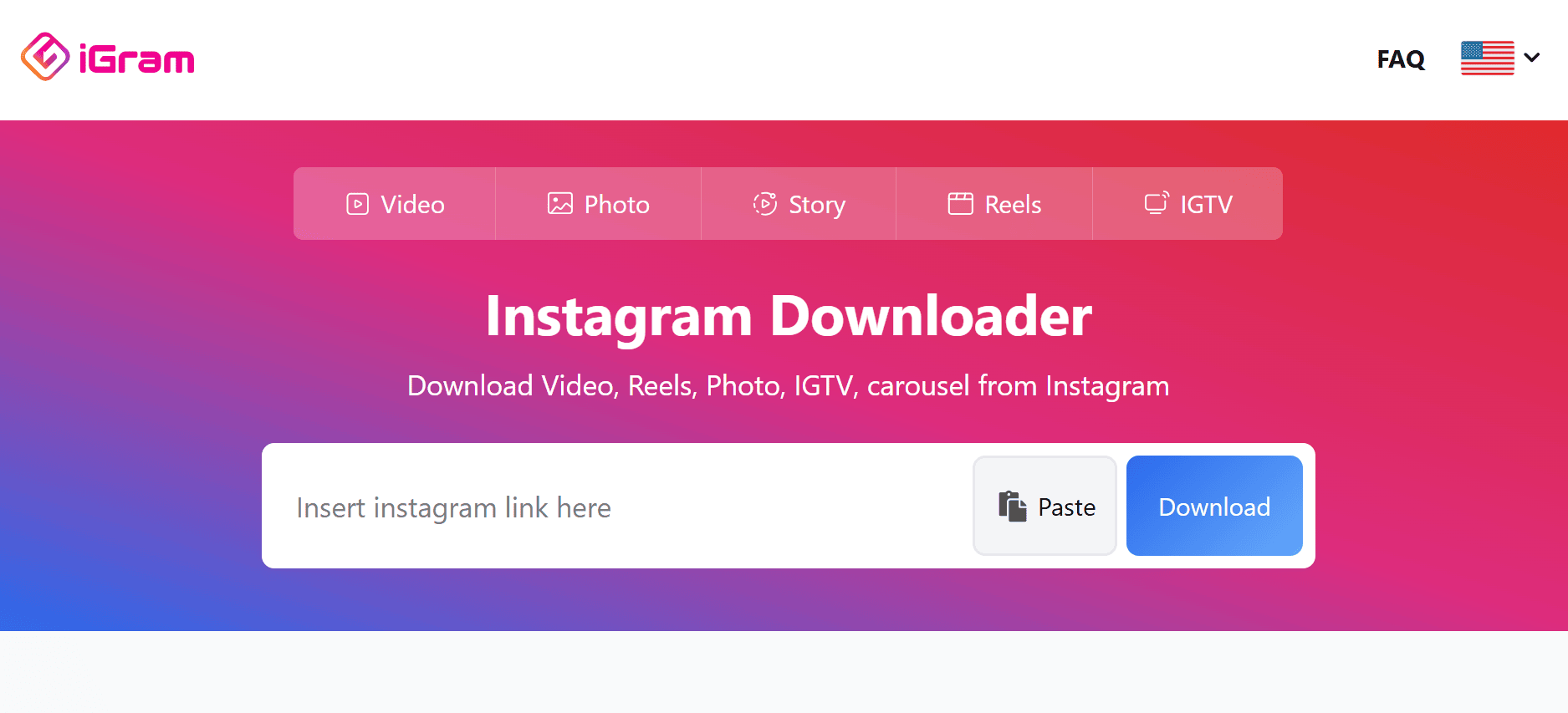
iGram covers videos, Reels, photos and Stories through a single input box and leans on a clean interface rather than a wide feature set. For people who find most downloader sites cluttered, that restraint is the appeal.
Format coverage is reasonable, though multi-slide carousel handling tends to be the weak point across tools in this tier. Test it on a carousel post before relying on it for one.
Best for: users who value a simple, uncluttered interface over depth.
4. FastDl
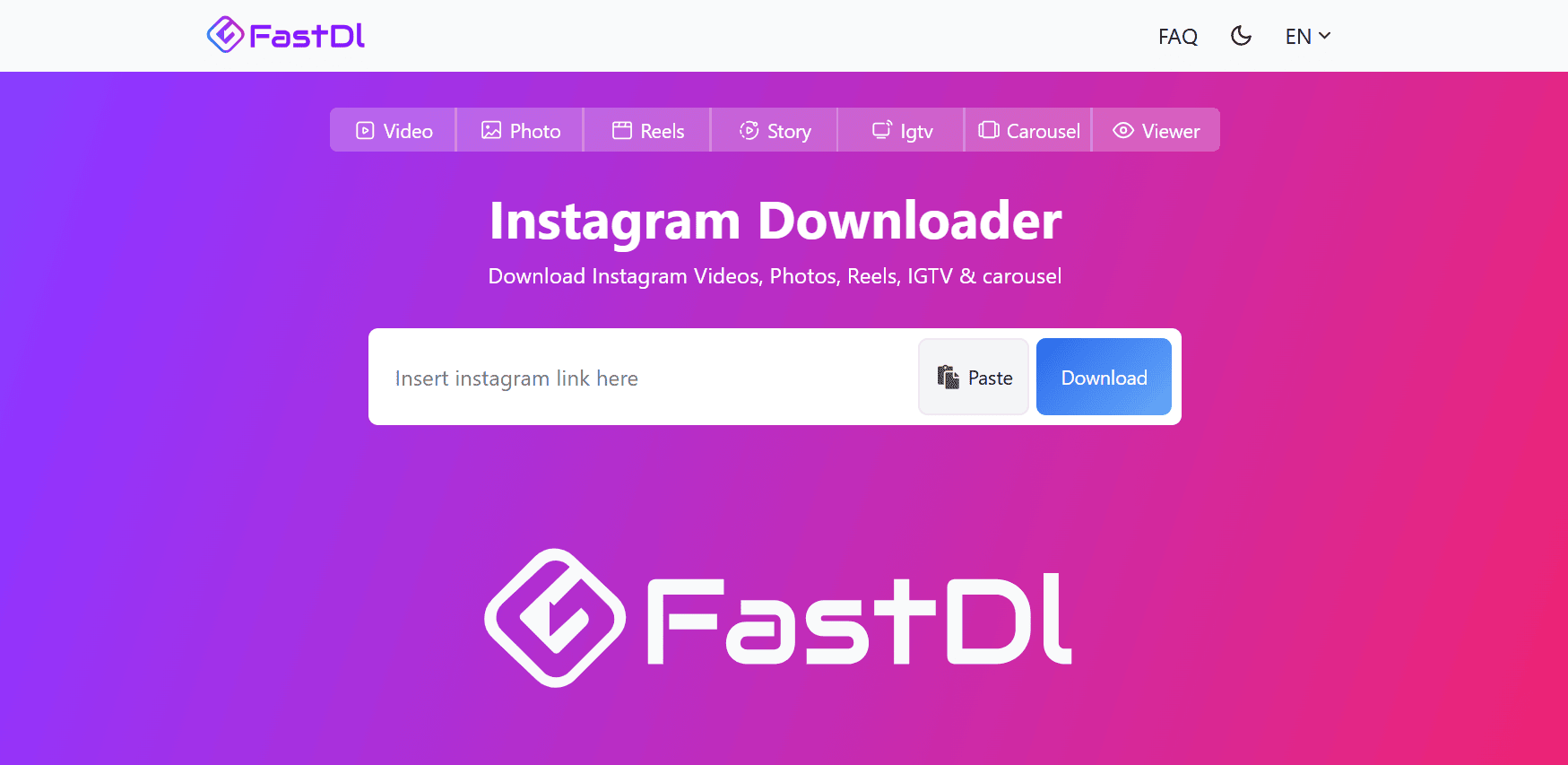
FastDl focuses on speed and mobile usability, which matters more than it sounds given that most Instagram saving happens on a phone rather than a desktop. The mobile layout is better thought through than most.
It handles videos, Reels and photos, with Story support available. As with any tool in this category, confirm whether the downloaded file carries a watermark before you plan to use it anywhere.
Best for: mobile-first users saving content on the go.
5. SSSInstagram
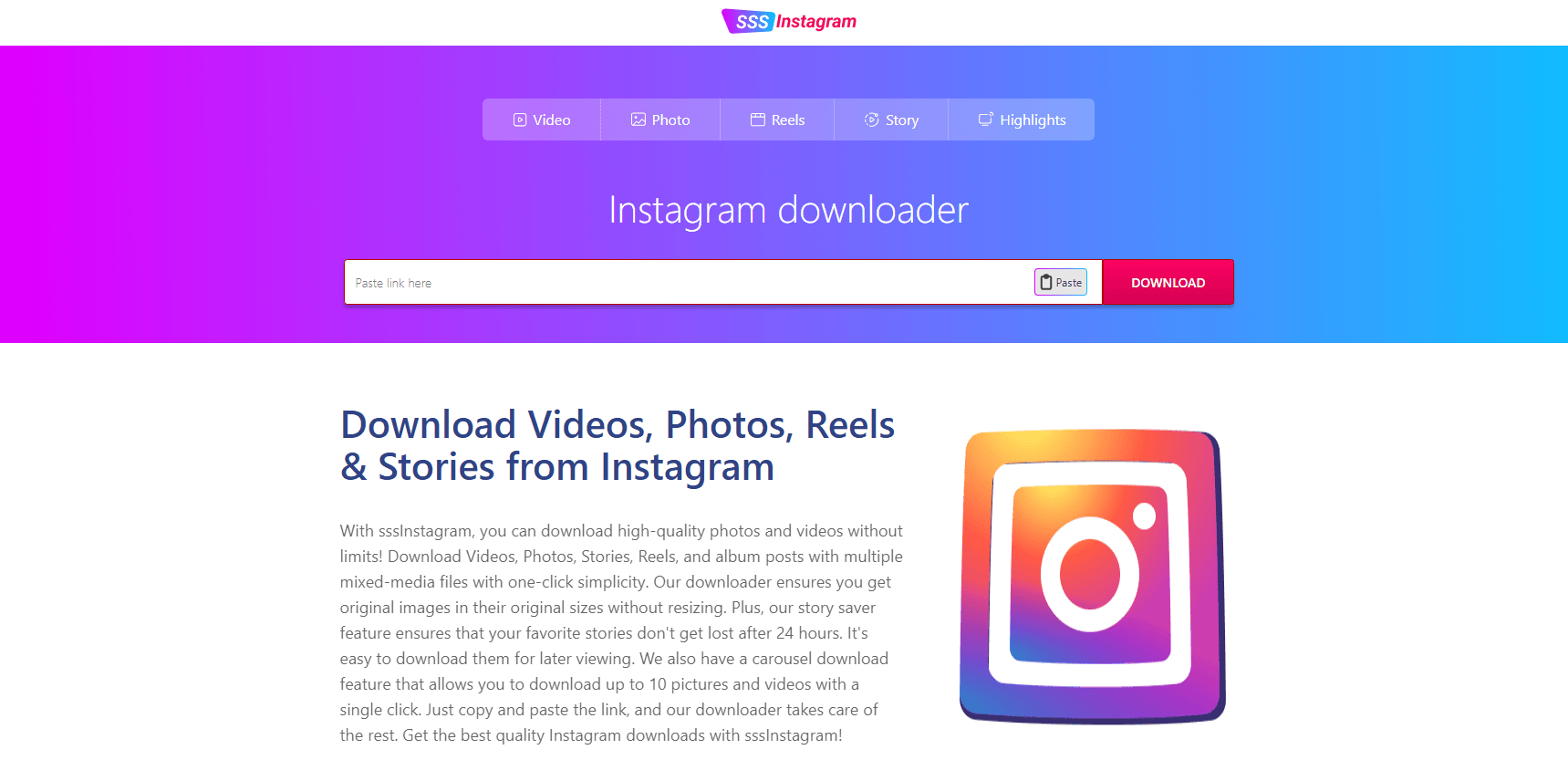
SSSInstagram offers broad format coverage including videos, Reels, photos, Stories and longer-form video, which makes it one of the more complete free options after the top pick.
The interface is busier than others here and ad placement is more aggressive, so read the page carefully to make sure you are clicking the actual download button rather than an advert dressed as one.
Best for: users who need wide format coverage and do not mind a busier page.
How to Download an Instagram Video
The process is essentially identical across every tool on this list, which is worth knowing because it means switching between them costs you nothing.
1. Open Instagram and find the public post, Reel or Story you want to save.
2. Tap the share icon, then Copy Link. On desktop, use the three-dot menu on the post and choose Copy link.
3. Paste the link into the downloader’s input box.
4. Choose your quality if the tool offers options, then download.
On iPhone, saved files land in the Files app rather than your camera roll by default, and you can move them across from there. On Android they usually go straight to your Downloads folder.
If you are saving videos for research rather than personal viewing, it helps to build a reference library as you go. Studying strong Instagram post ideas alongside the Reels you save makes the pattern easier to spot than watching them one at a time.
What You Can and Cannot Do With Downloaded Videos
This is the part most articles skip, and it is the part that actually matters.
Downloading public Instagram content for personal use is generally fine. Saving a recipe Reel to try at the weekend, keeping a clip you were tagged in, or building a private reference folder of work you admire are all reasonable uses.
Re-uploading someone else’s video as your own is not. Neither is using it in an advert, monetising it, or presenting it as your own work. The video belongs to whoever made it, and downloading a file does not transfer any rights to it.
The practical answer for creators is to use saved content as reference and make your own. Looking at how brands in your own sector structure their posts, whether that is technology Instagram posts or any other niche, gives you a template to work from rather than something to copy.
Private accounts are a separate matter entirely. No reputable tool supports them, and anything claiming to be is either lying or asking for your credentials.
How to Choose Between Them
Start with what you actually save. If it is only the occasional Reel, any tool on this list will do and you should pick on interface preference alone.
If you save several formats regularly, particularly carousels and Stories, the gap between a multi-format tool and a single-purpose one becomes obvious quickly.
Saving a ten-slide carousel one image at a time is the kind of task you only do once before switching tools.
Then check two things on whichever you choose. Does the downloaded file carry a watermark, and does the site ask for anything it should not need. A downloader requires a public URL and nothing else.
Frequently Asked Questions
Is it legal to download Instagram videos?
Downloading public Instagram content for personal use is generally legal in most places. Re-uploading, redistributing or monetising someone else’s copyrighted video without permission is not. The distinction is what you do with the file, not the act of saving it.
Can I download videos from private accounts?
No, and you should be wary of any tool claiming otherwise. Reputable downloaders support public content only. A site promising private account access is usually after your Instagram login.
Will the account owner know I downloaded their video?
Downloading a public post does not notify the account owner. Story viewing is a separate matter and depends on how the Story is accessed, so don’t assume it behaves the same way.
Do downloaded videos keep their audio?
They should. Good tools deliver MP4 files with the original audio track intact. If a downloader returns a silent file, that is a sign it re-encoded the video rather than fetching the original.
Why do some downloads have a watermark?
Any logo on your download was applied by the downloader, not by Instagram. If you plan to use the file for anything beyond personal viewing, pick a tool that does not do this. Note that Reels reposted from other platforms sometimes carry a watermark that was already baked into the original video.
Do I need to install an app?
No. Every tool on this list works through a browser. A downloader that requires an app or browser extension is asking for far more device access than the task needs.
Other Interesting Articles
- AI LinkedIn Post Generator
- Gardening YouTube Video Idea Examples
- AI Agents for Gardening Companies
- Top AI Art Styles
- Pest Control YouTube Video Idea Examples
- Automotive Social Media Content Ideas
- Plumber YouTube Video Idea Examples
- AI Agents for Pest Control Companies
- Electrician YouTube Video Idea Examples
- How Pest Control Companies Can Get More Leads
- AI Google Ads for Home Services
- 60-Second Training Videos Are the New Corporate Standard
- Cybersecurity PR Pricing: Retainers, Deliverables & ROI
- Best AI Tools for Product Consistency in E-Commerce Video
Master the Art of Video Marketing
AI-Powered Tools to Ideate, Optimize, and Amplify!
- Spark Creativity: Unleash the most effective video ideas, scripts, and engaging hooks with our AI Generators.
- Optimize Instantly: Elevate your YouTube presence by optimizing video Titles, Descriptions, and Tags in seconds.
- Amplify Your Reach: Effortlessly craft social media, email, and ad copy to maximize your video’s impact.