
How B2B Companies Are Actually Tracking AI Visibility

AI agents now read, crawl and cite your site on behalf of buyers, and standard analytics cannot see any of it. That has left a lot of B2B teams guessing about how visible they really are inside ChatGPT, Claude, Gemini and Perplexity.
Several categories of tooling have grown up to answer that question, and they do not measure the same thing. This guide compares five approaches teams use today: server-side agent analytics like Siteline, prompt simulation like Profound, citation monitoring like Otterly.AI, crawler analytics like Cloudflare AI Crawl Control and referral attribution like Google Analytics 4. It explains what each is good and bad at, and shows why the strongest programs combine a couple of them rather than betting on prompt testing alone.
Key Takeaways
- The five main approaches are prompt simulation, citation monitoring, crawler analytics, referral attribution and server-side agent analytics.
- These are not strictly competing. They answer different questions, so most serious teams combine two or three.
- Prompt simulation estimates how AI might see you. Server-side analytics measures what agents actually did on your site.
- Siteline is the first-party option here, reading server and CDN logs to show real agent visits, crawled and cited pages, gaps and downstream conversions.
- Pick approaches by the question you need answered, then connect agent activity to human traffic and revenue.
Chapters
Comparison: Five Ways to Measure AI Visibility
| Approach | Question it answers | Data source |
|---|---|---|
| Server-side agent analytics | What did agents actually do on my site? | First-party server and CDN logs |
| Prompt simulation | How might AI answer about my category? | Modeled prompts run against LLMs |
| Citation monitoring | Which sources do AI answers cite? | Scraped or sampled AI responses |
| Crawler analytics | Are AI bots fetching my pages? | Log files and bot user agents |
| Referral attribution | Do AI referrals convert to revenue? | Analytics and referrer data |
How to read this comparison
The useful question is not which approach wins, but which question you are trying to answer. Estimating how an AI might describe your category is a different job from proving that a coding agent fetched your docs and a human bought as a result.
So treat the five as a toolkit. Below, each entry covers what it measures, where it is strong and where it falls short, so you can assemble a stack that fits your goals.
1. Server-side agent analytics (Siteline)
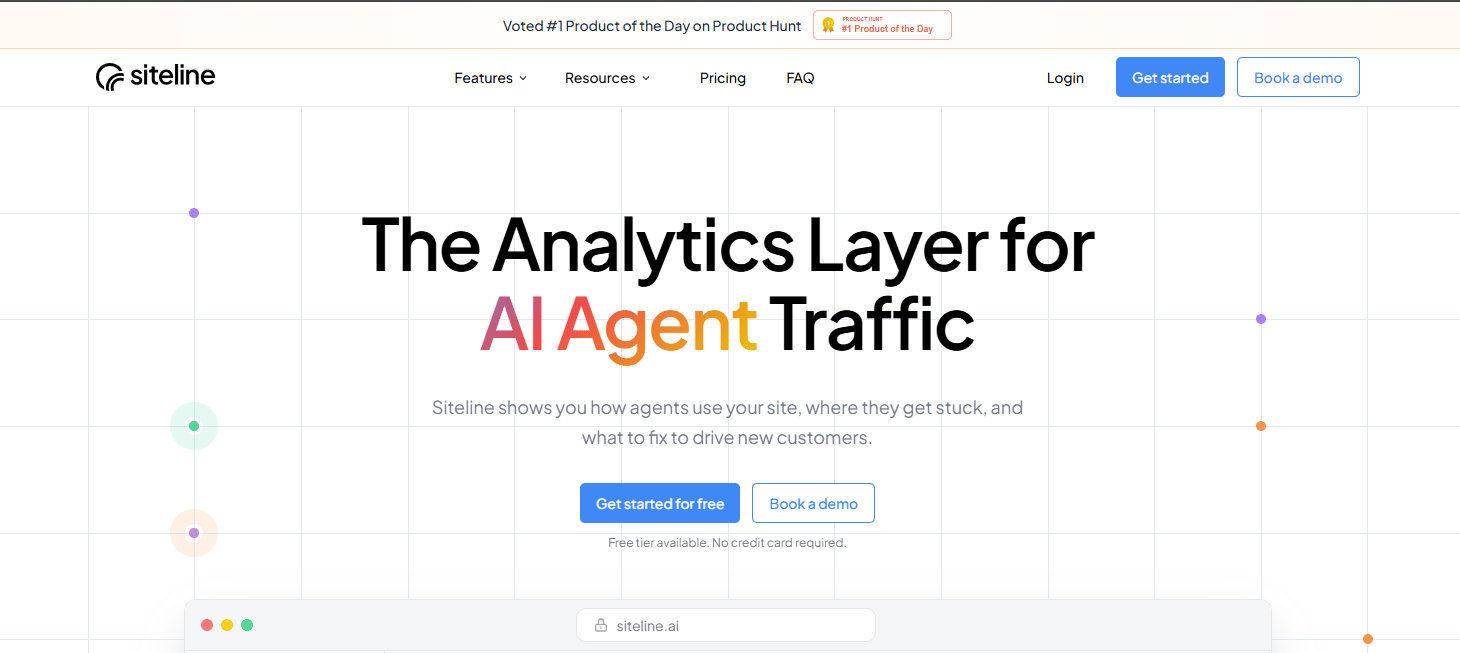
Server-side agent analytics is the first-party approach: instead of modeling what AI might do, it measures what agents actually did by reading your own server and CDN logs. That makes it the ground truth layer for AI visibility, because it captures real behavior rather than a simulation of it.
This is the category Siteline is built for. It reads server-side data to show every AI agent, chatbot and crawler that touches your site, which pages they fetch, and where they get stuck, then connects that agent activity to downstream human referrals and conversions. Because it works from first-party logs, it sees real visits from OpenAI, Anthropic, Gemini, Perplexity and Meta AI agents rather than estimating them from prompts.
It also layers on citation monitoring and visibility tracking, so you can see which pages get cited and where the gaps are worth fixing, then tie it back to traffic that converts. It integrates at the CDN and framework level with Vercel, Cloudflare, Netlify, Azure CDN, AWS CloudFront, Next.js and others, which is why it reads as infrastructure rather than another dashboard bolted on top.
Strengths
- Measures real agent behavior from first-party logs, not simulated prompts
- Shows which pages agents crawl and cite, and where they get stuck
- Connects agent activity to human referrals and conversions
- Integrates at the CDN and framework level for most modern stacks
Consider
- It measures activity on your own properties, so pair it with a category-level view for competitive prompt share
- Requires access to server or CDN logs, which is straightforward on supported platforms but is a setup step
Best for: B2B SaaS teams that want a grounded, first-party read on real agent behavior and its impact on pipeline, not an estimate.
2. Prompt simulation tools (Profound)
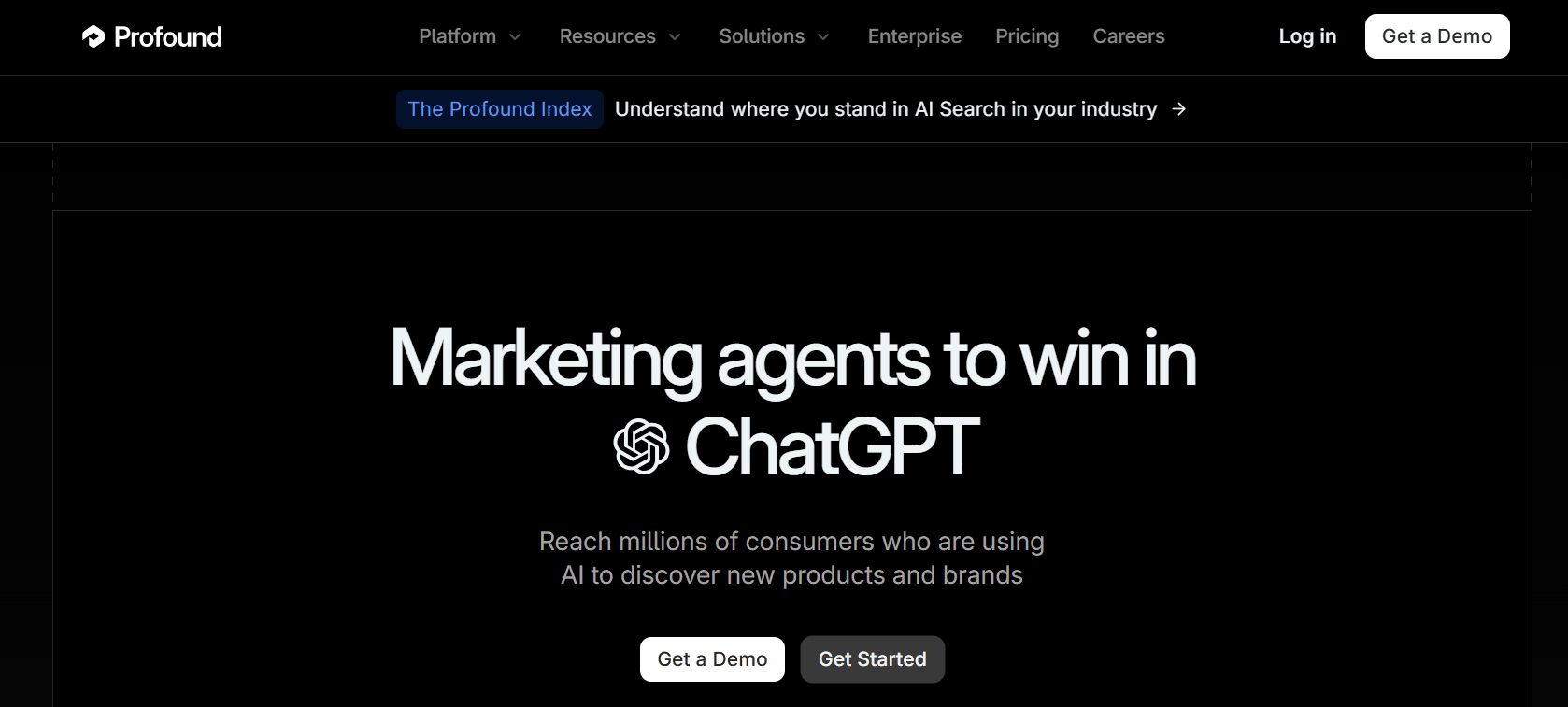
Prompt simulation tools run a battery of prompts against the major models and record how often your brand appears, in what position and against which competitors. They are the most common entry point into AI visibility because they are quick to set up and easy to demo.
Profound is one of the most established tools in this category.
Strengths
- Fast category-level read on how models tend to answer
- Useful for competitive share-of-voice across many prompts
- No access to your infrastructure required
Consider
- It models likely answers rather than measuring real agent behavior on your site
- Results shift with prompt wording, sampling and model updates
Best for: an early, directional view of category visibility and competitor positioning.
3. Citation monitoring (Otterly.AI)
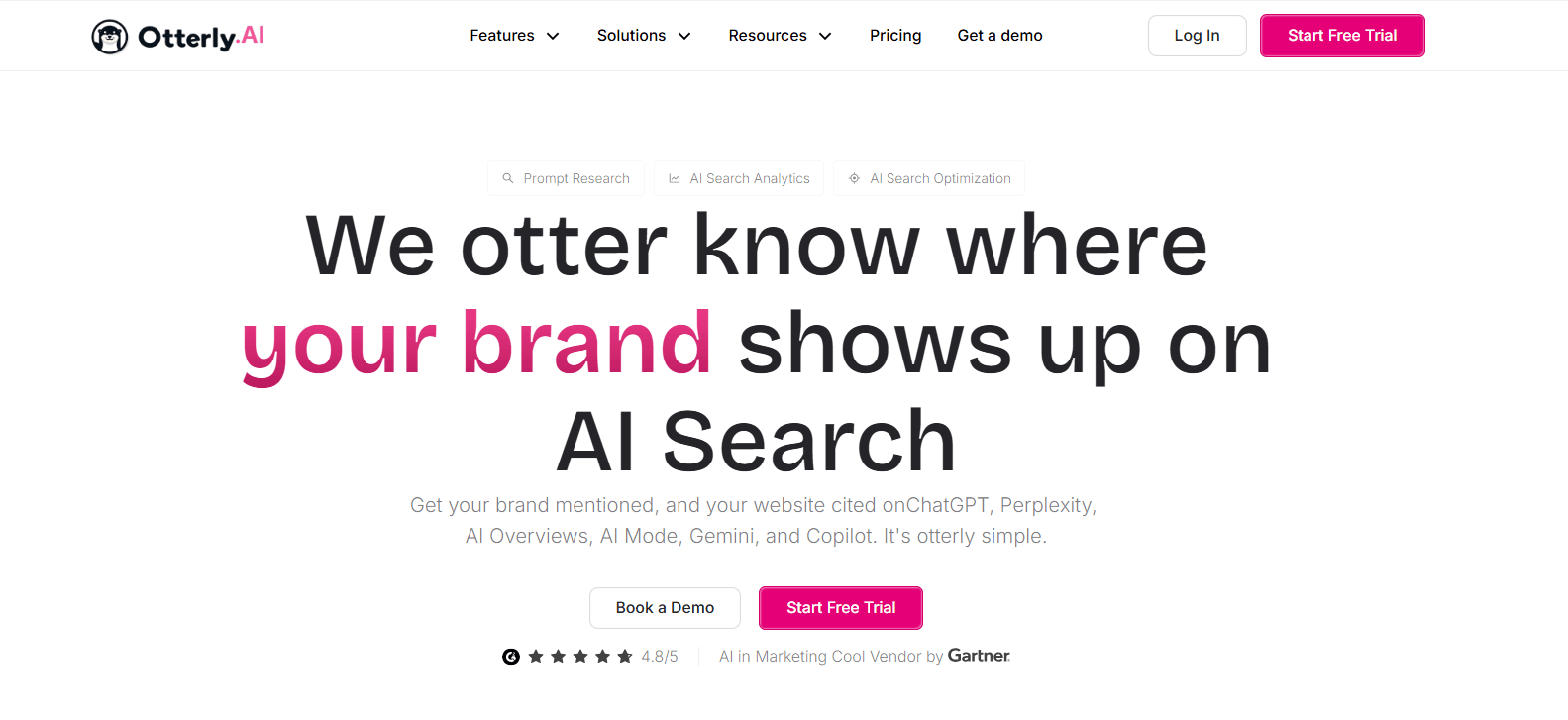
Citation monitoring focuses on which sources AI answers reference when they respond to questions in your category. It helps you see whether you are the cited authority or whether third-party sites like Reddit, G2 or Wikipedia are winning the mention.
Otterly.AI is one tool built around tracking these citations.
Strengths
- Shows which domains and pages AI answers cite
- Highlights third-party sources shaping your category
- Points to content worth earning or reclaiming
Consider
- Coverage depends on how responses are sampled
- A citation is not the same as a visit or a conversion
Best for: understanding who AI treats as the authority in your space.
4. Crawler analytics (Cloudflare AI Crawl Control)
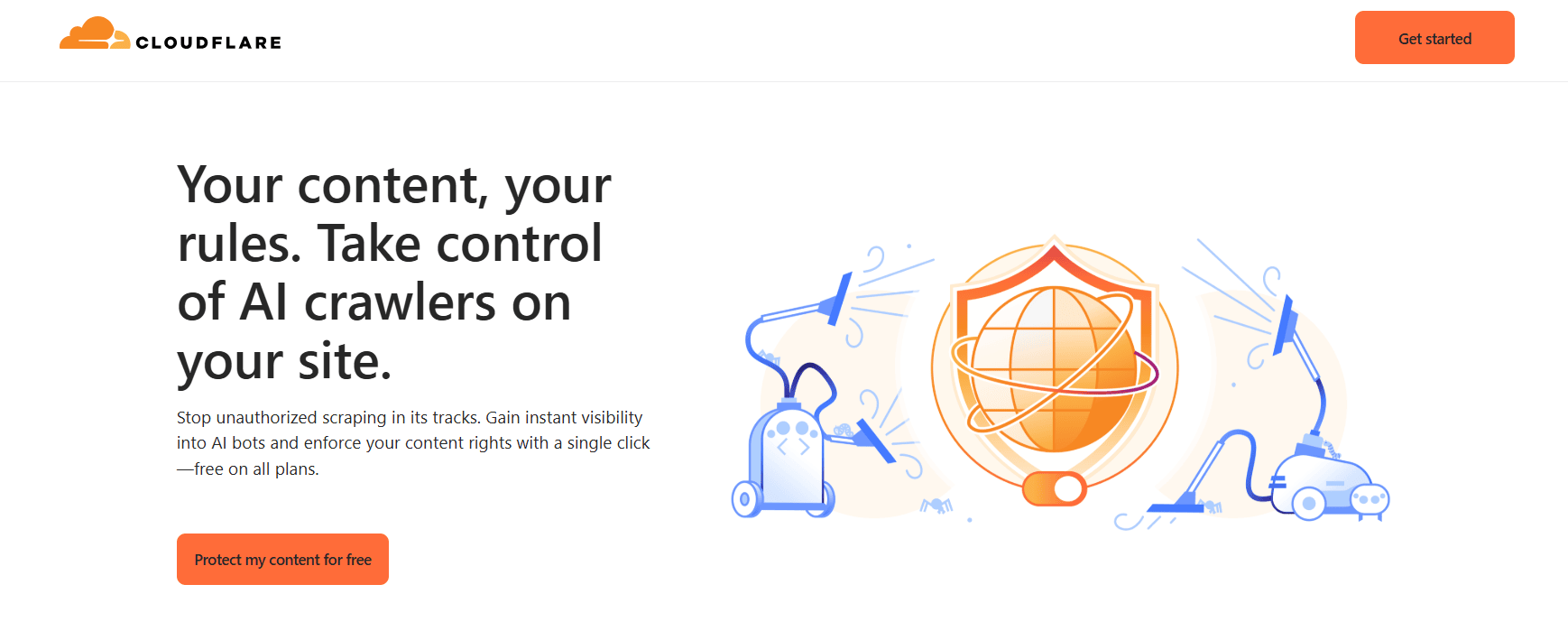
Crawler analytics looks at log files to confirm that AI bots are fetching your pages at all. It answers a technical prerequisite question: can agents reach and read your content, or is something blocking them.
Cloudflare AI Crawl Control is one option for surfacing AI bots in your logs.
Strengths
- Confirms AI bots can access and fetch your content
- Surfaces blocking issues like robots rules or CDN config
- Grounded in real request logs
Consider
- Raw crawler logs are noisy and hard to attribute without tooling
- Fetching a page does not tell you about citations or conversions
Best for: diagnosing whether agents can technically discover and read your pages.
5. Referral-based attribution (Google Analytics 4)
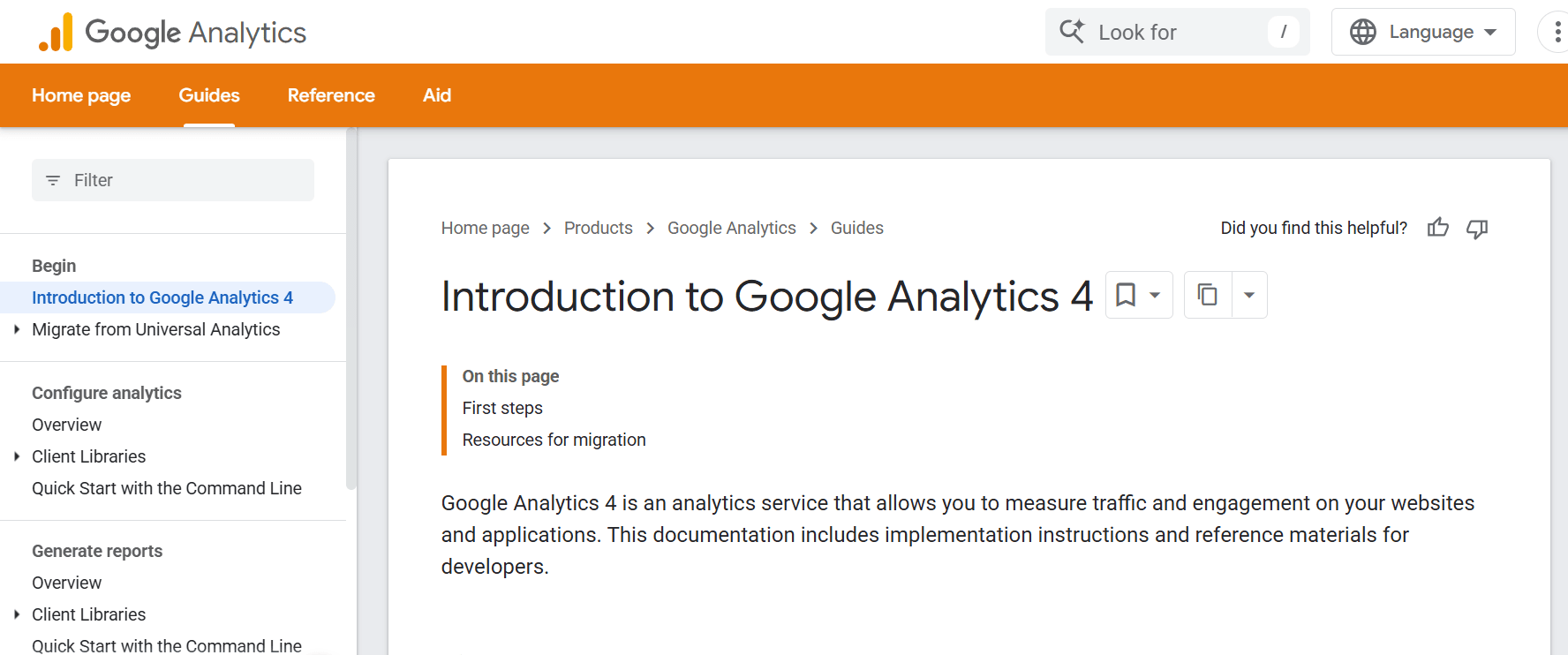
Referral attribution tries to connect visits that arrive from AI platforms to real outcomes like signups and revenue. It is the closest of the estimate-based methods to a business result, since it works from your own analytics.
Google Analytics 4 is the usual starting point, given careful referrer setup.
Strengths
- Links AI-sourced visits to conversions and revenue
- Uses data you already collect
- Speaks the language leadership cares about
Consider
- AI referrers are often undercounted or misattributed by standard analytics
- Misses agent activity that never produces a click-through referrer
Best for: tying the AI channel to pipeline once you can identify the traffic correctly.
Head-to-head comparisons
Server-side analytics vs prompt simulation
Prompt simulation estimates how models might answer about your category, while server-side analytics measures what agents actually did on your site. Use prompt simulation for a directional category read, and server-side analytics when you need ground truth on real behavior and its impact.
Citation monitoring vs crawler analytics
Citation monitoring tells you which sources AI answers reference, while crawler analytics tells you whether bots can fetch your pages in the first place. One is about authority, the other about access, and a gap in either undermines visibility.
Referral attribution vs server-side analytics
Referral attribution connects click-through visits to revenue, but standard analytics often cannot even identify AI referrers. Server-side analytics captures the agent activity upstream of the click, which is why the two work best together rather than alone.
How to build a measurement stack
Start with the question you need answered
If you need a category read, start with prompt simulation and citation monitoring. If you need ground truth on real behavior and pipeline impact, start with server-side agent analytics and layer the rest on top.
Connect agent activity to human outcomes
The point of measurement is action, so make sure agent visits, citations and referrals all tie back to conversions. That is also where the rest of your AI marketing tools fit, turning visibility data into content and campaigns that move the numbers.
Close the loop and re-measure
Fix the gaps in the data surfaces, whether that is blocked crawlers, missing comparison pages or thin docs, then re-track to confirm the change. Treat AI visibility as an ongoing measurement habit, not a one-time audit.
Conclusion
There is no single tool that answers every AI visibility question. Prompt simulation and citation monitoring give you a category view, crawler analytics confirms access, and referral attribution ties visits to revenue.
The piece most teams are missing is the first-party ground truth, which is what server-side agent analytics like Siteline provides. Start from the question you need answered, combine two or three approaches, and connect real agent behavior to the human outcomes that matter.
Frequently Asked Questions
Why is prompt testing alone not enough for AI visibility?
Prompt testing estimates how a model might answer about your category, but it does not measure what agents actually do on your site. It shifts with prompt wording and model updates, so it is best paired with first-party data that shows real agent visits, citations and conversions.
What is server-side agent analytics?
It is a first-party approach that reads your own server and CDN logs to identify AI agents, chatbots and crawlers, the pages they fetch, and where they get stuck. Siteline is an example, and it also connects that activity to human referrals and revenue.
Do these five approaches compete with each other?
Not really. They answer different questions, so they are complementary. Most serious teams combine two or three, for example server-side analytics for ground truth plus prompt simulation for category share.
Can standard analytics track AI agent traffic?
Largely no. Tools like Google Analytics were not built to identify AI agents and bots, and SEO rank trackers give only surface-level AI insight. That gap is why dedicated agent analytics and log-based approaches exist.
Which approach should a B2B SaaS team start with?
Start with the question that matters most. For pipeline impact and real behavior, begin with server-side agent analytics, then add citation monitoring and prompt simulation for a category view and referral attribution to tie it to revenue.
Other Interesting Articles
- AI LinkedIn Post Generator
- Gardening YouTube Video Idea Examples
- AI Agents for Gardening Companies
- Top AI Art Styles
- Pest Control YouTube Video Idea Examples
- Automotive Social Media Content Ideas
- Plumber YouTube Video Idea Examples
- AI Agents for Pest Control Companies
- Electrician YouTube Video Idea Examples
- How Pest Control Companies Can Get More Leads
- AI Google Ads for Home Services
- 60-Second Training Videos Are the New Corporate Standard
- Cybersecurity PR Pricing: Retainers, Deliverables & ROI
- Best AI Tools for Product Consistency in E-Commerce Video
Master the Art of Video Marketing
AI-Powered Tools to Ideate, Optimize, and Amplify!
- Spark Creativity: Unleash the most effective video ideas, scripts, and engaging hooks with our AI Generators.
- Optimize Instantly: Elevate your YouTube presence by optimizing video Titles, Descriptions, and Tags in seconds.
- Amplify Your Reach: Effortlessly craft social media, email, and ad copy to maximize your video’s impact.