
How To Size A Postcard With AI Flyer Generator

Campaign postcards still get cropped out of a landscape master, and the headline falls off the bottom edge once the file hits a real 4 by 6 card. The marketer then spends the afternoon rebuilding type that the ratio never promised to keep.
PixExact is built to generate the card at the print size instead of hoping a later crop will be kind. The work is a prompt that already contains the facts, a canvas locked to the postcard, and a QR mark you replace before anyone sends the file to print.
A postcard is a small face with almost no room for a second idea. If the prompt is a paragraph of brand values and the size is left as a vague vertical, the layout will invent a hierarchy the mail piece cannot carry. Write the event, the day, and the place as the prompt. Then set the inches. Teams that reverse those two steps burn a round of credits on a picture that was never going to fit the mailer.
Chapters
Prepare The Postcard Brief Before You Generate
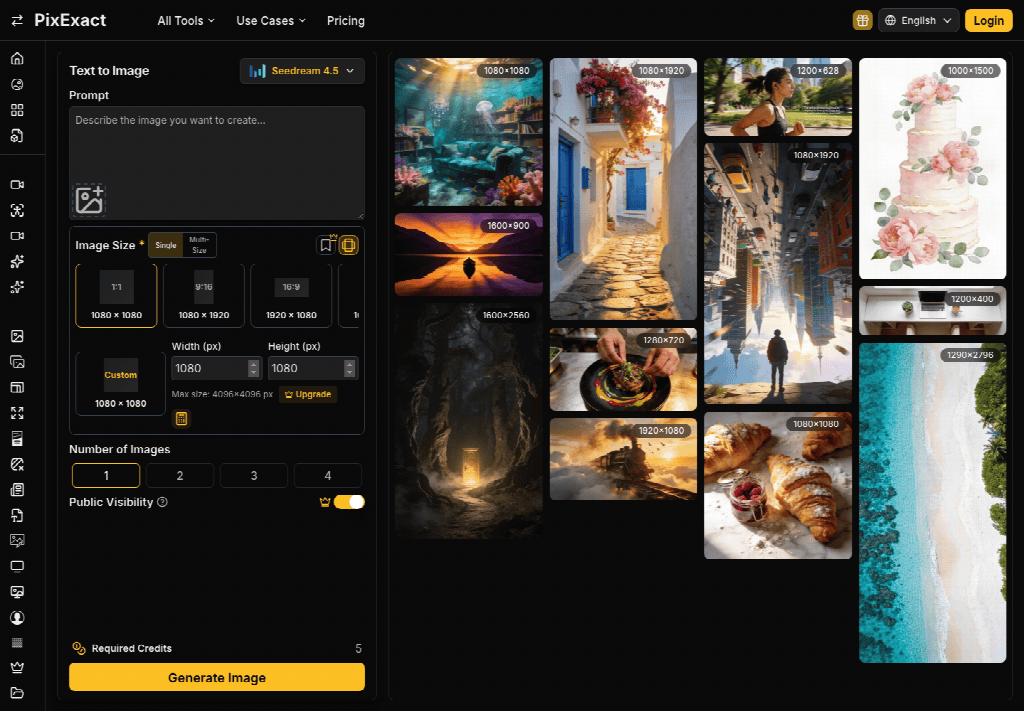
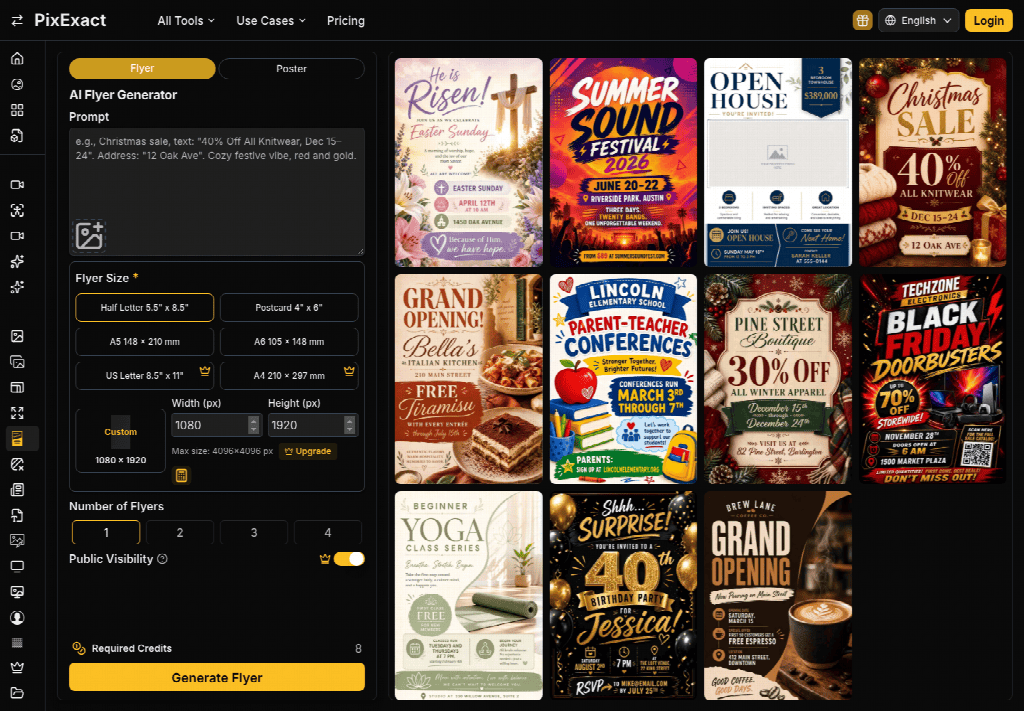
The PixExact generator is a prompt-to-flyer pass. You describe the piece in plain language, you can add a reference image, and the result is a finished layout: headline, supporting line, image, and type together. It is not a layered template you nudge for an hour. That is why the brief has to be finished before you click.
A vague line produces a vague card, and regenerating the same vague line repeats the miss.
- Name the job in the first clause: a mailer, a save-the-date, or a coupon, not “a design.”
- Put the event name, the date, the place, and the action on separate beats in the same prompt.
- Name the mood in a few words, such as a warm paper tone or a stark black field, and stop.
- If a logo or a product photo must appear, upload it as the reference instead of describing it from memory.
Leave out slogans you do not want printed. The model will try to use what you gave it. A leftover line from a web banner, still carrying bold and a tracking link, becomes stray type on the card. Paste the words clean. Then generate once and read.
Lock Four By Six At Print Resolution
Postcard is one of six standard print sizes, and it is the one this mailer needs. At 300 DPI the card is 4 inches by 6 inches, which is 1200 by 1800 pixels. PixExact generates that canvas directly. You are not picking a 2:3 ratio and scaling later. The pixels are the card. A square social image, however sharp, is the wrong file, because the printer will crop it or pad it and the headline you liked will move.
What 1200 By 1800 Pixels Protect
Those dimensions are the physical card, not a suggestion. A headline set near the edge of a wider master gets sliced when someone forces 4 by 6 in a layout app. Generating at 1200 by 1800 asks the layout to be composed for that rectangle from the start, so the date and the place sit inside the card instead of in the trim. Read the result at the size it will be held, not zoomed to fill a monitor. If the date wraps into the photo, the prompt was too long for the card. Cut words. Do not shrink the canvas to hide the wrap.
Why A Square Crop Misses The Card
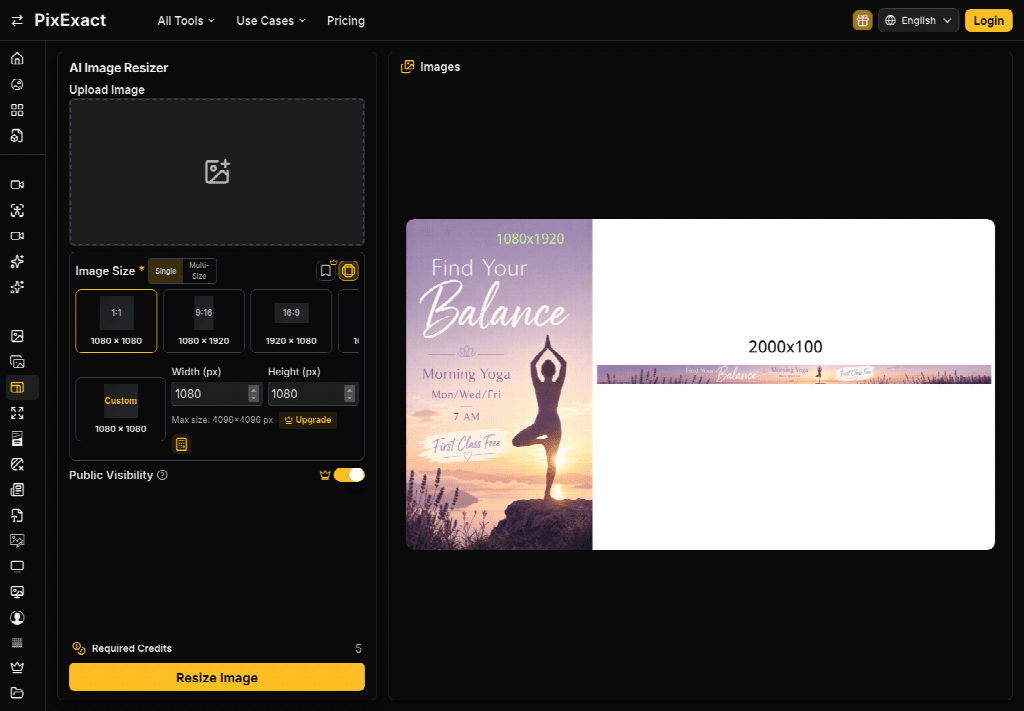
Social teams keep a 1080 square because every other channel asked for one. Dropping that square onto a postcard means either bars of empty paper or a crop through the subject. The flyer tool’s point is to skip that rescue. If the only approved picture is the square, upload it as a reference for style and still generate a new 1200 by 1800, so the type is laid out for the card. Reusing the square as the final print file is how the address line ends up on someone’s chin.
Put The Date And The Place In The Line
The prompt advice on the product is practical: say the goal, who it is for, the exact content, and the mood. For a postcard the exact content is the part people skip. “A lively launch card” does not contain a Thursday, a street, or a sentence telling the reader what to do. The model then has to invent a time and a city.
That invented line is the failure. It can look well set and still be wrong, and a wrong date on a mailer is worse than an ugly one.
Write the facts you would be willing to see on paper. Event name, date, location, and the action, such as a registration line or a door hour. If you do not know the hour yet, do not generate the card. A placeholder hour that you plan to fix in a design app is a bet this tool does not support well, because the output is a finished image, not an open text layer. PixExact will render the hour you typed. It will not leave a blank you can edit like a template.
Replace The QR Mark Before You Print
You can ask for a QR code in the prompt. What you get first is a placeholder in the layout, not your real code. After the image exists, use the edit control and swap in the scannable code that points at the page you actually own. Skip that swap and the card ships with a mark that looks official and goes nowhere. Test the replacement with a phone before the file is released. A pretty code that does not resolve is a failed mailer, and the reprint is the rework you could have avoided in one edit.
This is also the moment to keep the tool in its lane. An AI Flyer Generator that finishes a card in one pass is the right desk for this mailer. A social caption tool, or a banner resized by hand, will not hand you 1200 by 1800 with the date already composed. Do not bounce the same brief across those desks and call the third export a system.
Read The Card At Arm Length
Hold the proof, or a print at actual size, at the distance someone uses when they pick a card off a table. The headline should be one idea. The date and the place should be readable without a squint. The action should be one line. If you need a paragraph to explain the picture, the picture failed. PixExact can regenerate from a tighter prompt. It cannot make a crowded card polite. Cut the prompt and run it again at the same 1200 by 1800, so you are comparing cards and not comparing accidents of scale.
| Check on the card | Keep | Regenerate |
|---|---|---|
| Date and place | They match the prompt, letter for letter | A second time or a city you did not type |
| Canvas | 1200 by 1800, the 4 by 6 card | A square or a banner wearing card type |
| Code | Your real code, scanned once | The placeholder still sitting in the corner |
One failed cell is enough to hold the file. A card with the right size and the wrong city still goes in the bin.
Reject A Design That Invents A Second Time
The discard rule is narrow. If the printed time is not the time you typed, the file is unusable, no matter how strong the photo is. If a street name drifted by a word, same decision. If the logo from the reference image warped into a different mark, do not ship it and hope the printer will not notice. Those are not taste notes.
They are facts the card claimed. A softer miss, such as a background that feels busier than the mood word you used, can take another generate. A wrong fact cannot.
Keep the rejected file next to the prompt so the next pass shows what you removed. People lose time by rewriting the whole brief from scratch and reintroducing the vague line that caused the invention. Change the clause that failed. Hold the size.
Send The File The Printer Can Hold
Send the 1200 by 1800 image, the prompt, and a note that the code was replaced and scanned. PixExact’s postcard preset is the size to name in that note, so nobody downstream “fixes” it back to a social square. If the mail drop needs a second size later, generate that size from the same facts. Do not scale this card and call it a poster.
A postcard that survives this pass has one event, one time, one place, and a code that opens. It still needs a person to read those four things at arm’s length. The generator did the layout. The desk still owns the facts.
Other Interesting Articles
- AI LinkedIn Post Generator
- Gardening YouTube Video Idea Examples
- AI Agents for Gardening Companies
- Top AI Art Styles
- Pest Control YouTube Video Idea Examples
- Automotive Social Media Content Ideas
- Plumber YouTube Video Idea Examples
- AI Agents for Pest Control Companies
- Electrician YouTube Video Idea Examples
- How Pest Control Companies Can Get More Leads
- AI Google Ads for Home Services
- 60-Second Training Videos Are the New Corporate Standard
- Cybersecurity PR Pricing: Retainers, Deliverables & ROI
- Best AI Tools for Product Consistency in E-Commerce Video
Master the Art of Video Marketing
AI-Powered Tools to Ideate, Optimize, and Amplify!
- Spark Creativity: Unleash the most effective video ideas, scripts, and engaging hooks with our AI Generators.
- Optimize Instantly: Elevate your YouTube presence by optimizing video Titles, Descriptions, and Tags in seconds.
- Amplify Your Reach: Effortlessly craft social media, email, and ad copy to maximize your video’s impact.