
Best AI Branding Tools and Logo Generators
Creating a logo with AI takes minutes.
Creating a brand people recognize takes considerably more thought.
A logo still needs to work as a tiny social media icon, a website header, a black-and-white print, a presentation cover, and a large sign. It should fit the company’s personality without looking uncomfortably similar to a competitor. Your team also needs the correct colors, fonts, file formats, templates, and usage rules to apply it consistently.
That is where AI branding tools differ from basic logo makers.
Some platforms generate quick logo combinations from icons, fonts, and layouts. Others can create original visual concepts, scalable vector files, complete brand kits, social media graphics, business cards, websites, or collaborative brand guidelines.
The right choice depends on what you actually need.
A freelancer launching a side project may want a simple logo and social profile images. Once these branding assets are created, the next logical step is to showcase them in a professional digital portfolio to attract potential clients. A growing marketing team may need shared brand controls, editable templates, approval workflows, and assets that can be reused across hundreds of campaigns.
There was a time when you’d have to hire an experienced designer to create a brand-defining logo. You’d have to wait weeks and spend a small fortune, too. Today, a few clicks are all you need to give your brand a memorable face.
Designing a professional logo is faster and easier with advanced (and fun) AI branding tools. Unfortunately, with so many platforms out there, picking the one that suits your vision can be downright challenging. Alternatively, you can start by searching for ideas using reverse image search tools. This way, you’ll find similar assets and references that may help you when creating a new logo in the future
In this guide, we’ll break down five of the top and most original online logo design tools that also serve as a brand identity generator to help you craft a perfectly on-brand logo. Let’s begin.
Chapters
- What Is an AI Branding Tool?
- AI Logo Generator vs. AI Branding Platform
- Top AI Branding Tools to Create a Logo for Your Business
- Logogenie
- Brandmark
- BrandCrowd
- Design.com
- LogoAI
- TurboLogo
- Wix Logo Maker
- Things to Consider When Choosing the Right AI-Powered Branding Tool
- How We Evaluated AI Branding Tools
- What Logo Files Should You Download?
- How to Write a Better AI Logo Prompt
- How to Turn an AI Logo Into a Complete Brand Identity
- How to Test an AI-Generated Logo
- Can You Trademark an AI-Generated Logo?
- Copyright and AI-Generated Logos
- How to Use StoryLab.ai After Creating Your Logo
- Common AI Logo Design Mistakes
- Conclusion
- FAQ: Using AI Tools to Build a Brand and Logo
What Is an AI Branding Tool?
An AI branding tool uses artificial intelligence to help create or manage parts of a brand identity.
Depending on the platform, it may generate:
- Logo concepts
- Icons and symbols
- Color palettes
- Font combinations
- Brand mood boards
- Business cards
- Social media post templates
- Website designs
- Presentation templates
- Product mockups
- eBook Cover Designs
- Brand guidelines
- Photography and illustration styles
- Marketing copy
- Brand voice instructions
An AI logo maker focuses mainly on the logo.
A broader AI branding platform connects the logo with the colors, fonts, imagery, templates, and rules used across the rest of the company’s marketing. For a more tailored approach beyond AI-generated options, working with a ui ux design company ensures your visual system is cohesive and built for long-term growth
AI Logo Generator vs. AI Branding Platform
A dedicated logo generator may be enough when you only need a simple mark.
Choose a wider branding platform when several people will create advertisements, presentations, social posts, videos, documents, and website assets from the same identity.
Top AI Branding Tools to Create a Logo for Your Business
Here are the top five online logo design tools to help you find the right one for your company.
Logogenie
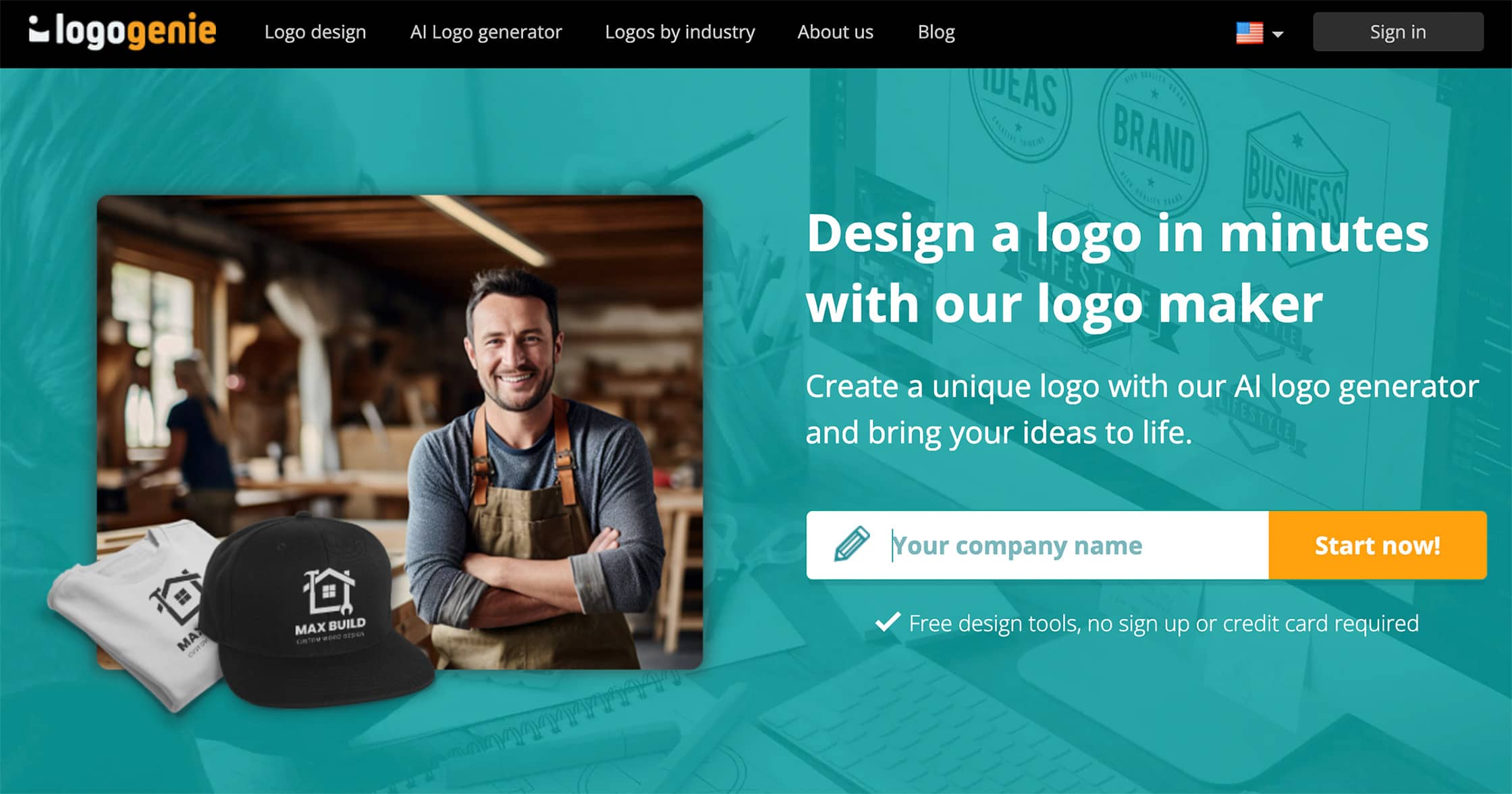
Individuals looking to launch a brand and need a logo can rely on Logogenie to deliver. It is an AI logo maker for entrepreneurs, giving them the chance to produce logos without hassle.
Its interface empowers you to customize colors and fonts, while its AI takes care of the layout. The best part about Logogenie is that it allows you to tweak your logo in real time while giving you the ability to download high-resolution, scalable files in minutes.
It’s a dependable logo generator for startups, blending simplicity and refinement.
Key Features
A simplified logo creation process fueled by AI remains Logogenie’s best asset. It has editing capabilities. This tool has thousands of quality logo elements (fonts and colors) and templates to make logo creation easier, while its instantly downloadable formats are available in minutes. You also get valuable add-ons (like social media kits).
Why it’s Great
You don’t need a degree or experience in design to use Logogenie. Results are also fast. More importantly, it’s one of the most affordable options you can have. The quality of the icons available on the site is by far the best in the industry. Logogenie strives to provide high-quality graphic elements designed in-house by a team of experienced designers. Logos are downloadable instantly in High-definition multi-formats with one-time payments and no monthly subscriptions.
Best for
Logogenie is ideal for small businesses and startups. Solopreneurs will find this tool handy.
Price
Standard logo package starts at $24.90. You can purchase add-ons for other features.
Brandmark
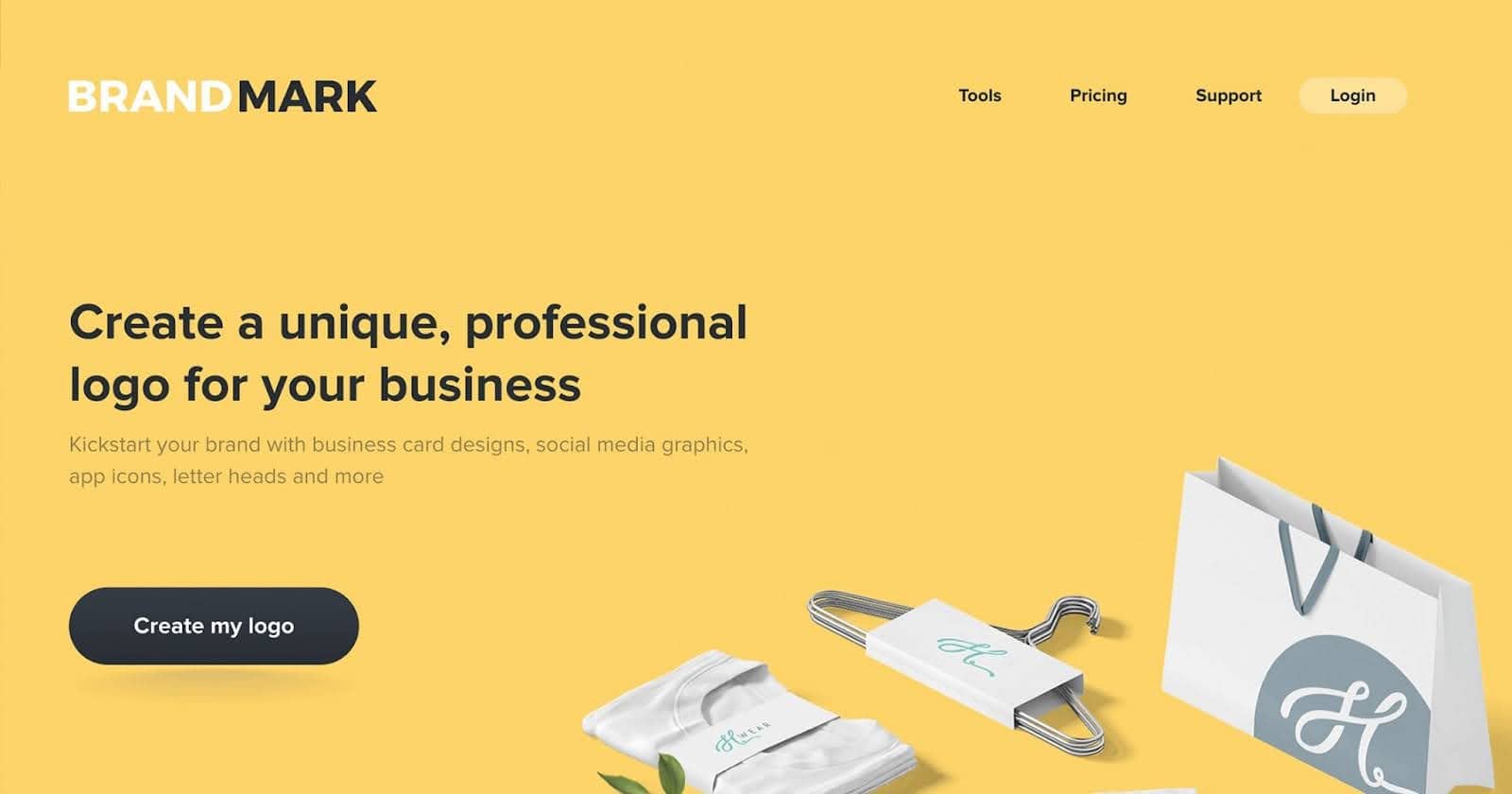
This platform takes a sleek, minimalist approach to logo creation. It allows users to create a logo with AI by simply entering their brand name and a few keywords. Its speed and simplicity are attributes new business owners find attractive, empowering them to generate dozens of polished logo options instantly.
What sets Brandmark apart is its strong focus on brand assets. It can suggest fonts to go with your logo, including color palettes. It even provides full-brand mockups. Brandmark has you covered if you’re looking for AI tools for branding. It’s ideal for anyone who wants an entire visual identity built in one go.
Key Features
With its thousands of ready-to-use design assets, Brandmark is a worthy tool. It has free customization, too. You can also leverage its full branding packages while enjoying logo design previews on real-world items.
Why it’s Great
Brandmark’s full branding suite and one-time payment (no monthly charges) model are two things that make it great. You also get unlimited design revisions.
Best for
This tool is ideal for startups in their early stages of development. Freelancers and digital creators are welcome, too.
Price
Brandmark is available for a low one-time fee of $25, although its Enterprise package costs $175.
BrandCrowd
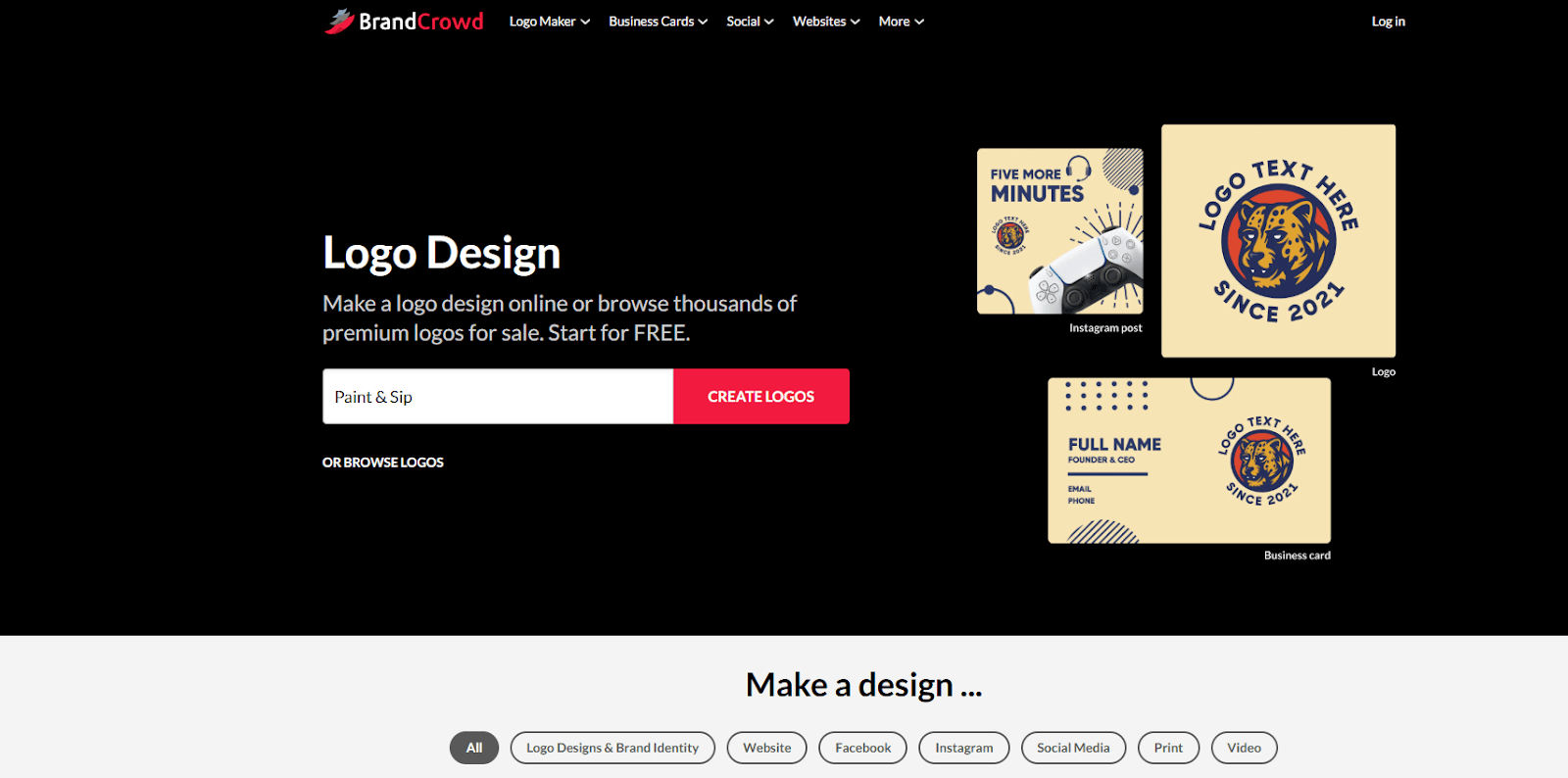
BrandCrowd makes logo design easy for everyone. It’s an online logo maker that combines AI with a huge library of templates created by real designers. You can start with an AI-generated idea or choose from thousands of ready-made logos, then customize the colors, fonts, and icons to perfectly fit your brand.
It’s simple, fast, and fun to use. Even if you’ve never designed anything before, BrandCrowd helps you create a professional logo in minutes. You can also design matching business cards, flyers, and social media visuals, all from the same dashboard, so your brand looks consistent everywhere.
Key Features
BrandCrowd gives you thousands of logo templates, an AI-powered generator, and easy editing tools. You can tweak your logo at any time, download it instantly, and use it across various brand materials.
Why it’s Great
You don’t need design skills to get professional results. Everything is editable, and you only pay once: no monthly subscriptions or hidden fees.
Best for
Small businesses, freelancers, and creators who want a professional logo and full brand identity quickly.
Price
Logos start at around $25, with extra options for brand kits and marketing materials.
Design.com
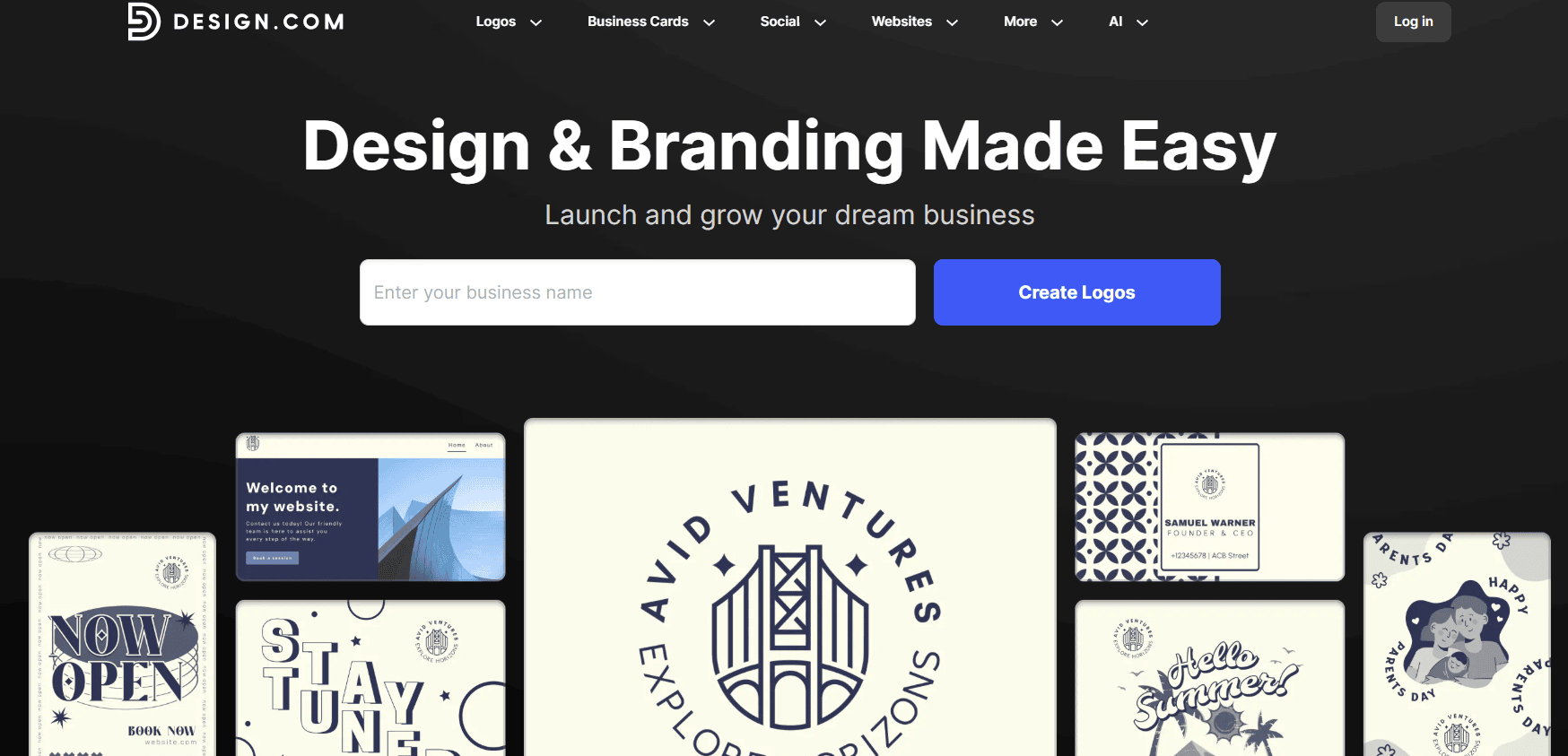
Design.com is a powerful AI-driven branding platform that simplifies logo creation with stunning precision. Users can generate high-quality logo concepts in seconds by entering their business name and a few keywords. The clean interface and lightning-fast results make it an attractive choice for startups, freelancers, and small businesses alike.
What makes Design.com stand out is its seamless end-to-end branding experience. Beyond logos, it automatically generates full brand kits—including color palettes, font pairings, social media templates, and mockups. Everything is built to help you go from idea to brand launch in minutes, not weeks.
Key Features
Design.com offers intuitive AI-powered logo generation, real-time editing tools, brand kits, and mockups. All assets are downloadable in multiple formats and ready for use across digital and print platforms.
Why it’s Great
It delivers professional-grade design without needing any design skills. Plus, its instant branding toolkit makes launching a brand effortless. With no design learning curve and fast turnaround, it’s built for busy entrepreneurs.
Best for
Design.com is best suited for new businesses, solopreneurs, and creators who want to build a professional brand identity quickly and affordably.
Price
Design.com offers a range of pricing plans starting with affordable logo packages, with options to upgrade to full branding kits and commercial rights.
LogoAI
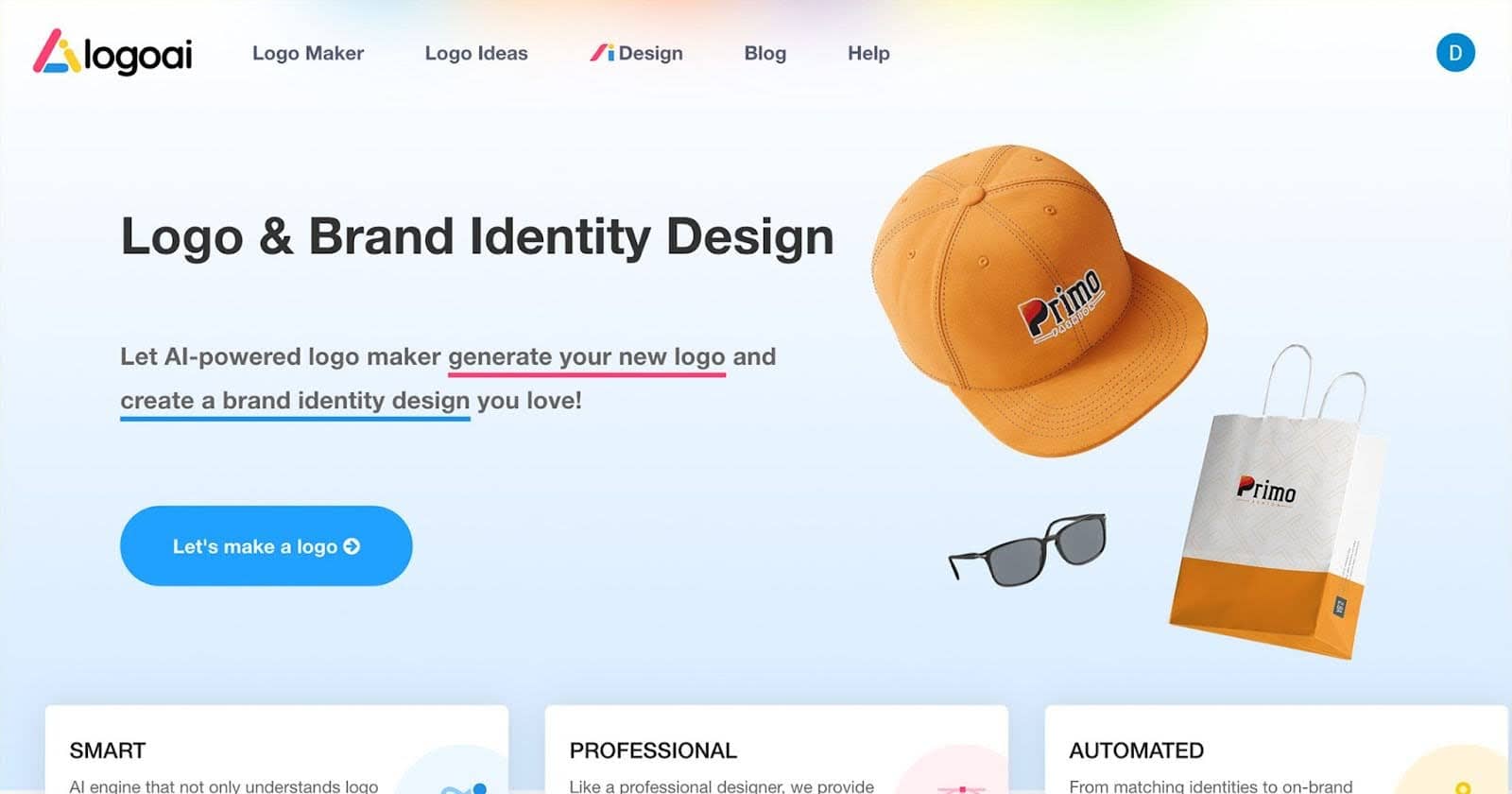
Living up to its name, LogoAI offers a smart, streamlined way to generate sleek, professional logos in minutes. As a dependable small business logo creator, LogoAI shines by combining AI precision with human-like design flair.
Users only need to input their company name and choose the correct industry affiliation. Next, they can pick from LogoAI’s design preference options. The platform’s AI does the rest, generating modern, balanced logos.
Branding extras are also available, like social media mockups, brand guidelines, and business cards. LogoAI is a one-stop shop for new businesses ready to grow and go pro.
Key Features
What makes LogoAI stand out are its industry-specific logo design suggestions and customizable design elements. Branding add-ons are available. More importantly, generating brand guidelines is automatic.
Why it’s Great
You’ll get clean, modern logos in minutes. Moreover, this tool balances automation with customization for the best results. Over a million businesses trust it.
Best for
Boutique brands and online shops can leverage LogoAI, as do other small businesses and enterprises.
Price
Logo basic package $29, Pro at $59, and a full branding kit $99.
TurboLogo
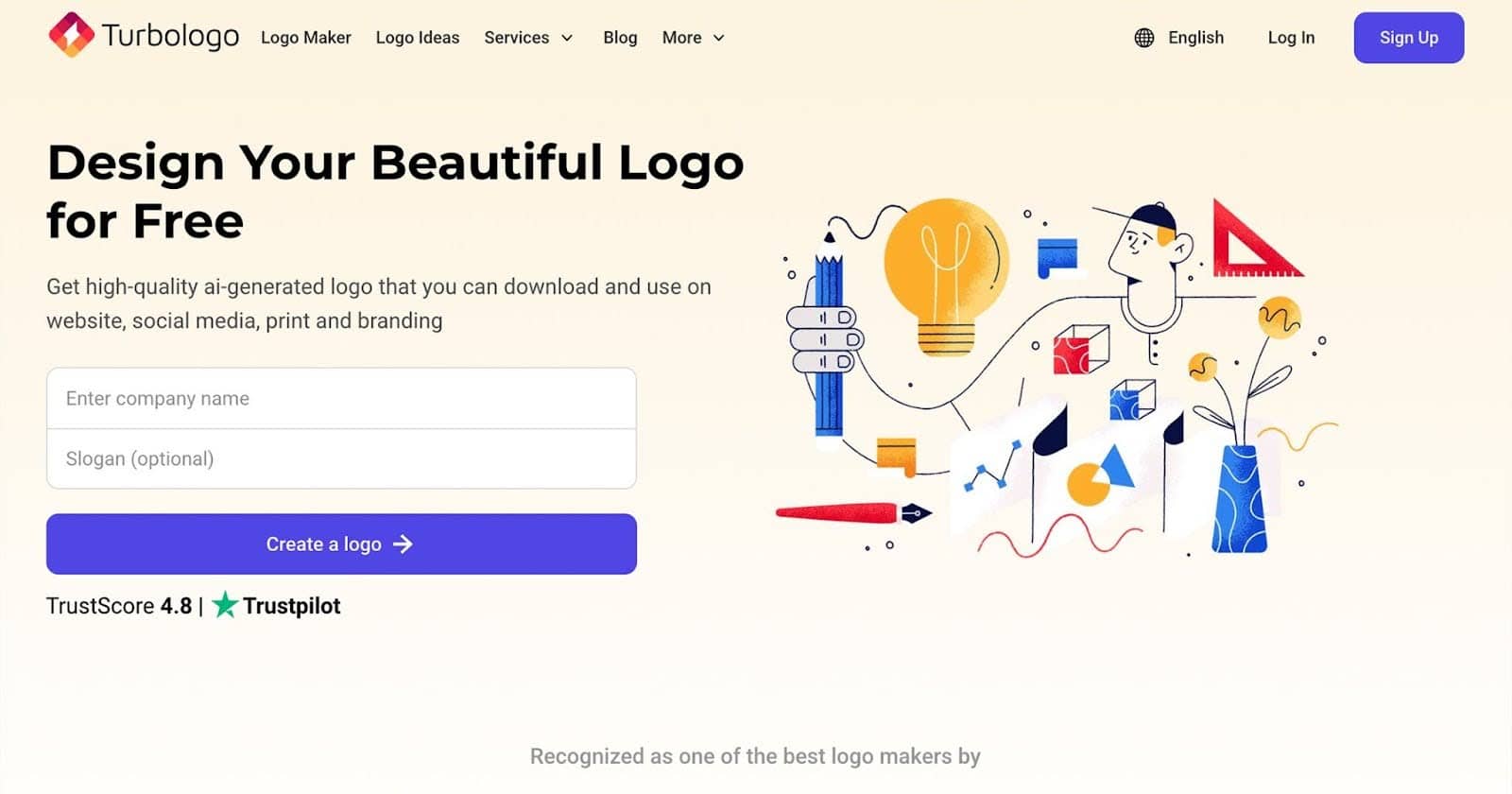
True to its name, TurboLogo delivers speedy results without sacrificing brand style. It’s an affordable logo design platform powered by AI, perfect for entrepreneurs on a tight budget.
You only input your brand name. Next, you’ll select colors and styles. TurboLogo then generates a wide variety of logo options tailored to your taste.
While this platform doesn’t offer all the bells and whistles of some higher-priced tools, TurboLogo excels at helping users create clean, professional logos in minutes. It’s fast and flexible. More importantly, it’s ideal for brands that need a logo without the financial fuss.
Key Features
TurboLogo’s revolutionary AI-powered logo constructor technology remains its most significant asset. It has over 3 million icons and allows real-time editing with live preview options. You can easily download high-resolution files, too.
Why it’s Great
It’s perfect for beginners, creating logos in minutes. Its Trustpilot score of 4.8 is also high.
Best for
Budget-conscious (and cash-strapped) startups and freelancers will find this tool suitable.
Price
TurboLogo has a $7.99 Lite logo package.
Wix Logo Maker
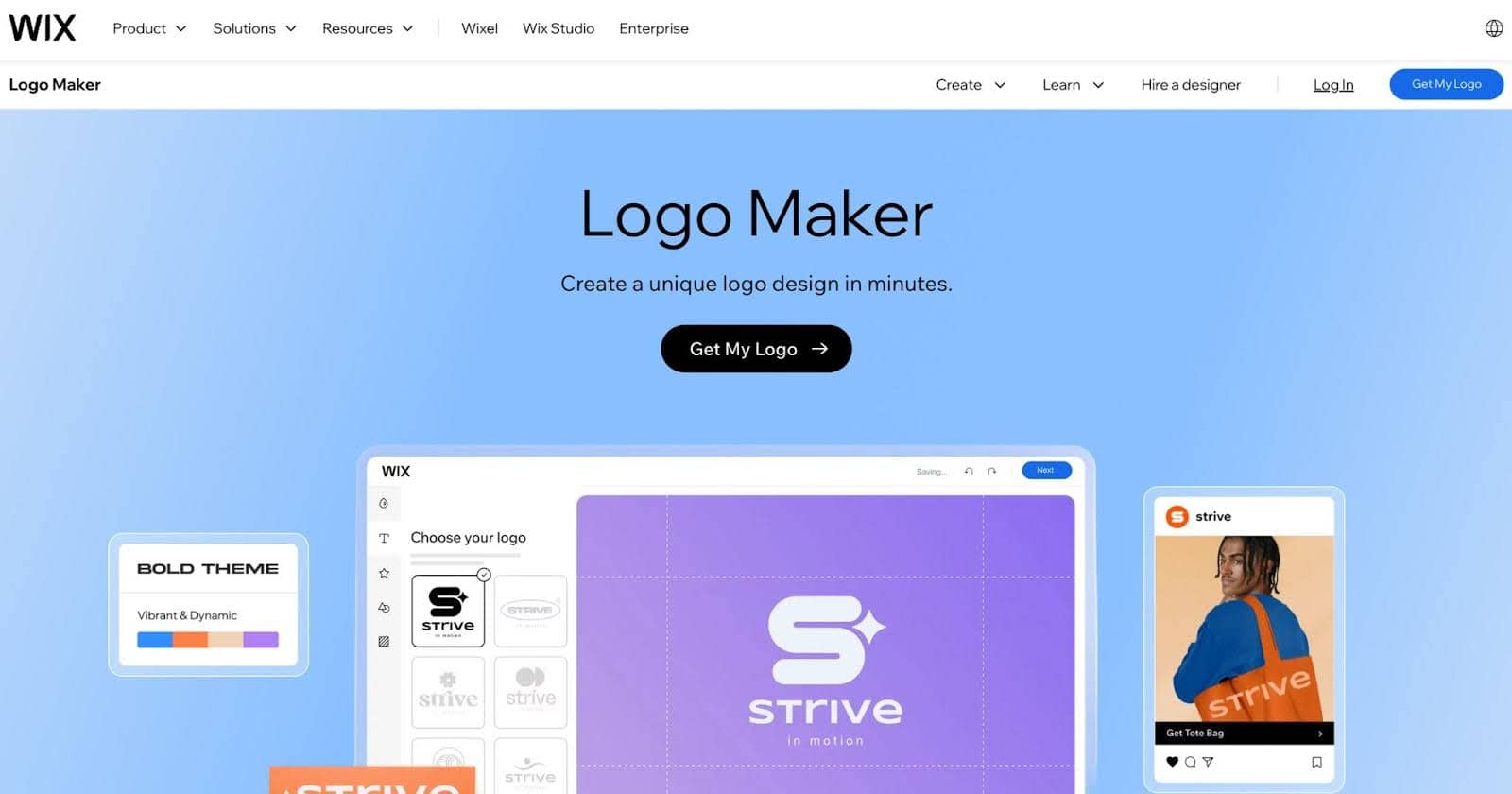
While nearly everyone knows Wix as one of the most popular website builders, many don’t know that its AI-powered logo software is equally impressive.
The Wix Logo Maker walks you through a step-by-step process, asking about your brand personality, industry, and style preferences, before generating an extensive selection of tailored logo options.
What makes this logo maker unique is how well it integrates with the Wix ecosystem. Once you design your logo, you can instantly apply it to a website, social media assets, and business cards.
It’s ideal for businesses that want branding and online presence rolled into one seamless experience.
Key Features
Wix’s brand style quiz-based logo creation is its strongest suit. It has fully editable logo templates while ensuring full Wix integration. Its logo files are all ready to use, too.
Why it’s Great
This tool is ideal for branding and launching a site in one go. Its unlimited logo customization has cemented its trustworthiness among millions of small business owners.
Best for
Wix is recommended for entrepreneurs building a logo AND a website.
Price
Logo-only packages start at $20.
Things to Consider When Choosing the Right AI-Powered Branding Tool
Choosing branding tools is never easy. In this section, we’ll walk you through the things you will want to consider. It should help you select the best AI-powered platform for your brand’s style and strategy.
Logo Only vs. Full Brand Kit
A basic logo package is often sufficient for those who are only starting or require only a simple logo. On the other hand, rolling out a full brand often requires other tools (besides logo generators). Staying visually consistent and relevant regardless of channel or platform is easier with full-brand kits.
Subscription vs. One-Time Payment
Some branding platforms offer a one-time purchase, making them ideal for those who only want to create a logo (and nothing else). On the other hand, subscription models are ideal for those who want to grow their business. This model ensures your brand visually evolves with trends (and changing business goals).
Future Revisions
Some platforms don’t allow you to edit your logo once downloaded, while others do (they offer ongoing or unlimited editing access). The latter is suitable for growing your business as it evolves visually.
Designing Solo vs. Designing with a Team
If you’re designing a logo all by yourself, a logo tool with an intuitive and simple user interface is vital. Meanwhile, collaborating with others (like co-founders, marketing teams, or even freelancers) requires branding tools that support team access or Cloud-based editing.
Compare Tools by Features, Flexibility, and Fit
Before committing to the best logo platform, take a moment to compare ease of use and file expert formats (like PNG, SVG, or vector). Check their customization capabilities, including scalability. Lastly, compare their prices.
Finding the right branding tool is essential for ensuring ecommerce growth. For instance, a good AI software for startups can help owners in their branding decisions. That will shape first impressions and lay the groundwork for long-term trust.
How We Evaluated AI Branding Tools
An AI branding tool should be assessed on more than the first logo it generates.
Use the following criteria when comparing platforms.
Design quality
Look for balanced layouts, readable typography, appropriate spacing, clear shapes, and concepts that match the brief.
A dramatic mockup can make an average logo look impressive. Review the flat logo on a plain background before making a decision.
Customization
Check whether you can edit:
- Typeface
- Font weight
- Letter spacing
- Colors
- Icon
- Icon position
- Proportions
- Alignment
- Background
- Tagline
- Layout
- Individual vector shapes
A platform that only lets you change the color may not provide enough control to create a recognizable identity.
Vector export
A professional logo should normally be available in a scalable vector format such as SVG, EPS, or an editable PDF.
Raster files such as PNG and JPG are still useful, but they have fixed dimensions.
Logo variations
A usable logo package should include more than one version.
Look for:
- Primary logo
- Horizontal logo
- Stacked logo
- Symbol or icon
- Wordmark
- Black version
- White version
- Full-color version
- Transparent-background version
- Social media avatar
- Favicon
Brand-kit features
Check whether the tool also creates or stores:
- Color codes
- Font names and licences
- Typography hierarchy
- Logo usage rules
- Social media templates
- Presentation templates
- Business cards
- Email signatures
- Photography styles
- Icon styles
- Marketing graphics
Commercial-use terms
Read the platform’s licence and terms before using the output commercially.
Check:
Whether commercial use is permitted
Whether assets remain available after cancelling
Whether other users can generate similar designs
Whether stock icons have separate restrictions
Whether trademark registration is guaranteed or excluded
Whether generated outputs are used to improve the service
Whether your prompts and uploaded assets remain private
Ease of editing
Generating a concept is only the first step.
Test whether small changes are easy. Moving an icon, adjusting the spacing, or creating a monochrome version should not require rebuilding the design from the beginning.
Ongoing brand use
A strong branding platform should help after launch.
Consider whether the tool can create future social graphics, advertisements, video assets, presentations, web graphics, and other materials while keeping the identity consistent.
What Logo Files Should You Download?
Do not download one small JPG and declare the branding project complete.
Different channels require different formats.
Keep the original vector file even when most daily uses involve PNG versions.
It is far easier to create a small image from a vector master than to rebuild a blurry logo for a three-metre event banner.
How to Write a Better AI Logo Prompt
If you haven’t settled on a name yet, Keywords Everywhere offers a free brand name generator that can suggest different options before you design the logo.
A prompt such as “make me a cool logo” gives the tool almost no useful direction.
A stronger prompt connects the visual choices with the brand strategy.
AI logo prompt template
Create a logo concept for [brand name], a [type of company] that helps [audience] achieve [primary result].
The brand should feel:
[Personality trait] [Personality trait] [Personality trait]
Avoid making it feel:
[Unwanted trait] [Unwanted trait] [Unwanted trait]
Use a [wordmark, monogram, symbol, combination mark, emblem, or abstract mark].
Explore visual ideas connected with:
[Concept] [Concept] [Concept]
Use a [minimal, geometric, organic, editorial, playful, premium, technical, or hand-drawn] style.
Preferred colors:
[Color or palette] [Color or palette]
Avoid:
- Generic industry icons
- Excessive detail
- Gradients that do not reproduce well
- Thin lines that disappear at small sizes
- Mockups or three-dimensional presentation effects
- Visual elements that resemble [competitor or common symbol]
The logo must:
- Remain recognizable at a small size
- Work in one color
- Work on light and dark backgrounds
- Use readable typography
- Be suitable for digital and print use
- Have a clean, flat presentation on a plain background
Generate several clearly different directions rather than minor variations of one concept.
Prompt example
Create a logo concept for GreenRoute, a software platform that helps local delivery companies reduce fuel use and plan more efficient routes.
The brand should feel practical, intelligent, optimistic, and reliable. Avoid making it feel futuristic, corporate, childish, or environmentally preachy.
Use a simple combination mark. Explore visual ideas involving movement, connected routes, leaves, and efficient paths without using a generic globe, delivery truck, or recycling symbol.
Use a clean geometric style with strong shapes and limited detail. The logo should work in one color, remain clear as a mobile app icon, and be suitable for vehicle decals and printed packaging.
Present each concept flat on a plain background without mockups.
How to Turn an AI Logo Into a Complete Brand Identity
A logo alone does not create consistency.
Use the chosen direction to build the rest of the system.
1. Create the core logo versions
Prepare:
- Primary logo
- Secondary layout
- Symbol
- Wordmark
- Monochrome versions
- Light and dark versions
- Small-size version
2. Define the color palette
Choose:
- Primary brand color
- Secondary colors
- Accent color
- Neutral background colors
- Text colors
- Approved accessible combinations
Include HEX, RGB, and CMYK values where relevant.
3. Select typography
Define fonts for:
- Main headings
- Secondary headings
- Body text
- Buttons
- Captions
- Presentations
- Documents
- Digital interfaces
Check whether the selected fonts can legally be used across websites, print, apps, and marketing templates.
4. Define imagery and illustration
Document the preferred:
- Subjects
- Composition
- Lighting
- Color treatment
- Editing style
- Illustration style
- Icon style
- Level of detail
- Use of AI-generated imagery
5. Create practical templates
Build templates for:
Social media posts
Presentations
Advertisements
Email headers
Blog graphics
Video thumbnails
Business cards
Proposals
Reports
Product announcements
6. Define the brand voice
Visual identity controls how the brand looks. Voice controls how it sounds.
Document:
- Brand personality
- Tone for different situations
- Preferred terminology
- Words to avoid
- Sentence style
- Formatting
- Calls to action
- Approved product claims
StoryLab.ai can help turn this guidance into blog titles, social captions, advertisements, email copy, video hooks, and campaign ideas while keeping the same central message.
7. Create the brand guidelines
Bring the rules and assets into one searchable place.
Include correct and incorrect examples rather than relying only on written explanations.
How to Test an AI-Generated Logo
Do not judge a logo only while it is displayed on an attractive coffee cup mockup.
Test the actual design.
The small-size test
Reduce the logo to the size of:
A browser favicon
A social media avatar
A mobile navigation header
A video watermark
If the symbol turns into an unrecognizable blob, simplify it.
The one-color test
Convert the logo to black.
A strong core shape should still be recognizable without gradients, shadows, or special effects.
The light-and-dark test
Place the logo on:
White
Black
A brand color
A photograph
A textured background
Create approved variations rather than hoping one version works everywhere.
The typography test
Check whether the company name remains readable:
On a phone
From a distance
In print
In uppercase and lowercase
When viewed quickly
Pay particular attention to letters that can be confused, such as I, l, O, 0, rn, and m.
The competitor test
Place the logo beside competitors.
Ask:
- Does it use the same symbol?
- Does it use the same color combination?
- Does it look as though it belongs to the same company?
- Does it communicate an appropriate category signal?
- Is there one recognizable element that belongs to this brand?
The memory test
Show the logo to several target customers for five seconds. Remove it and ask what they remember.
This simple test can reveal whether the design communicates one strong idea or six forgettable details.
The practical-use test
Place the logo into actual materials:
- Website header
- Social profile
- Mobile app
- Invoice
- Presentation
- Packaging
- Business card
- Advertisement
- Video
- Merchandise
A logo should not require a rescue operation every time it enters a new format.
Can You Trademark an AI-Generated Logo?
An AI-generated logo is not automatically cleared for trademark use.
A platform may permit commercial use of an output while another company already owns a similar mark in the same or a related category.
Before committing to a design:
- Search the company name.
- Search similar spellings and pronunciations.
- Search visually similar symbols.
- Search within the countries where you plan to operate.
- Review marks used for related products and services.
- Check domain names and major social platforms.
- Keep records of your design process and edits.
- Consider professional legal advice before filing.
Trademark databases can help identify obvious conflicts, but a simple search does not guarantee that a mark is available.
Rules also differ by country. A mark that appears available in one jurisdiction may conflict with an existing right somewhere else.
This section provides general information and is not legal advice.
Copyright and AI-Generated Logos
Copyright and trademark are not the same.
Trademark law focuses on signs that identify the source of goods or services. Copyright focuses on original creative expression.
The copyright status of AI-generated work can depend on:
- The country
- The level of human creative input
- How the output was selected and modified
- Whether protected material appears in the result
- The platform’s terms
- Current legal decisions and official guidance
In the United States, copyright protection generally depends on human authorship. Merely entering a prompt may not provide the same protection as substantially selecting, arranging, redrawing, and refining the final work.
A practical approach is to treat AI output as a starting point.
Have a designer make meaningful creative decisions, refine the shapes, develop the typography, create variations, and document the process.
How to Use StoryLab.ai After Creating Your Logo
Once the visual identity is ready, the next challenge is launching and using it consistently.
StoryLab.ai can help create:
- Brand positioning ideas
- Tagline variations
- Brand story drafts
- Website headlines
- Product descriptions
- Social media launch posts
- Email announcements
- Advertisement copy
- Video hooks
- Video scripts
- Campaign concepts
- Blog titles
- Content outlines
- Brand voice variations
Start by giving the AI clear information about:
- The target audience
- The customer problem
- The brand promise
- The main difference
- Supporting proof
- Voice and tone
- Words to use
- Words to avoid
- Desired customer action
The logo gives the brand a visual face.
Consistent marketing gives people a reason to remember it.
Common AI Logo Design Mistakes
Choosing the first result
The first generation should begin the exploration, not end it.
Compare several visual directions before refining one concept.
Using a generic industry symbol
Leaves, globes, light bulbs, shields, rockets, and handshakes appear in thousands of logos.
A familiar symbol can still work, but it needs a more distinctive execution.
Selecting a design because the mockup looks good
A logo placed on embossed paper with dramatic shadows can make almost anything look premium.
Review the design flat, in black, on a plain background.
Using too much detail
Fine lines and small decorative elements may disappear in social icons, favicons, embroidery, or small print.
Simplify until the essential shape remains clear.
Ignoring typography
Many AI tools focus on the symbol while treating the company name as an afterthought.
The wordmark may appear more often than the icon, so spacing and letter choice deserve equal attention.
Downloading only one format
Keep vector masters, transparent PNG files, print-ready formats, and several approved variations.
Assuming commercial use means exclusivity
Permission to use a design does not necessarily mean no one else can create or use something similar.
Review the licence and conduct a trademark search.
Skipping customer feedback
Founders often choose logos based on personal taste.
Test the strongest options with people who resemble the intended audience.
Building a logo without a brand strategy
AI can generate a polished mark from vague instructions. That does not mean the mark communicates the right idea.
Define the audience, positioning, promise, personality, and difference first.
Conclusion
AI has completely changed how businesses approach branding. It’s not faster and smarter. More importantly, branding tools are more accessible than ever. It doesn’t matter if you need a full-on brand identity or a quick yet memorable logo. The right AI tools offer flexible solutions for every goal and budget.
The 5 AI branding tools we shared should give you a clean head-start to creating a memorable, on-point logo that speaks well of your brand. Pick the one that best fits your needs today and start designing that brand-defining logo.
FAQ: Using AI Tools to Build a Brand and Logo
What makes AI logo generators different from traditional design tools?
AI tools automate design choices based on your input. You describe your brand, pick a style, and the tool instantly suggests logo options. No design background needed.
Can I trust an AI-generated logo to represent my brand?
Yes, if you’re starting out or need a quick visual identity. These tools use design principles to generate clean, modern logos. Many also let you tweak colors, fonts, and icons for a personal touch.
Are AI branding tools only good for logos?
Not at all. Some platforms go further by offering business cards, social media graphics, and even brand guidelines. They’re great for building a consistent identity quickly.
Do I need to download special software to use these tools?
Most work entirely online. You just open the site, input your brand name and preferences, then customize your results. No downloads or technical skills needed.
Can I edit the logos after they’re generated?
Yes. Most platforms allow for customization. You can usually change the layout, colors, typography, and icon. The better tools give you layered design files to make deeper edits.
Is it better to pay for a logo or use a free version?
Free versions can be helpful to test ideas, but they often come with limitations like watermarks or low resolution. Paid versions typically give you high-quality files and full commercial rights.
Will my logo look like everyone else’s if I use AI?
There is some risk of similarities, especially with overused icons. But tools that offer deep customization help you make the logo your own. You can always tweak it or use it as a starting point.
What if I need help choosing the right logo?
Many platforms offer suggestions or ask a few guided questions to understand your brand personality. If you’re unsure, try generating a few versions and ask friends or customers for feedback.
Can I build a full brand identity with just one of these tools?
Yes. Several AI platforms now provide logo kits, branded templates, color palettes, and even website suggestions. It’s possible to go from idea to brand in under an hour.
How long does it take to make a logo with AI?
Most users can generate and finalize a logo in 10 to 30 minutes. If you spend more time, it’s usually on refining and comparing designs.
Other Interesting Articles
- AI LinkedIn Post Generator
- Gardening YouTube Video Idea Examples
- AI Agents for Gardening Companies
- Top AI Art Styles
- Pest Control YouTube Video Idea Examples
- Automotive Social Media Content Ideas
- Plumber YouTube Video Idea Examples
- AI Agents for Pest Control Companies
- Electrician YouTube Video Idea Examples
- How Pest Control Companies Can Get More Leads
- AI Google Ads for Home Services
- 60-Second Training Videos Are the New Corporate Standard
- Cybersecurity PR Pricing: Retainers, Deliverables & ROI
- Best AI Tools for Product Consistency in E-Commerce Video
Master the Art of Video Marketing
AI-Powered Tools to Ideate, Optimize, and Amplify!
- Spark Creativity: Unleash the most effective video ideas, scripts, and engaging hooks with our AI Generators.
- Optimize Instantly: Elevate your YouTube presence by optimizing video Titles, Descriptions, and Tags in seconds.
- Amplify Your Reach: Effortlessly craft social media, email, and ad copy to maximize your video’s impact.